Free tools for SQL and data work
Most run entirely in your browser, so your SQL and files stay on your machine. No account needed; sign up free for higher limits, downtime alerts and a history of every run.
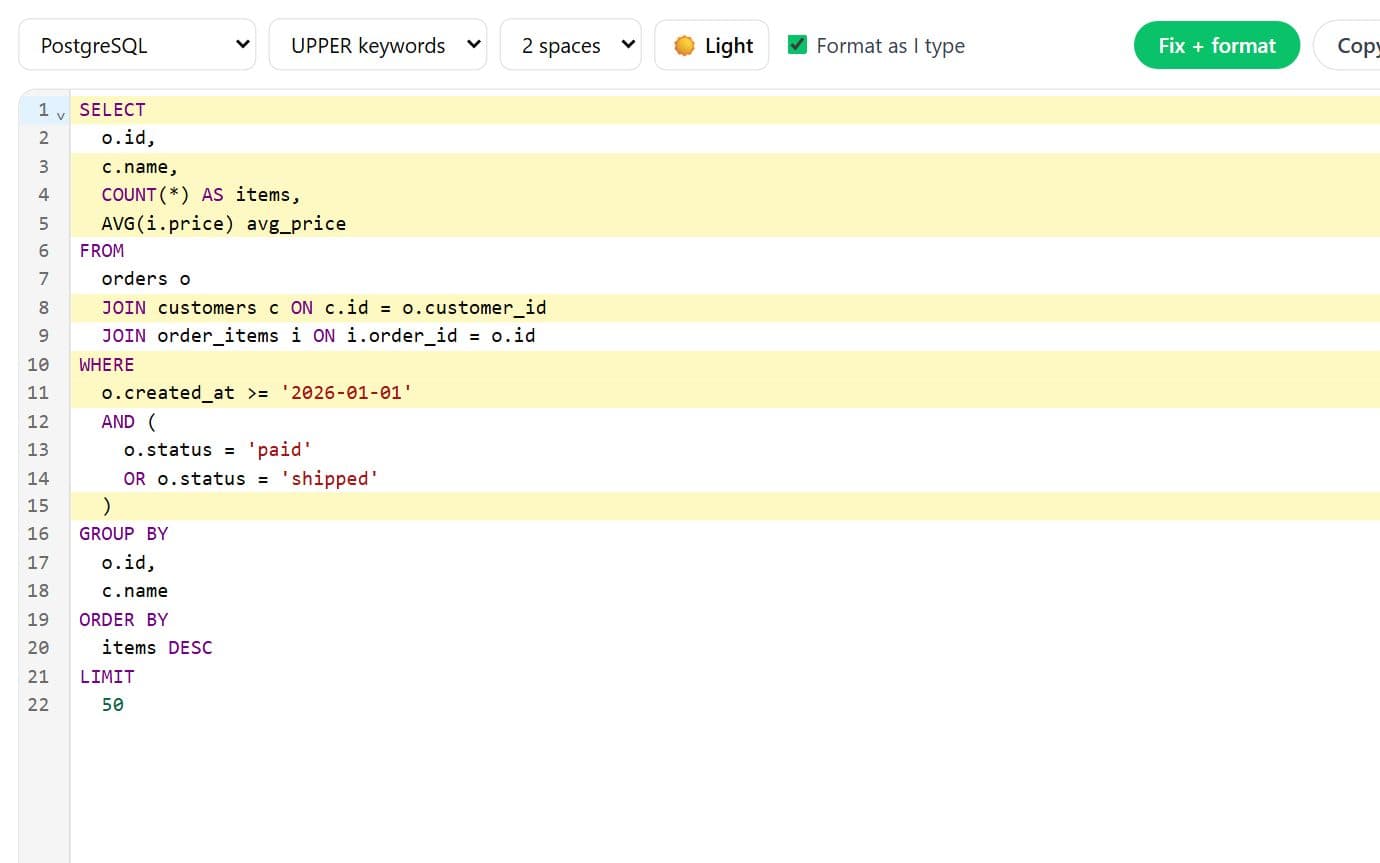
Format, highlight and fix SQL as you type
Paste, type or drop a .sql file. Get it formatted with syntax highlighting in a light or dark editor, common mistakes fixed (smart quotes, trailing commas, misspelled keywords and functions, missing brackets) with every change highlighted, and parse errors pointed out by line.
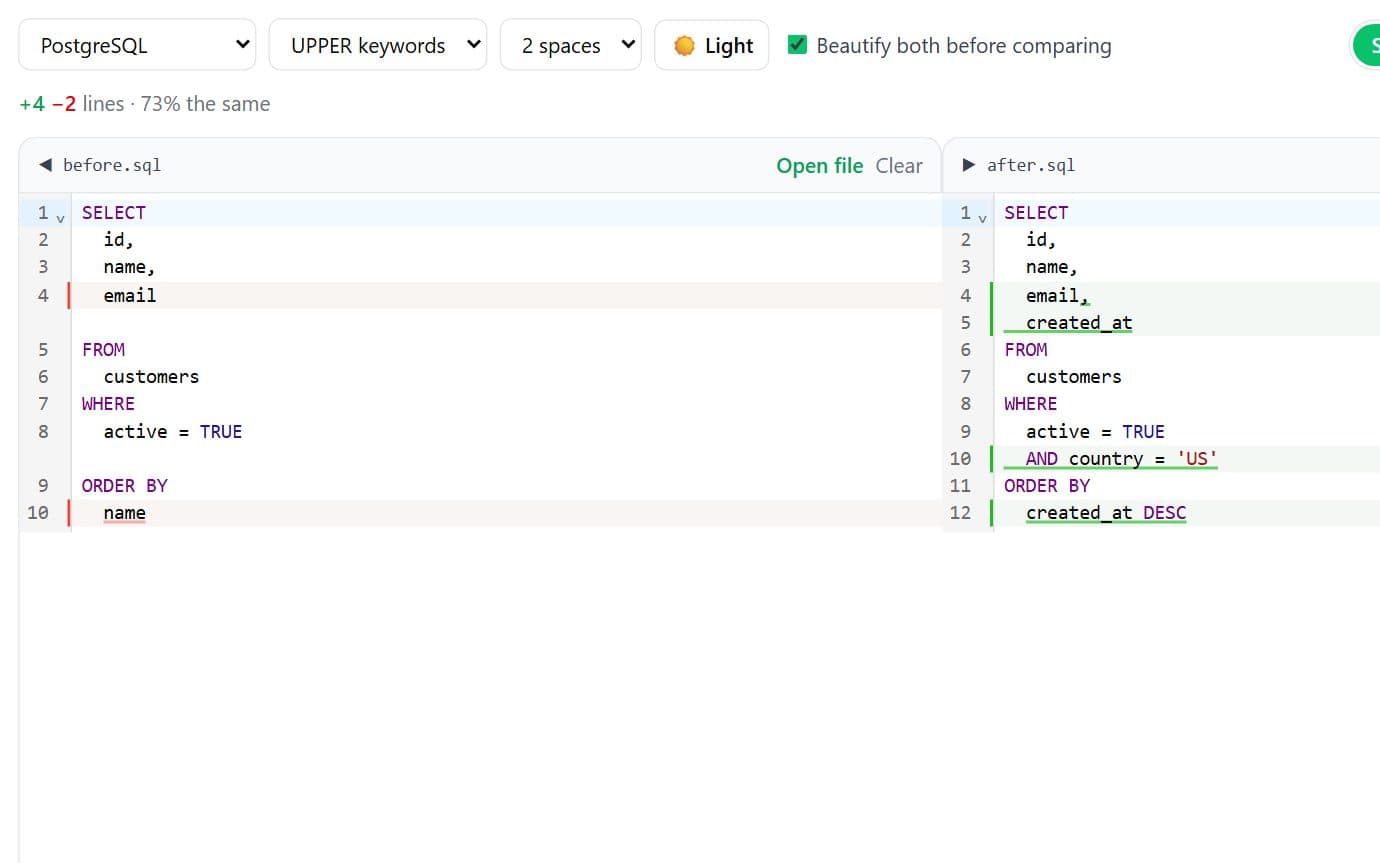
Diff two SQL files like git, after formatting both
Load SQL into a left and right panel (drop files or paste), beautify both so layout noise disappears, and see a side-by-side or unified git-style diff. Completely different files show the right side all in green.
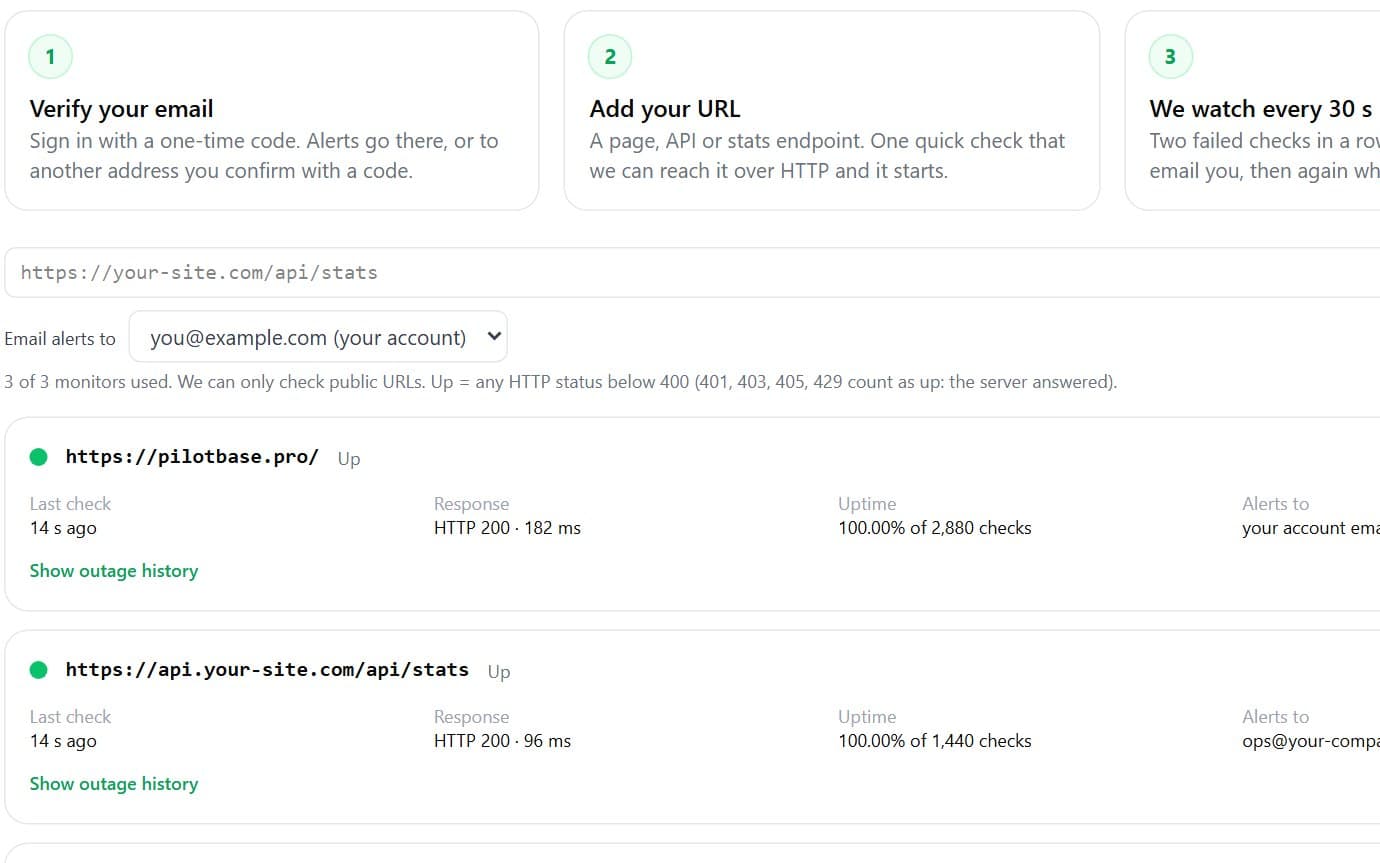
We check your URL, API or stats page every 30 seconds and email you when it's down
Add a public URL, API or stats endpoint (like https://your-site.com/api/stats) and we check it every 30 seconds from New York. Your email is verified with a sign-in code, and alerts can also go to another address you confirm with a code. You get one email when it goes down and one when it's back.
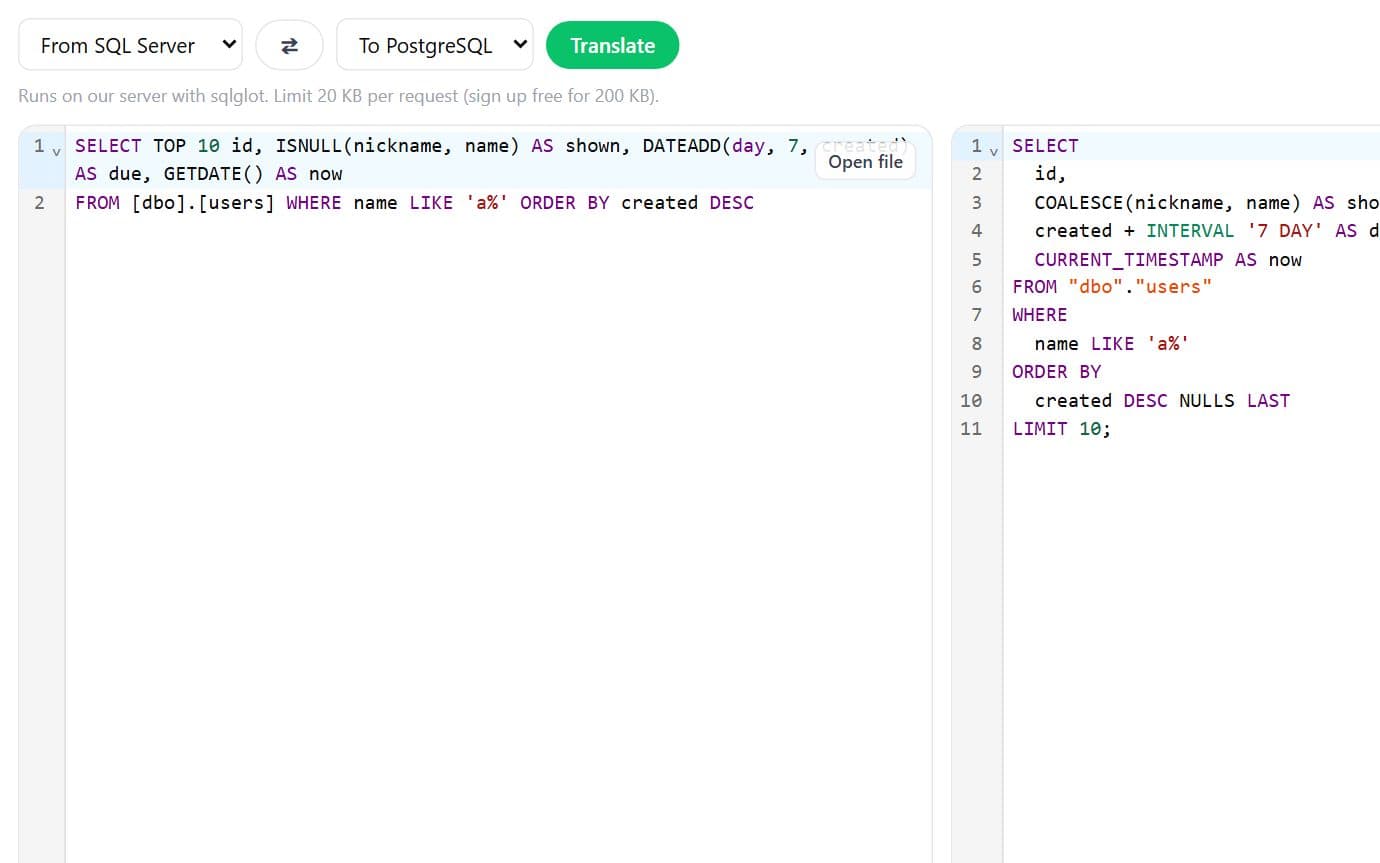
Convert SQL between 14 dialects
Translate queries and DDL between MySQL, PostgreSQL, SQL Server, Oracle, SQLite, Snowflake, BigQuery, DuckDB, Redshift, Spark, Databricks, Hive, Trino and ClickHouse: functions, quoting, LIMIT/TOP and types.
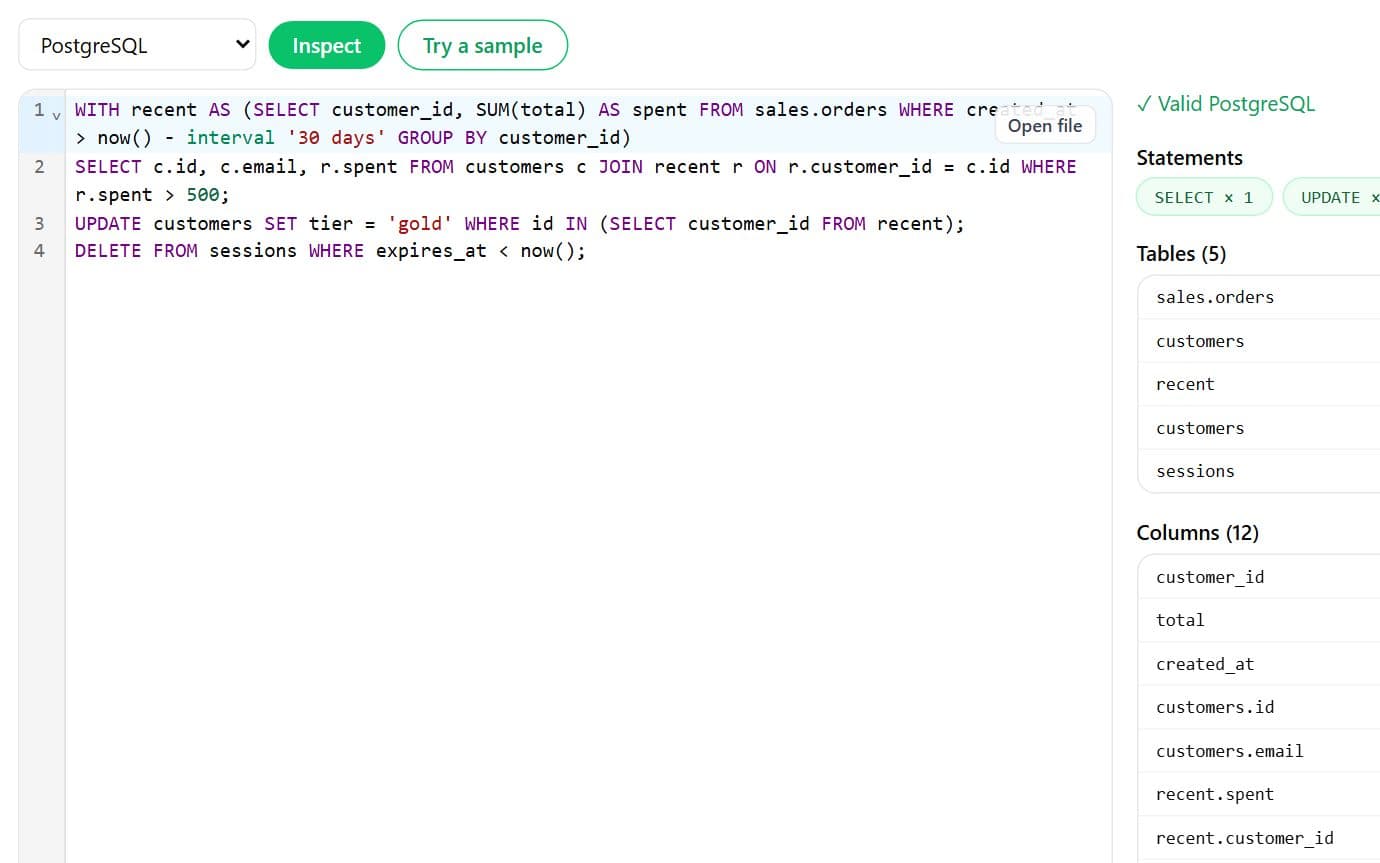
Validate SQL and list the tables and columns it touches
Parse SQL for your database's dialect, find syntax errors with line and column, and list every statement type, table and column referenced. Handy before a migration or a code review.
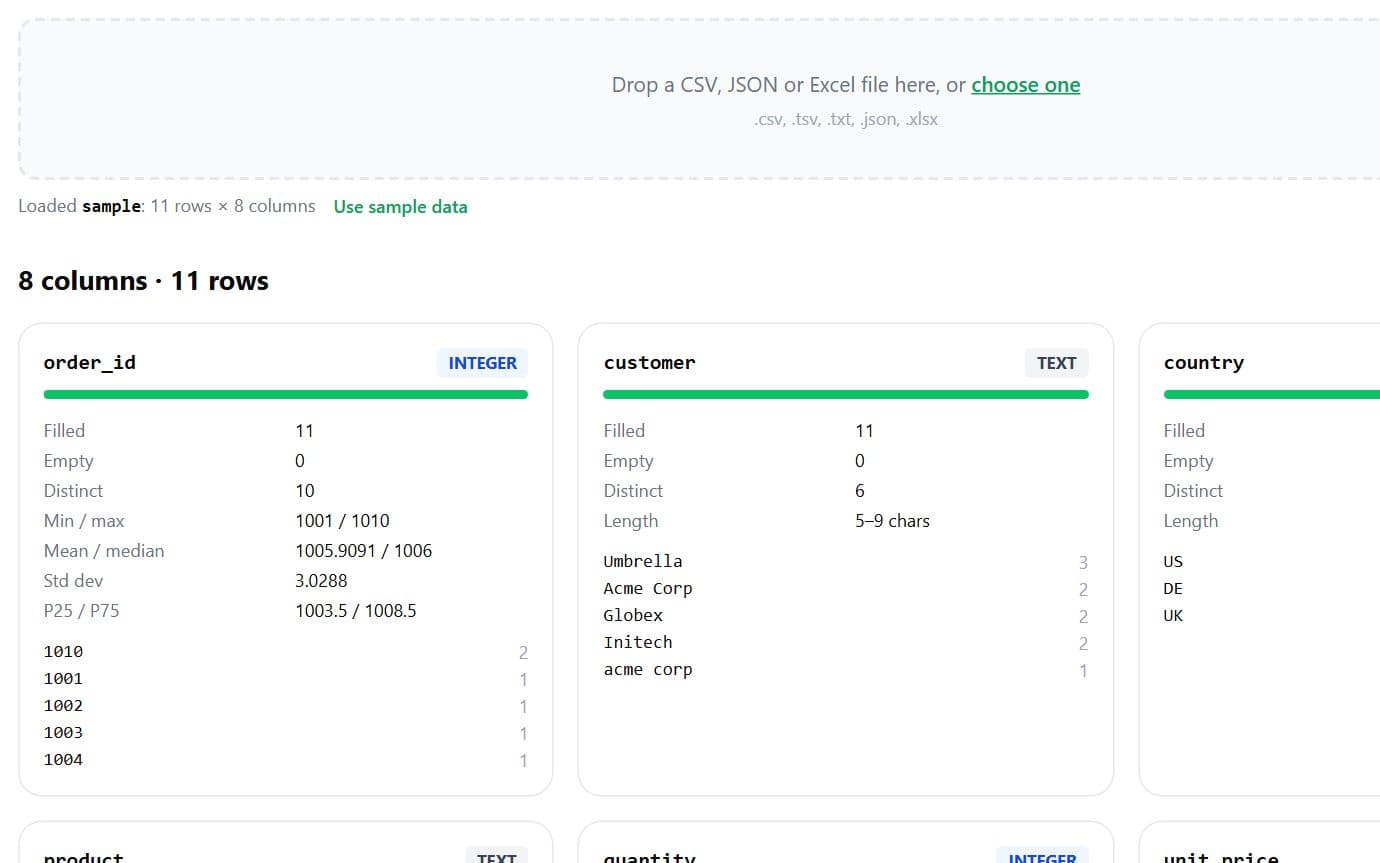
Column types, nulls, distinct values and stats for any CSV
Drop a CSV or Excel file and get a profile of every column: inferred type, empty and distinct counts, min, max, mean, median, standard deviation, percentiles and top values.
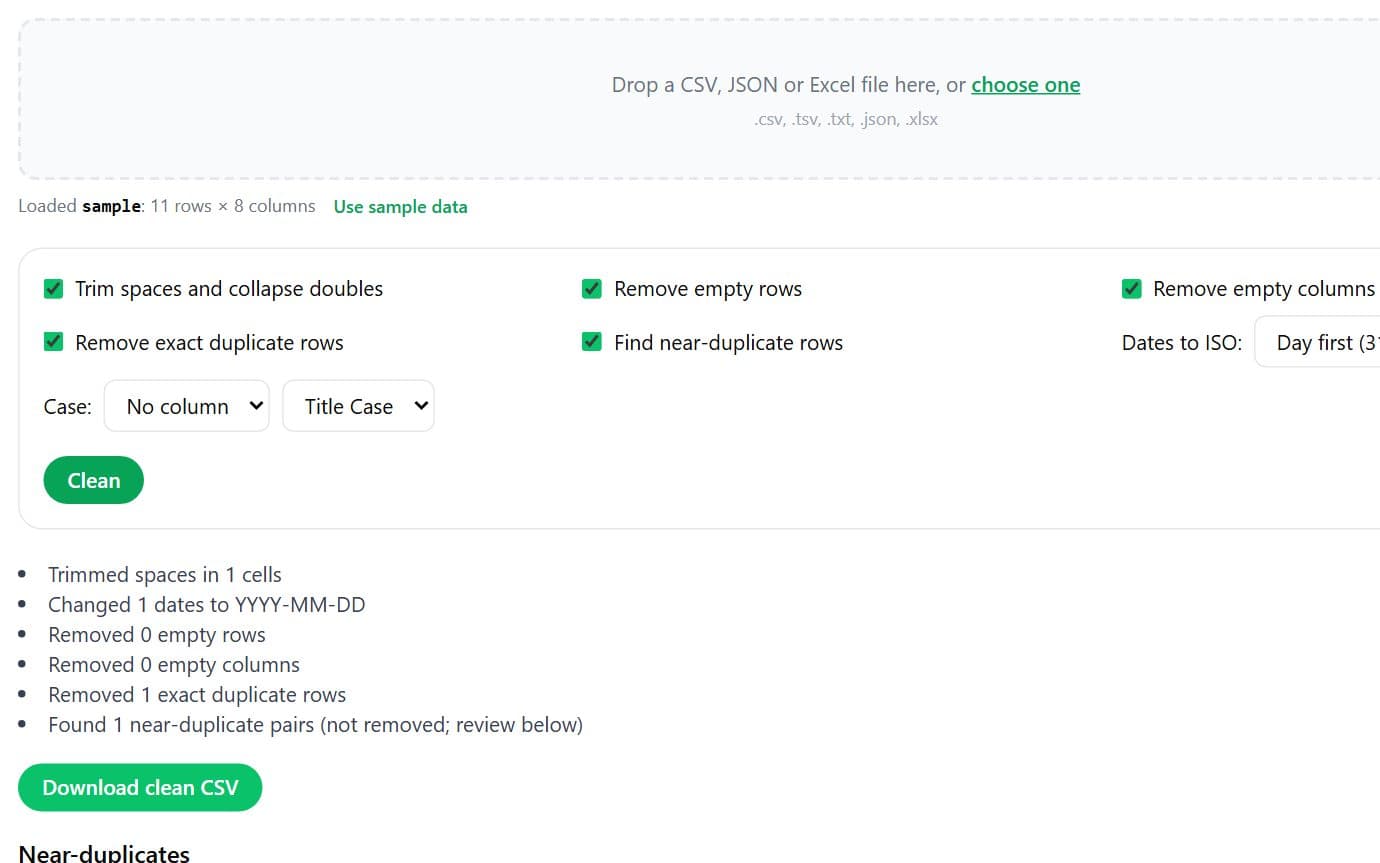
Trim, dedupe, fix dates and find near-duplicate rows
Clean a CSV in your browser: trim spaces, drop empty rows and columns, remove exact duplicates, flag near-duplicates by edit distance, normalise dates to ISO and change case. Download the result.
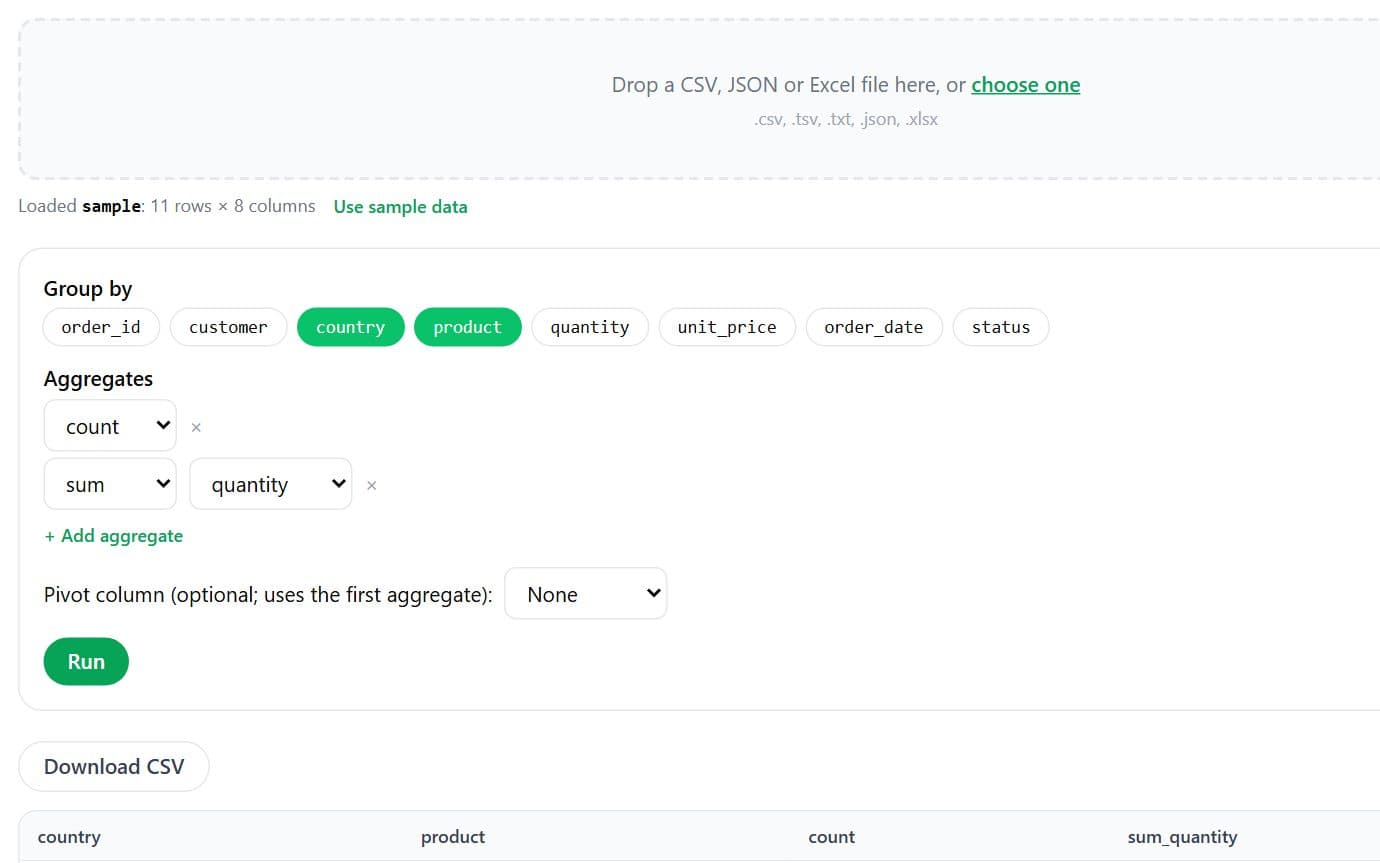
Group by, aggregate and pivot a CSV
Pick group-by columns and aggregates (count, sum, mean, min, max, distinct) or pivot one column into many. Results download as CSV.
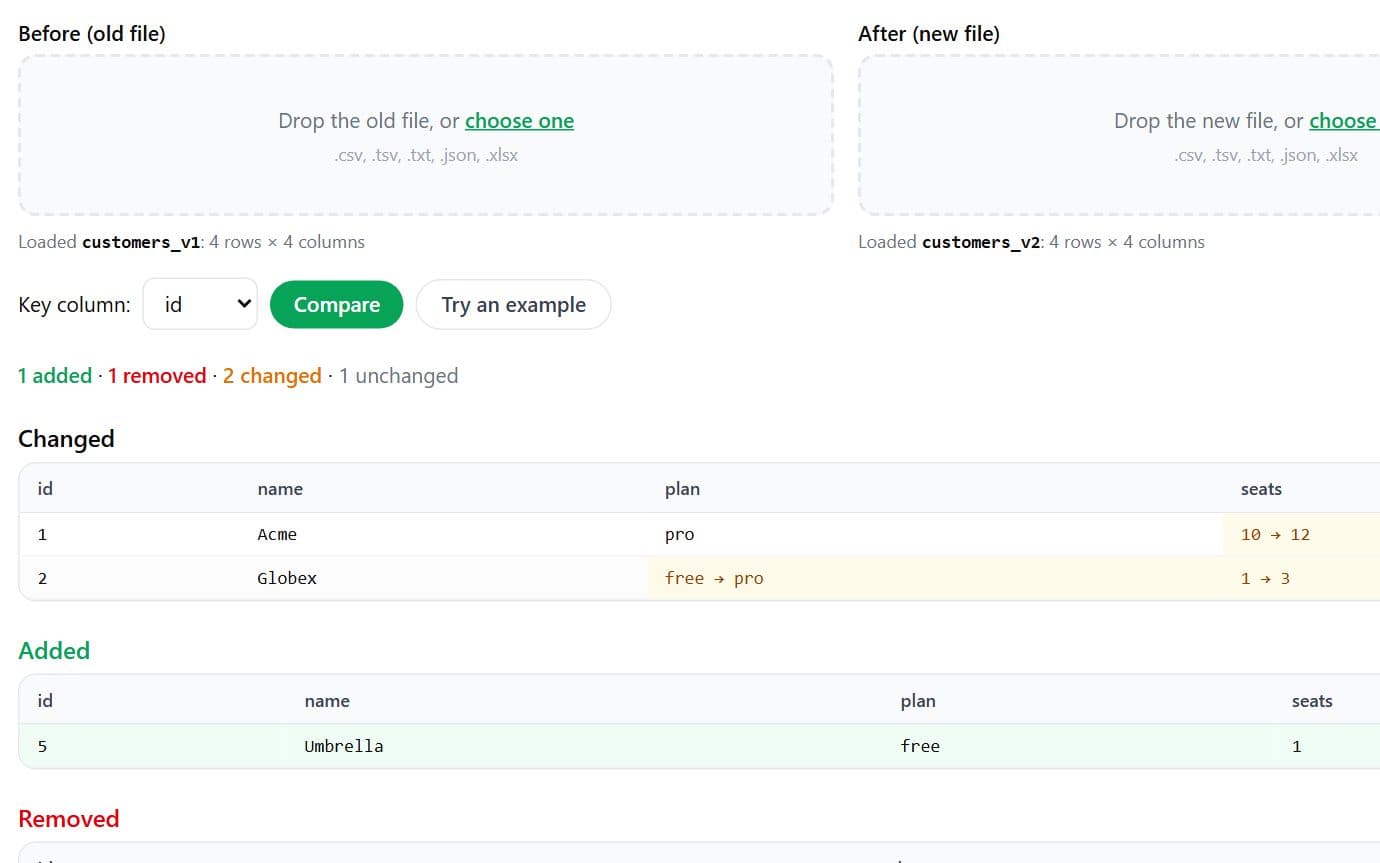
Compare two CSVs by key: added, removed and changed rows
Load two versions of a CSV, pick the key column, and see which rows were added, removed or changed, with the changed cells highlighted.
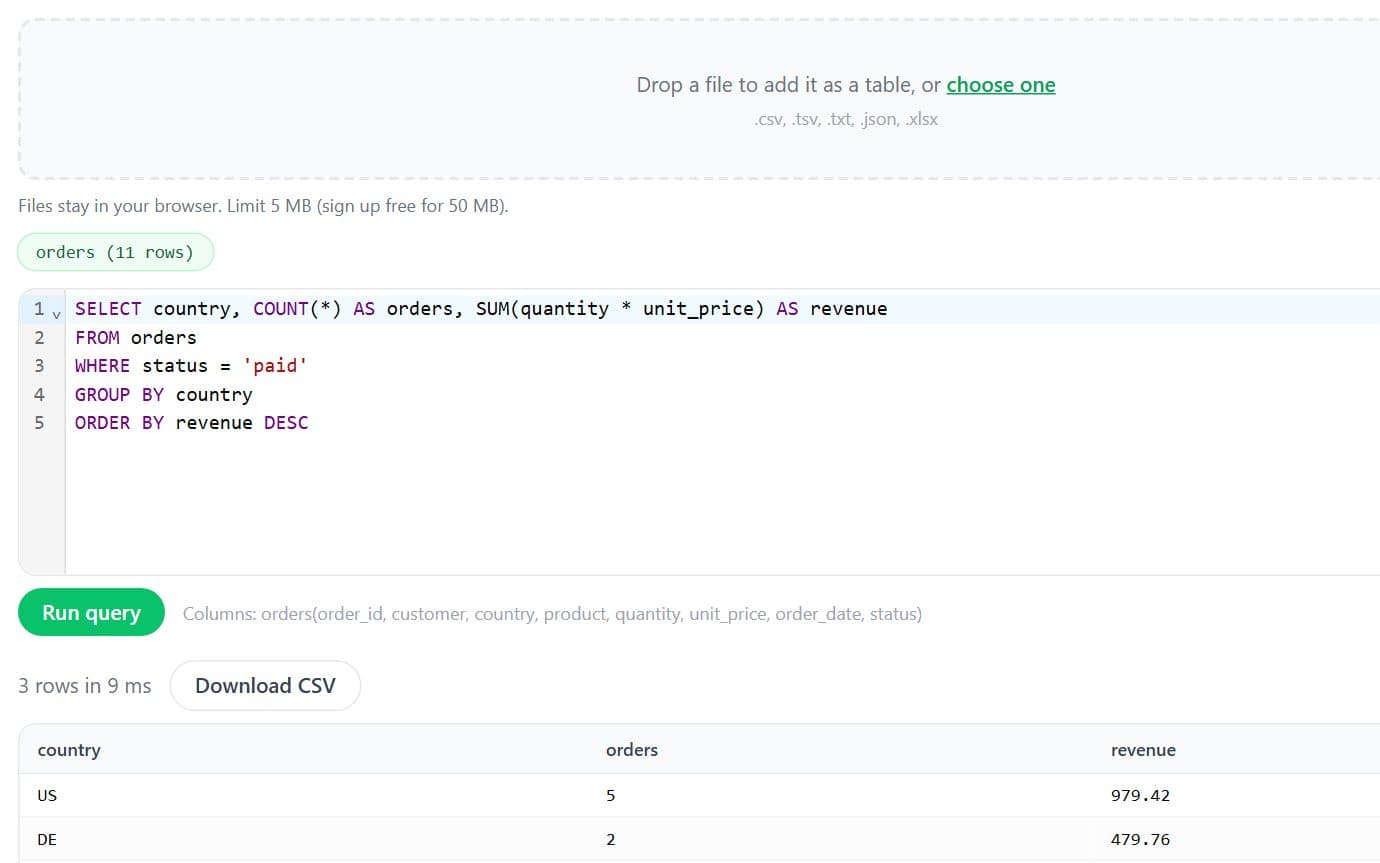
Run SQL queries on CSV, JSON and Excel files
Load one or more files as tables and query them with SQL (joins, GROUP BY, window-free aggregates) without a database. Nothing is uploaded.
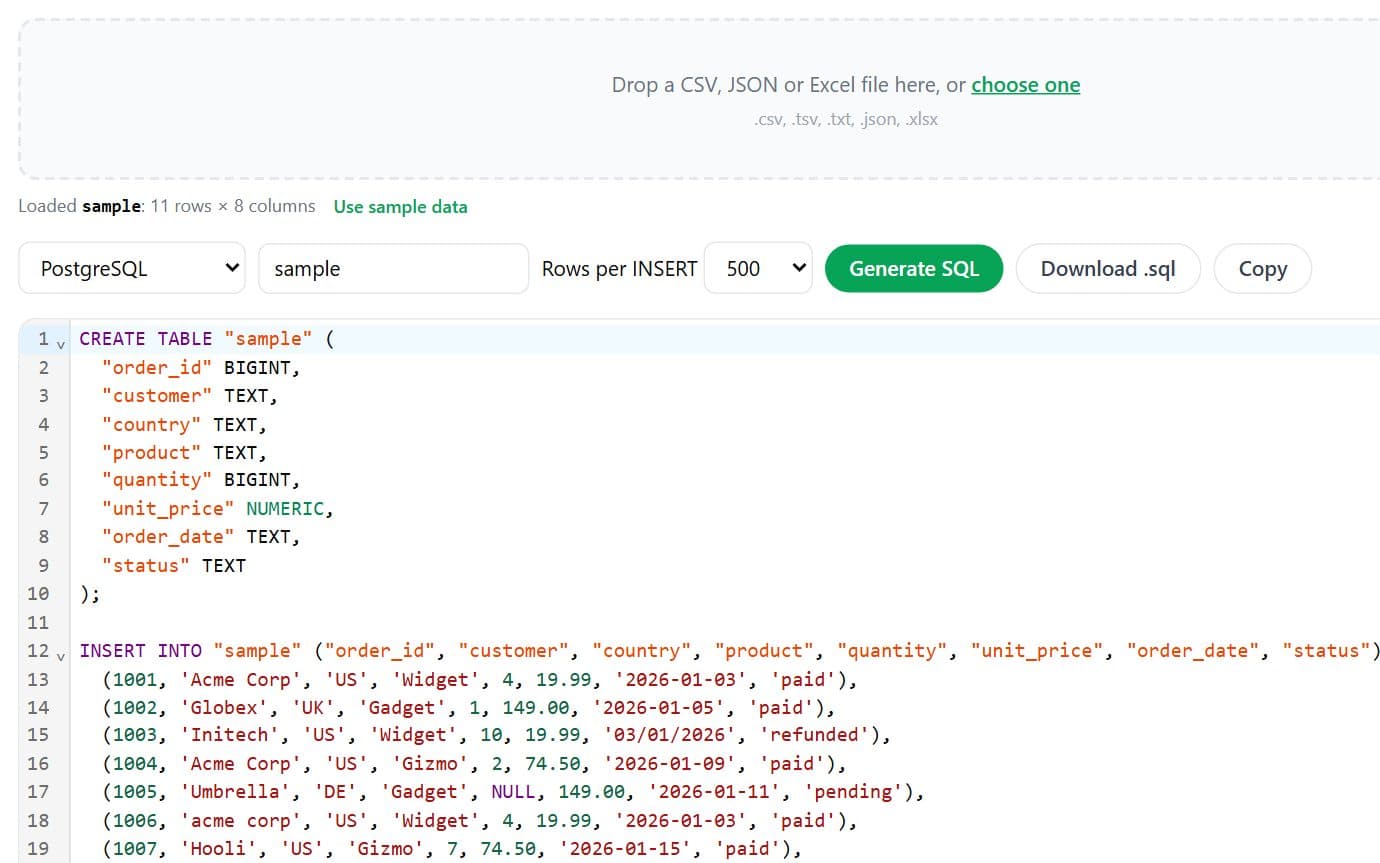
CREATE TABLE and INSERT statements from a CSV
Infer column types from a CSV and generate CREATE TABLE plus batched INSERT statements for PostgreSQL, MySQL, SQL Server or SQLite.
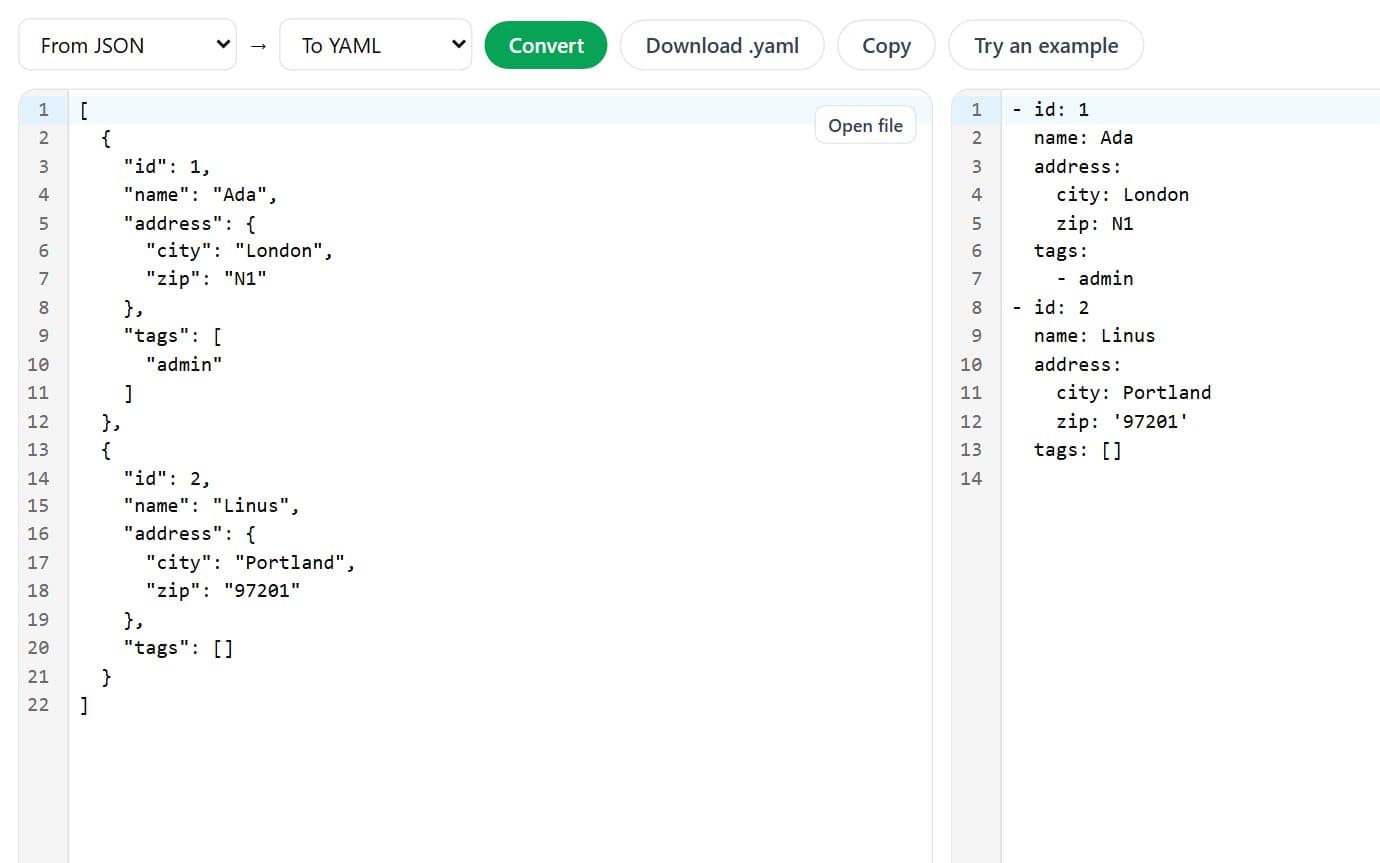
CSV, JSON, Excel, YAML and XML, any to any
Convert between CSV, TSV, JSON, Excel (.xlsx), YAML and XML in your browser. Nested JSON is flattened for CSV and Excel.
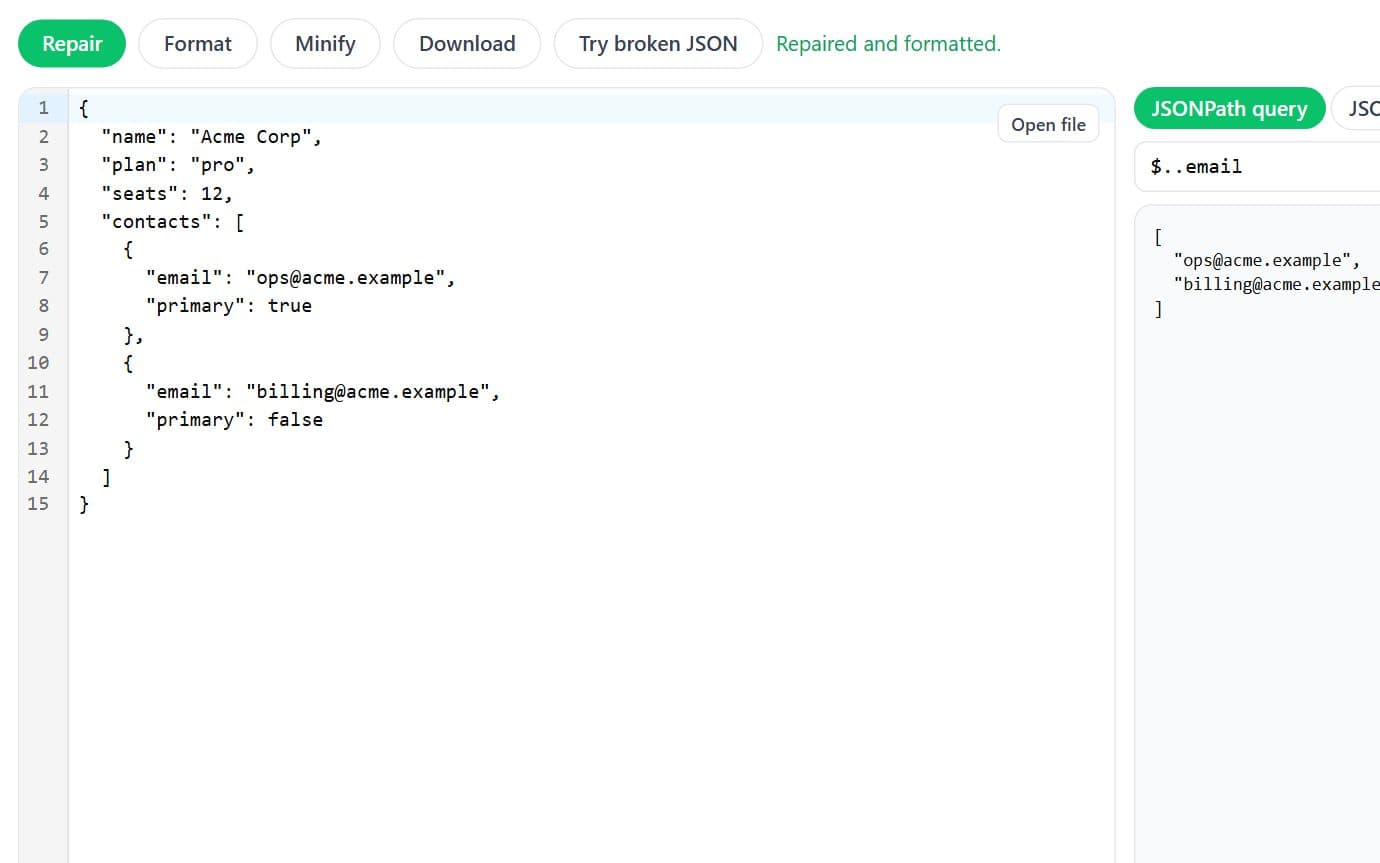
Repair, format, query with JSONPath and validate with JSON Schema
Fix broken JSON (single quotes, trailing commas, comments, missing quotes), pretty-print or minify it, query it with JSONPath, and validate it against a JSON Schema.