Everything your data stack needs.
Nothing you don't.
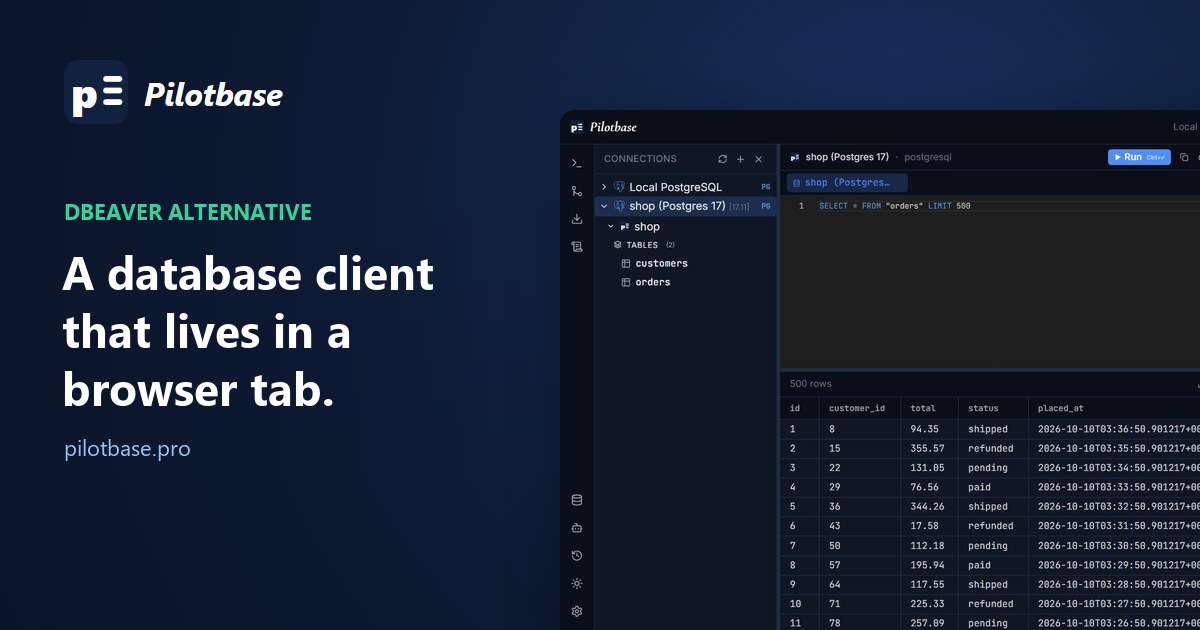
A DBeaver alternative in the browser: what moves to a tab, and what doesn't
DBeaver is a desktop app, and sometimes the database is somewhere your desktop isn't. What you keep and what you lose when the client moves to a browser tab, DBeaver's own answer (CloudBeaver) next to ours (Pilotbase) in one honest table, and the cases where you should simply keep DBeaver.
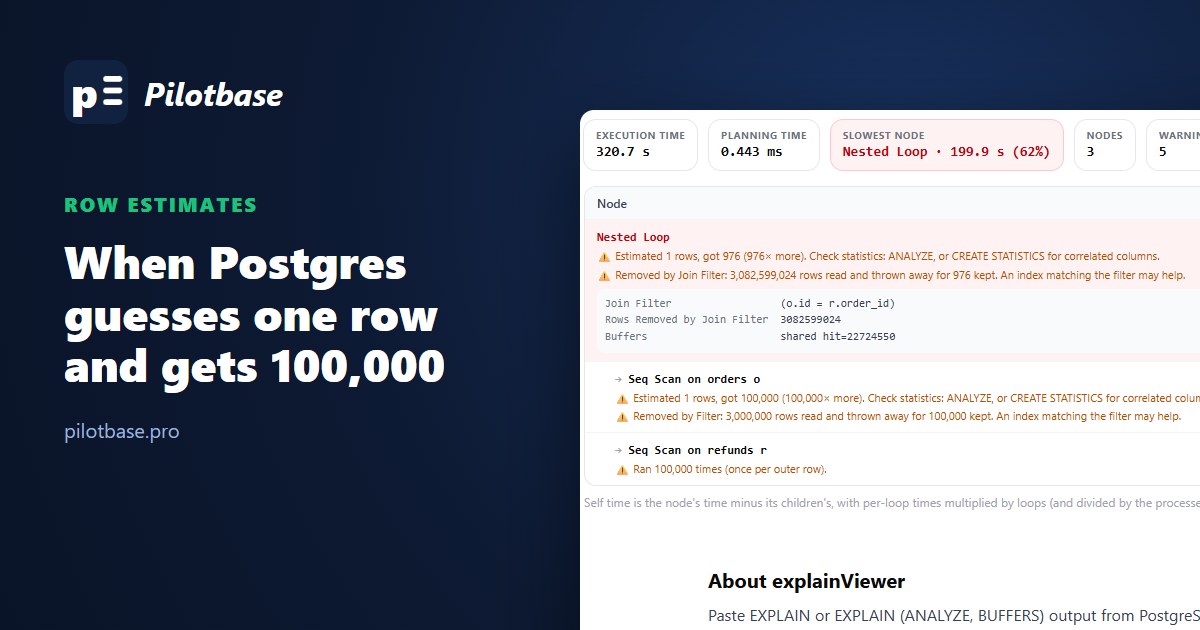
When Postgres guesses wrong: row estimates, ANALYZE and CREATE STATISTICS
A join planned for 1 row got 100,000 and ran for 5 minutes 21 seconds; after ANALYZE, 181 ms. Four ways a row estimate goes wrong (a load nobody analyzed, columns that say the same thing, a function around the column, a long tail of values) and the fix for each, with real plans.
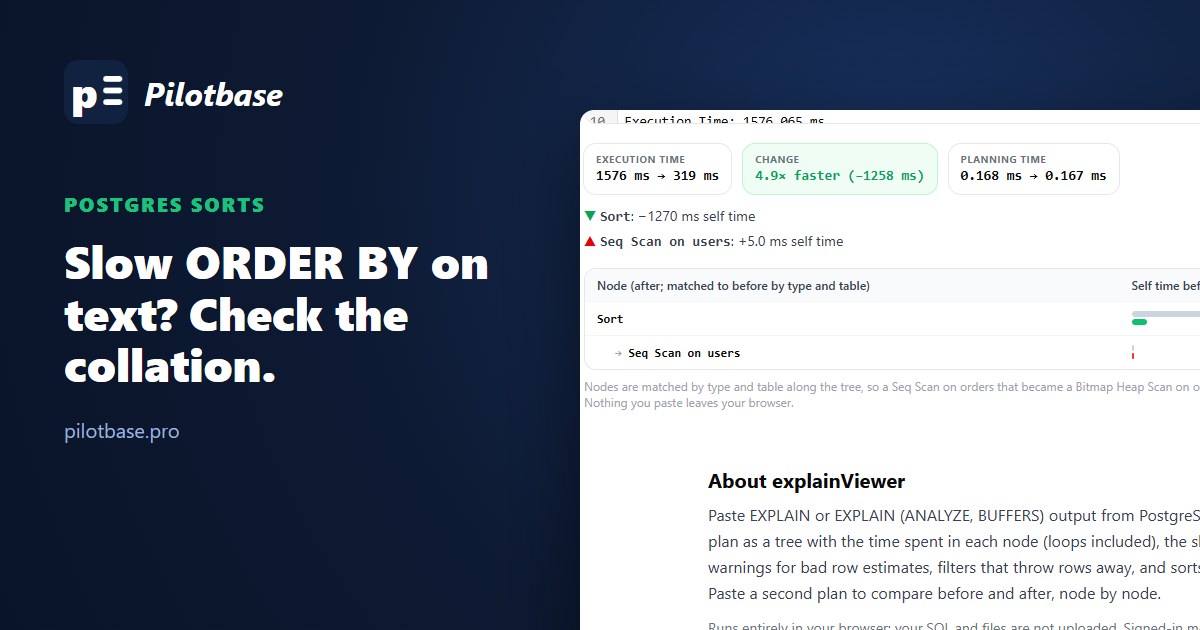
Sorting text in Postgres is slow: collations, COLLATE "C" and when work_mem doesn't help
Sorting 500,000 emails took 1.4 seconds with 4 MB of work_mem and 1.4 seconds with 256 MB. By integer: 0.13. With COLLATE "C": 0.25. What a collation costs per comparison, how to spot it in a plan, and four ways out, one of which also fixes LIKE 'abc%'.
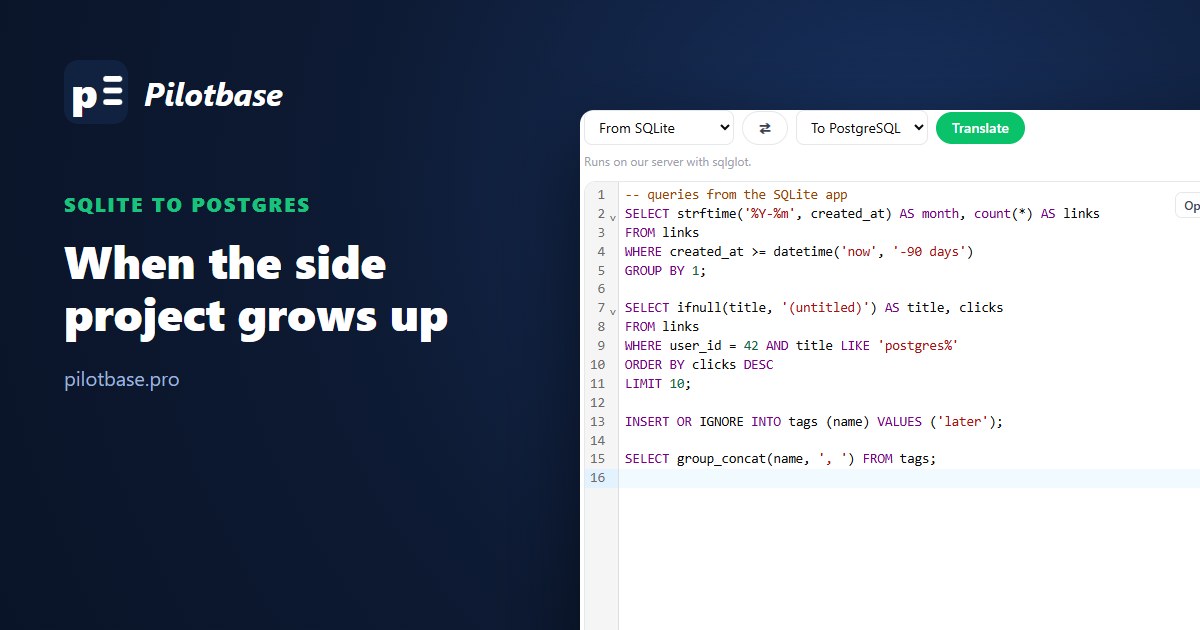
SQLite to Postgres when the side project grows up
We moved a real-shaped SQLite database to PostgreSQL three ways and counted what broke: 72,937 errors from a piped dump, then a pgloader run that took under a second and exited clean with 28 rows missing, two foreign keys skipped and booleans stored as text. What to fix in SQLite first, what to finish in Postgres, and which queries change their answers.
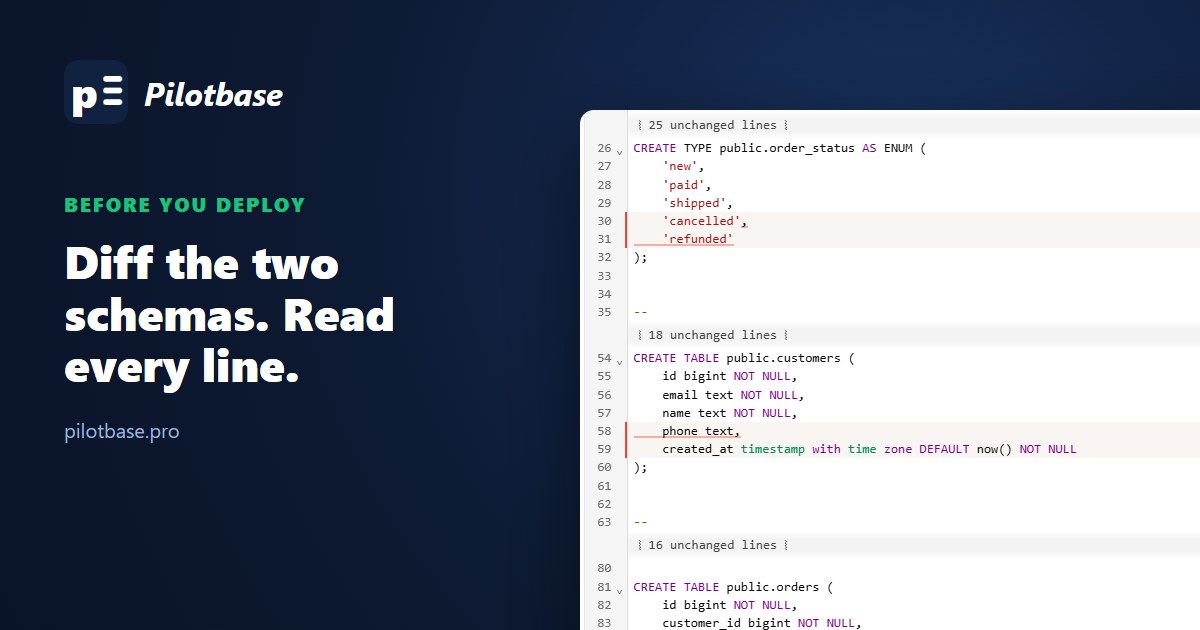
Schema diffs before a deploy: what sqlCompare catches
Dump staging and production with pg_dump, strip the noise (owners, grants, the random \restrict key), and diff the two files. On a test pair it found four changes we were shipping and six nobody had written down. And one thing no dump will show.
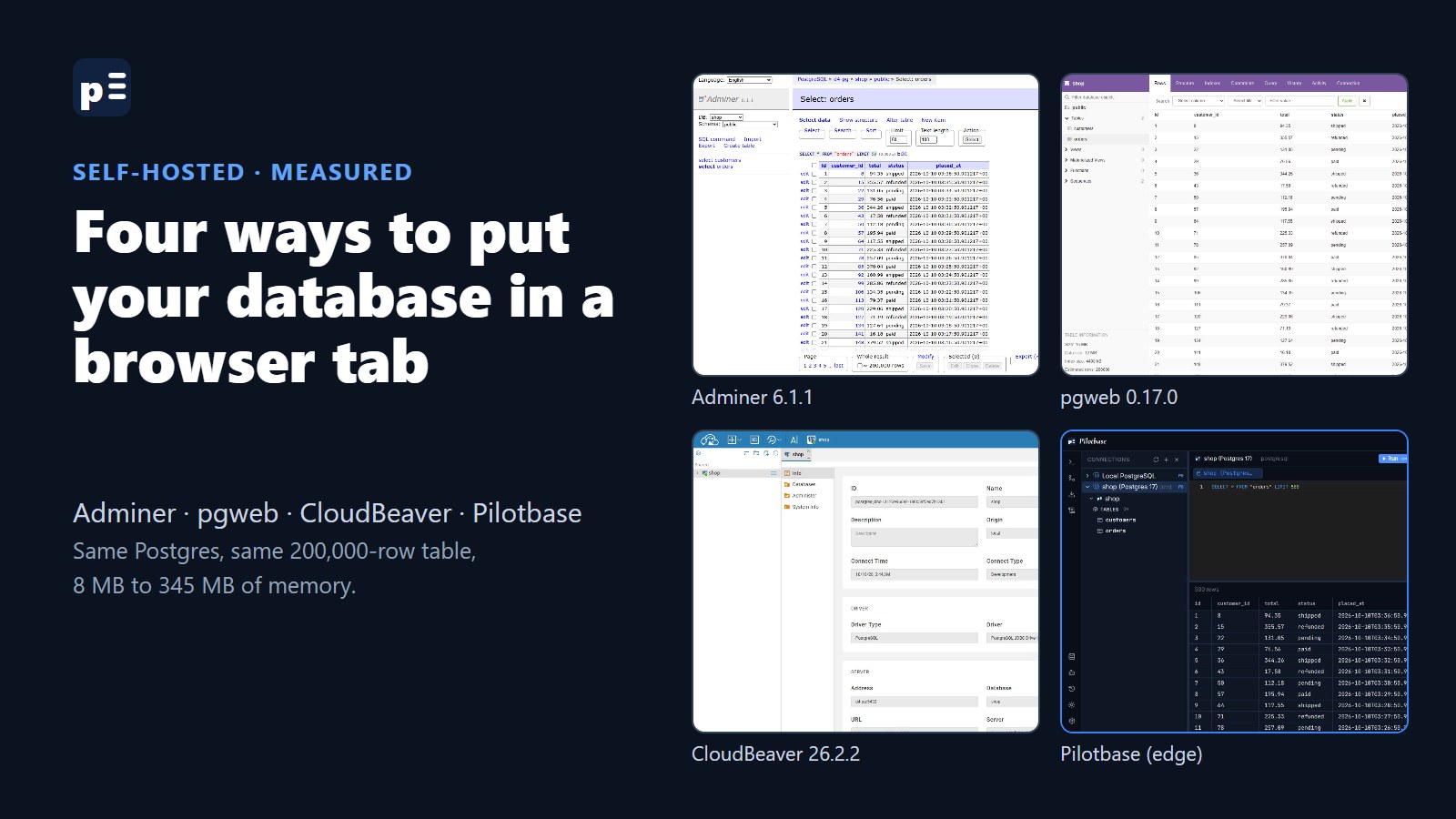
Adminer, pgweb, CloudBeaver, Pilotbase: four ways to put your database in a browser tab
We started all four against the same Postgres with a 200,000-row orders table and wrote down what Docker reported: 8 MB of memory for the smallest, 345 MB for the largest, and ours is not the small one. The commands, the screenshots, who each one suits, and what each leaves open by default.
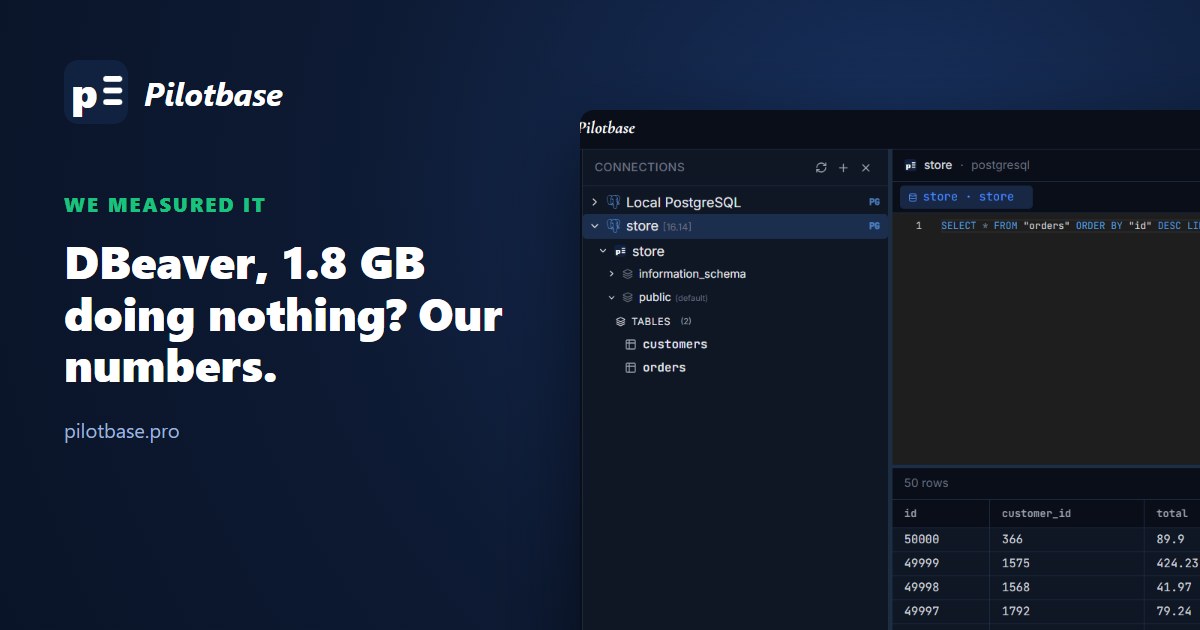
DBeaver is using 1.8 GB doing nothing? We measured it, and our own app too
Forum threads say DBeaver eats 1-2 GB sitting idle. We installed DBeaver 26.2.2 and Pilotbase Desktop on the same Windows laptop, pointed both at the same Postgres and wrote down what Task Manager said. The answer was less dramatic, and less flattering to us, than we expected.
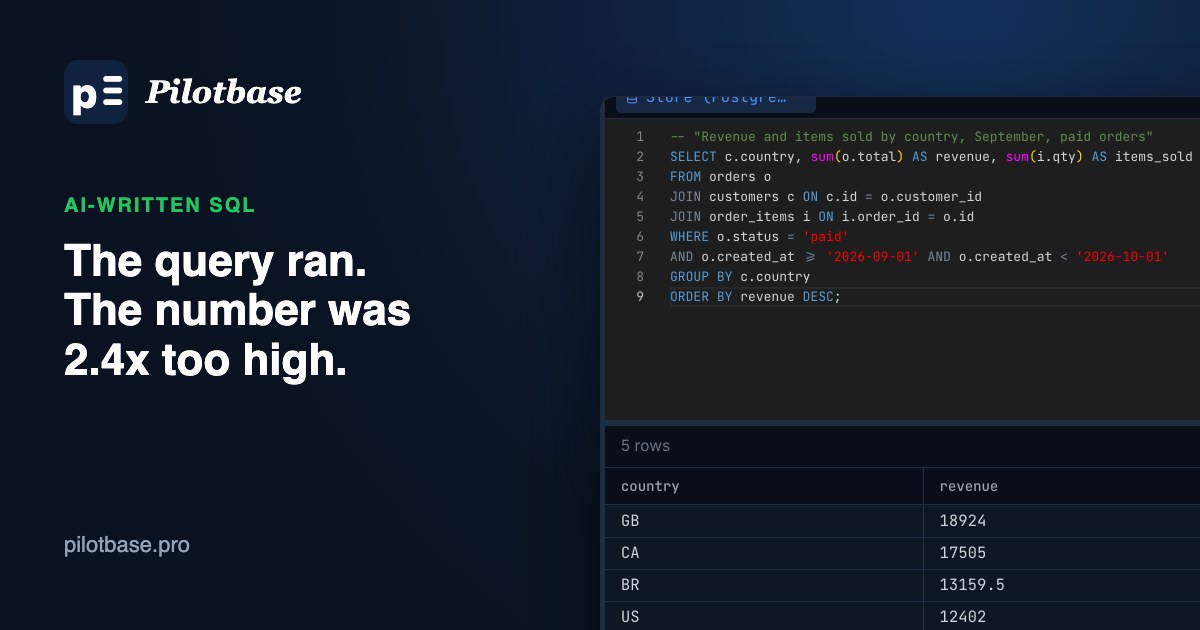
The AI wrote a query that looked right: five checks before you trust the number
Five ways a generated SQL query runs cleanly and still returns the wrong number (join fan-out, BETWEEN on timestamps, NOT IN with NULLs, integer division, a LEFT JOIN undone by WHERE), with real results from Postgres 16, and a short routine to catch them.
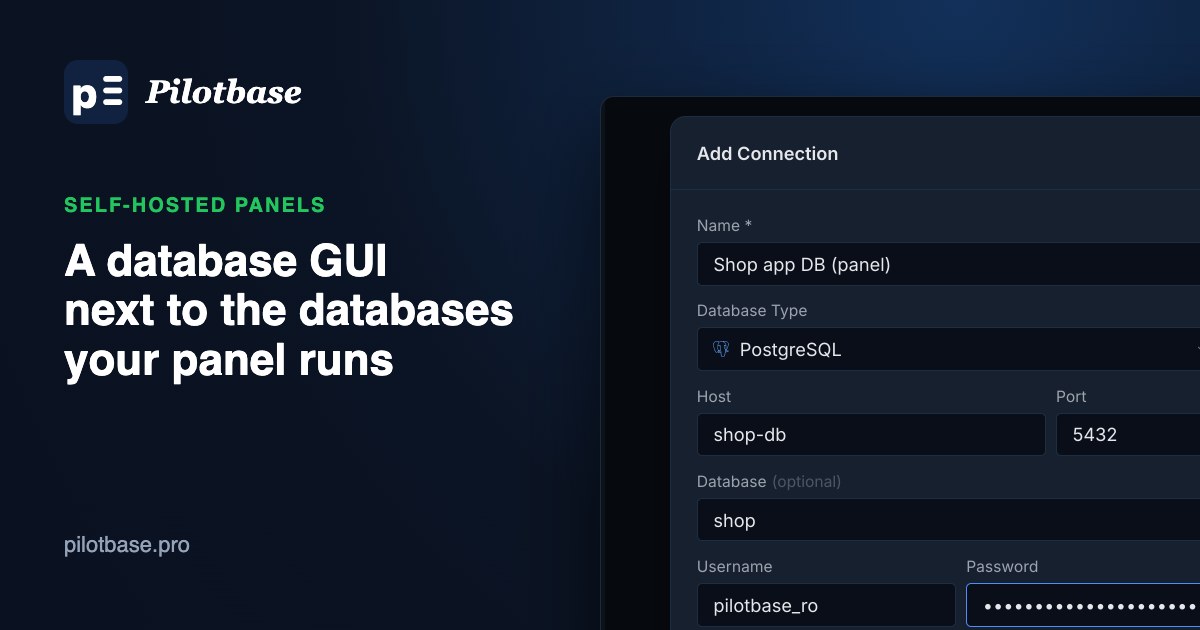
A database GUI next to the databases your server panel runs
Coolify, Dokploy, Easypanel, Openship and Doktainer make databases easy to start and hard to look inside. How to run a web database client on the panel's private network, with no published database port, a read-only user and a login in front.
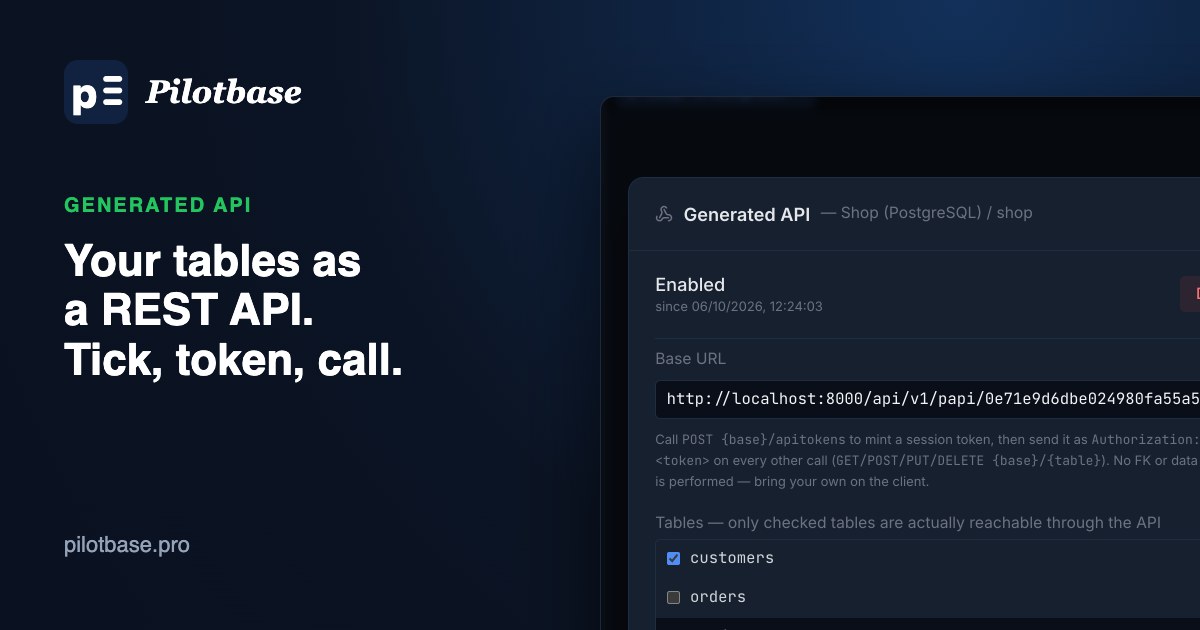
Turn your database tables into a REST API with Pilotbase
Right-click a database, tick the tables your app may use, mint a token and call list, read, create, update and soft-delete routes. A tested walkthrough with real screenshots, plus where it works (Docker on a server) and where it doesn't (the desktop app).
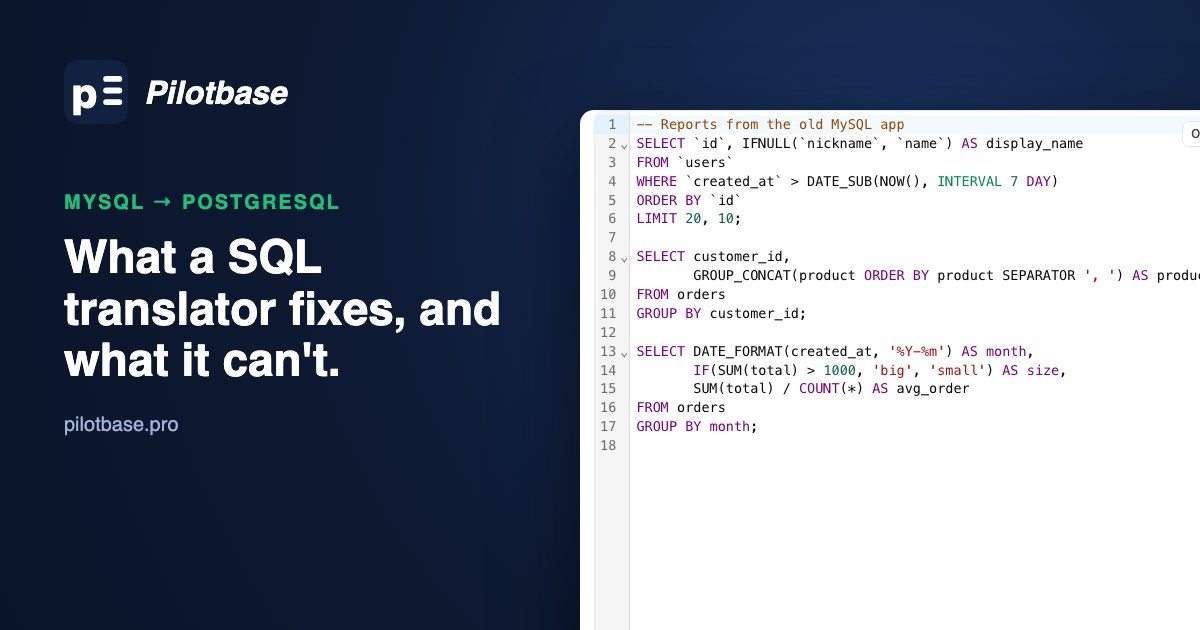
MySQL to PostgreSQL: what a SQL translator fixes, and what you still fix by hand
We ran everyday MySQL through a SQL translator (sqlglot) and checked the output against PostgreSQL 16. Queries come across well, down to NULL ordering and division. Upserts, CREATE TABLE, UPDATE ... JOIN and case-sensitive LIKE don't. The fixes for each, and a migration order that works.
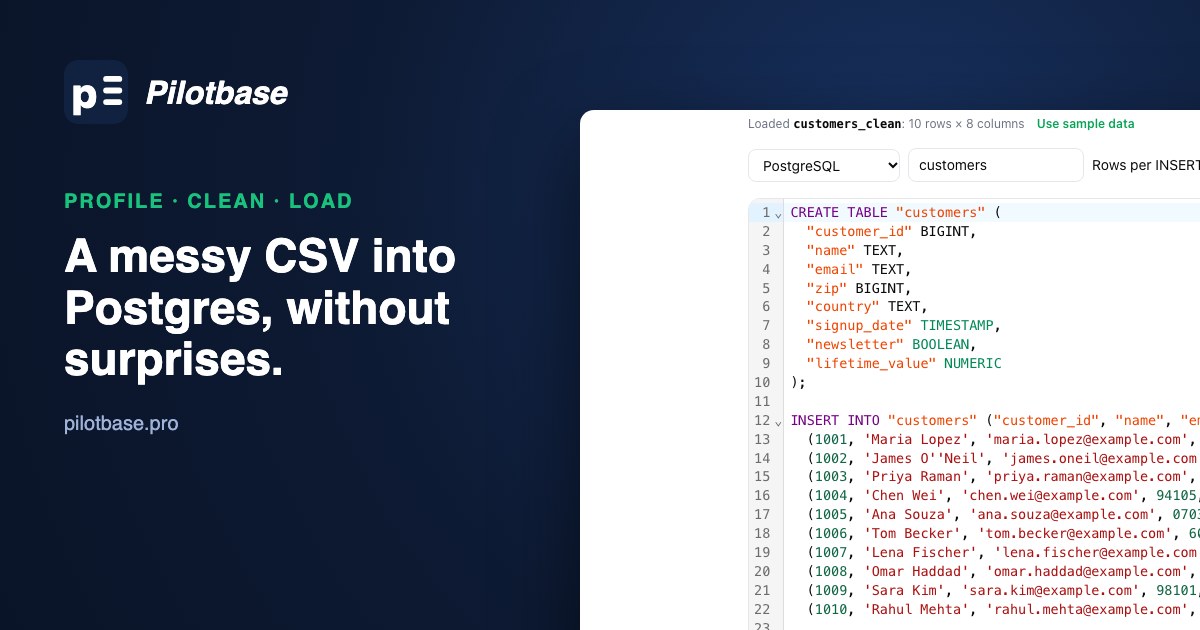
A messy CSV into Postgres without surprises: profile, clean, then load
One messy export: doubled spaces, ZIP codes with leading zeros, day-first dates, an empty column, a duplicate row and a formatted amount. What Postgres does with each, and a three-step way to load it right with free browser tools and COPY.
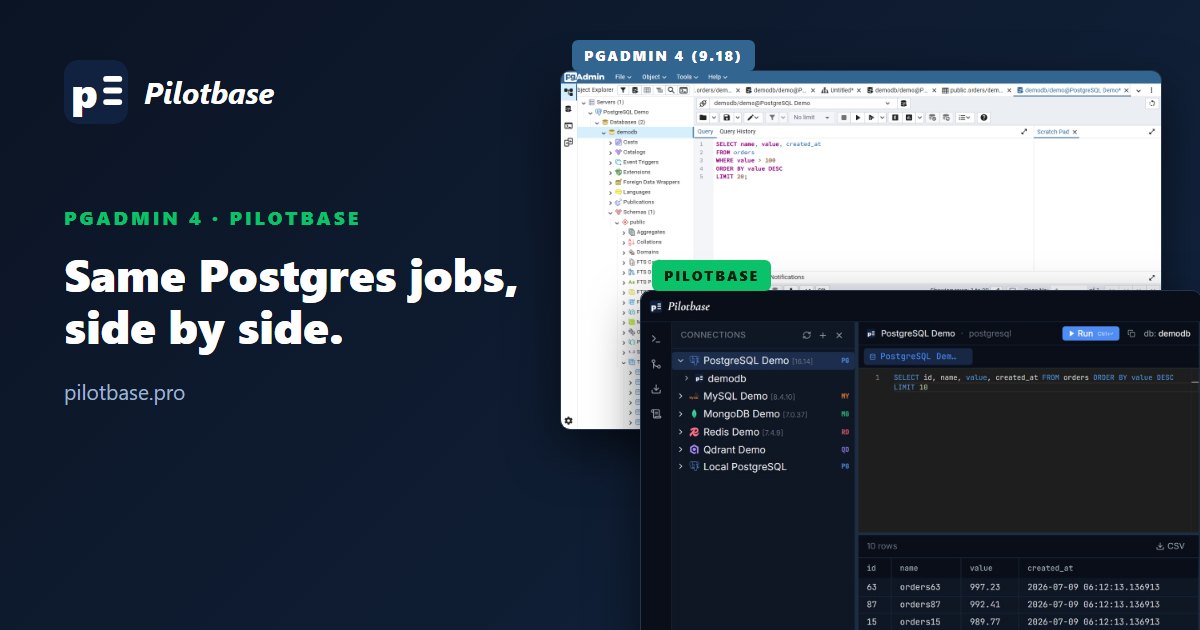
pgAdmin 4 vs Pilotbase: the same Postgres jobs, side by side
We pointed pgAdmin 4 (9.18) and Pilotbase at the same PostgreSQL database and did the same jobs in each: connect, browse, query, edit, back up, diff schemas and use AI. Screenshots of both, with an honest verdict for each task.
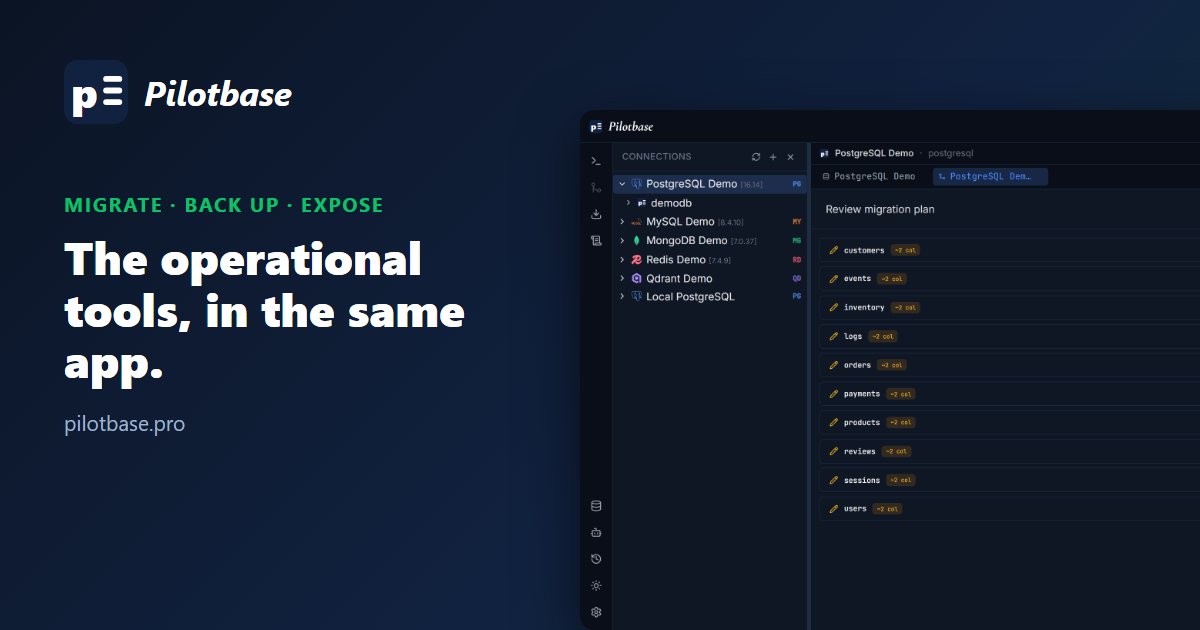
Migrate, back up, and expose your data safely
Schema and data migration between connections, on-demand backups, SQL export, encrypted credentials and an optional generated REST API: the operational tools that go with day-to-day database admin.
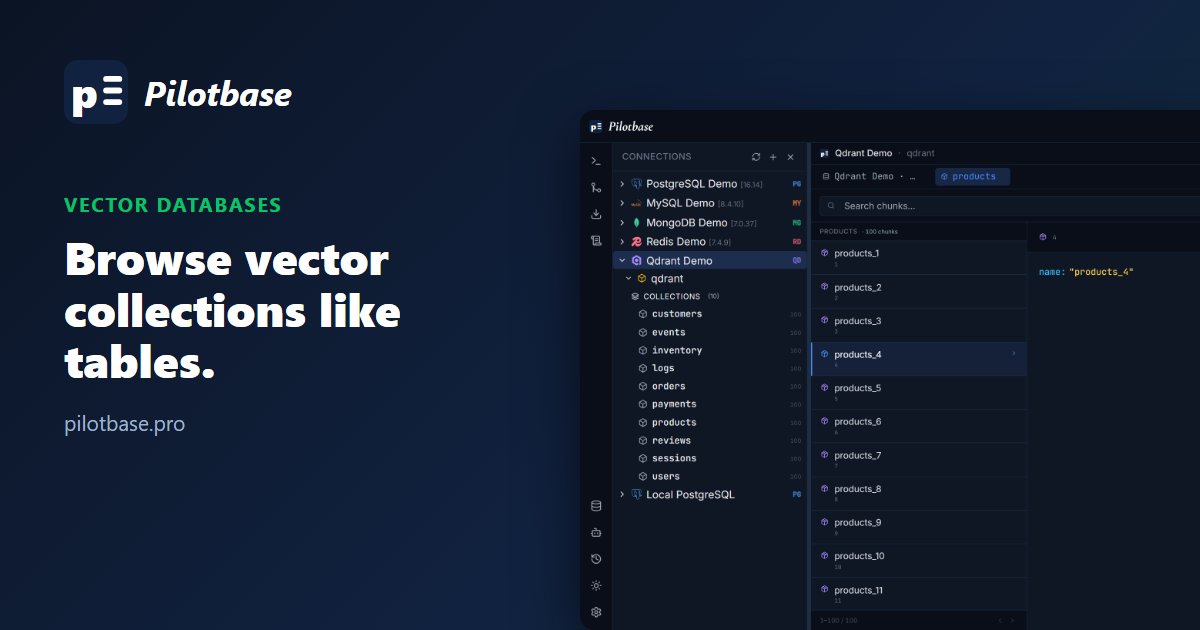
Vector databases are first-class citizens
Qdrant, ChromaDB, Weaviate, Pinecone and Milvus get the same connection tree, browsing and editing tools as any SQL database, for teams running RAG pipelines alongside their usual data.
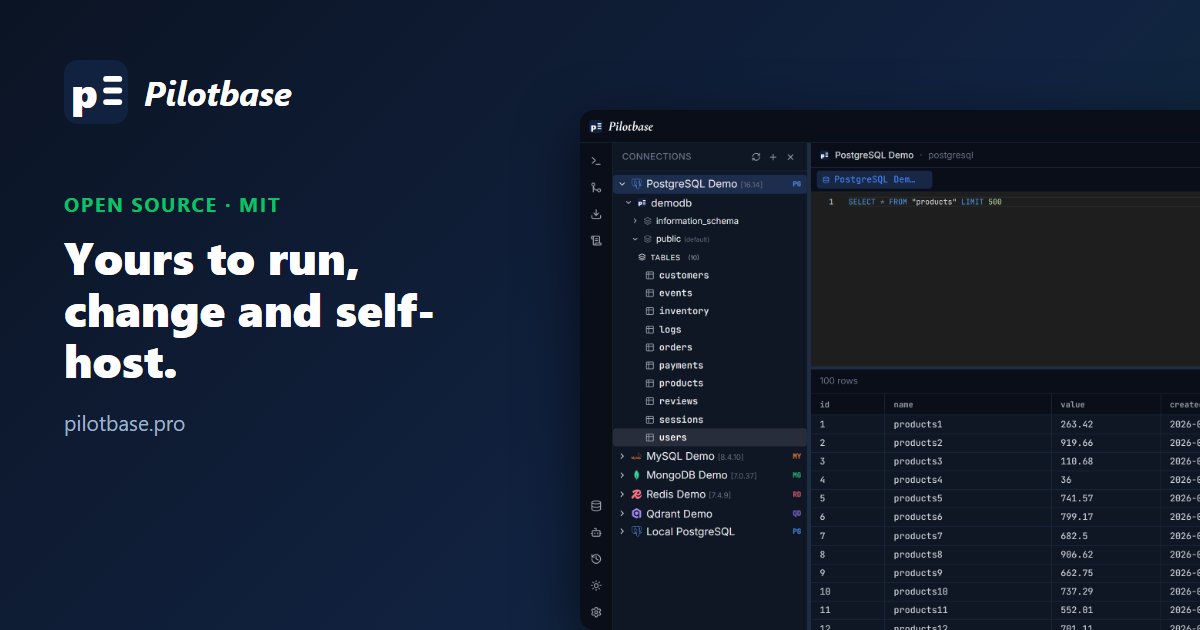
Open source under MIT, and yours to self-host
Pilotbase is MIT-licensed: free to use, modify, self-host and redistribute, including commercially. The source is on GitHub, and a Docker quick start gets it running in a few minutes.
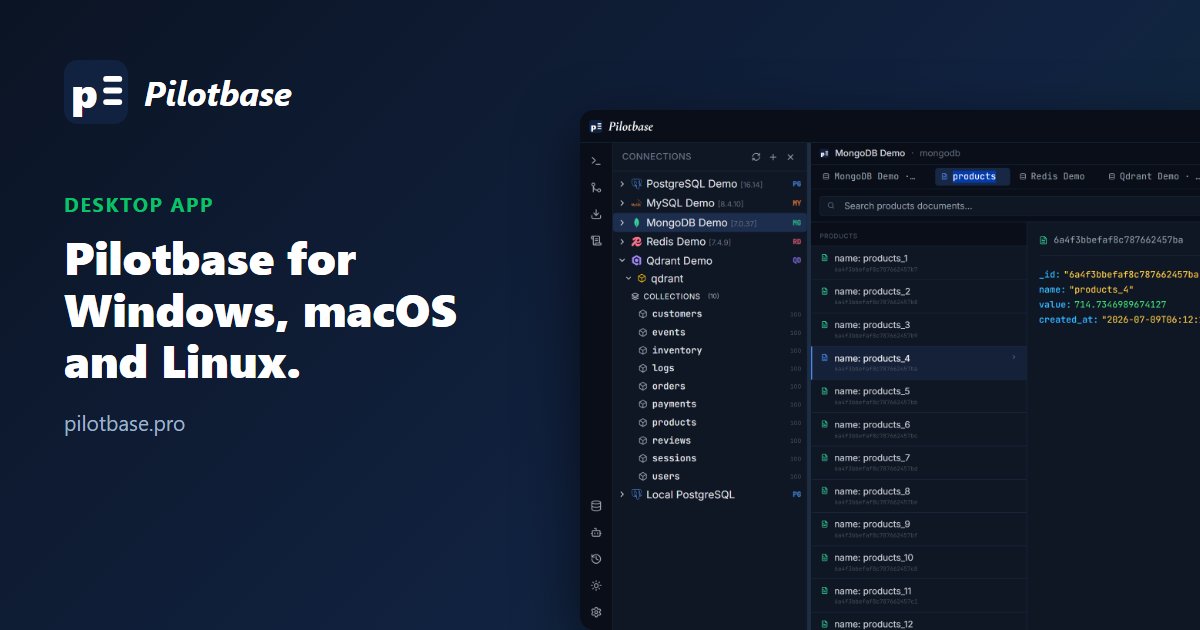
Pilotbase is now a native desktop app
The same FastAPI backend and React UI in an Electron shell, with a bundled backend and local SQLite storage: no Docker, no Postgres, no ops. Installers for Windows, macOS and Linux.
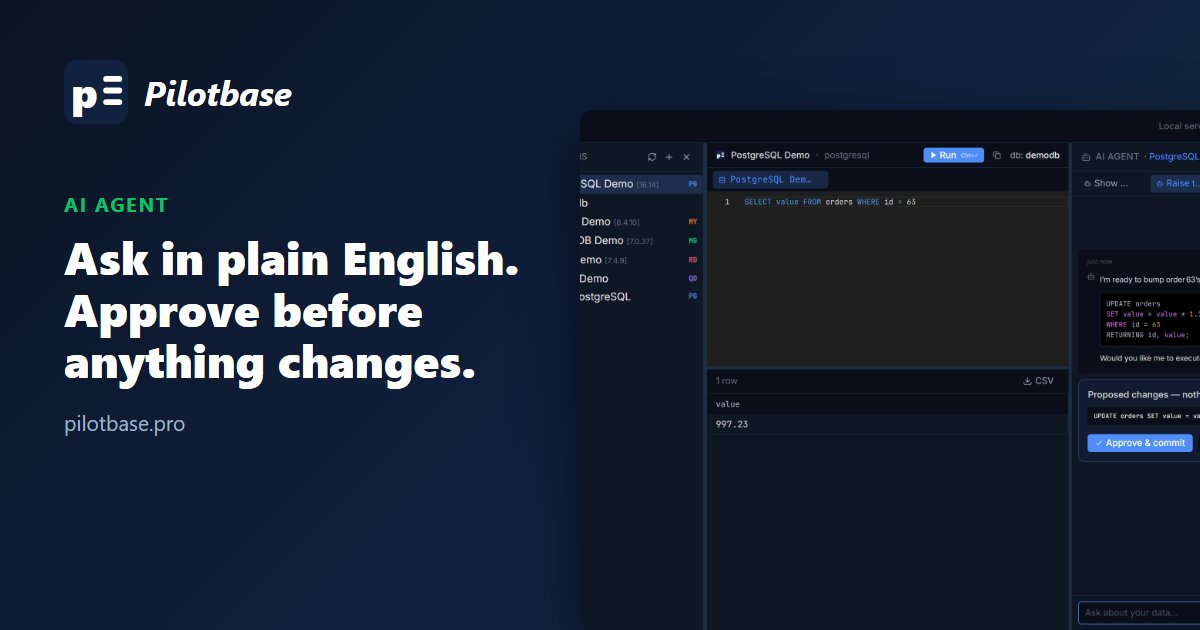
Ask your database a question — the AI agent writes the query
Pilotbase's AI agent reads your schema, turns a plain-English question into a query, runs it in your editor, and holds every write for your approval. Destructive statements are blocked outright.
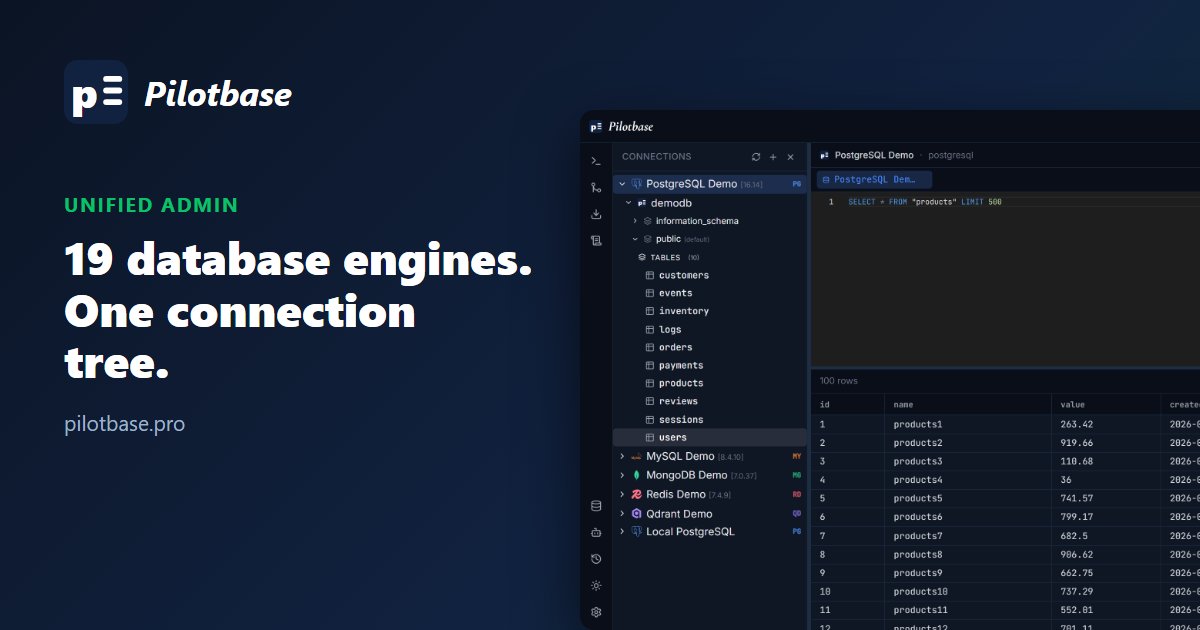
One tool now covers 19 database engines
PostgreSQL to Pinecone, MySQL to Milvus: Pilotbase connects to relational, NoSQL and vector databases from one interface, so you stop installing a different admin tool for every database you run.