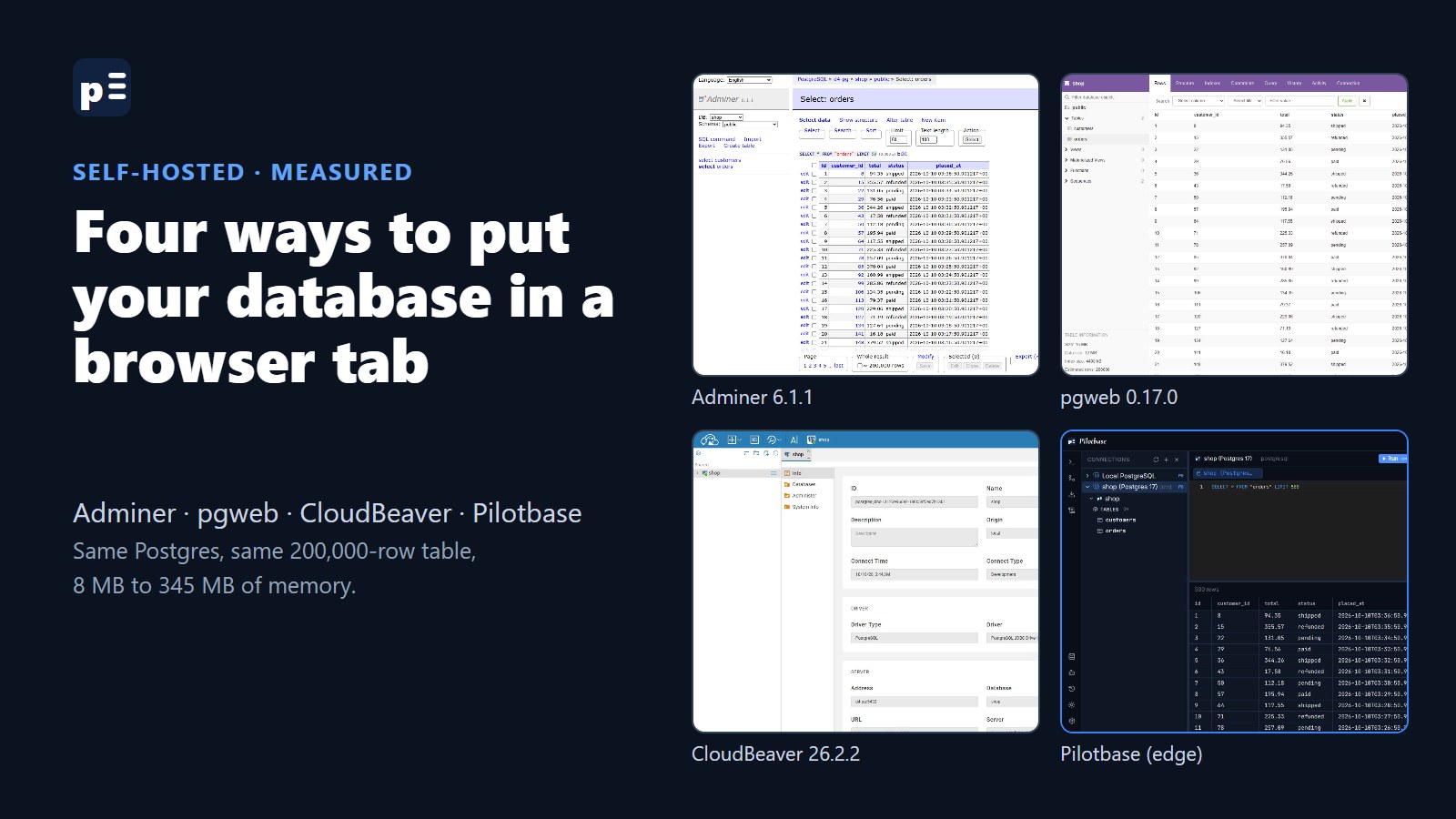
The database is on a server. You're on a laptop, or a tablet, or a colleague's machine without your SSH keys. You want to look at one table. The usual answers are an SSH tunnel and a desktop client, or psql in a terminal. The other answer is a database client that runs on the server and shows up in a browser tab.
There are four open-source ones worth knowing, and we make one of them. So we did the fair thing: started all four in Docker on the same machine, pointed them at the same Postgres 17 database with a 200,000-row orders table, opened that table in each, and wrote down what Docker said. Pilotbase did not win on size. It isn't close.
The numbers first
Download is the compressed image size, on disk is what docker images shows afterwards, and memory is docker stats read twice: after a restart, and after using each one. Adminer, pgweb and Pilotbase each showed the first page of rows in well under a second (in CloudBeaver we got as far as the open connection, not the data grid), so speed isn't what separates them. Size and what they can do are.
Adminer: one file, most of what you need
Adminer is a single PHP file that has been around since 2007. Open the page, pick the database type, type the server, user and password, and you're in. There's no setup and no account: the login form is your database login. It reads and edits rows, alters tables, runs SQL, imports and exports. It handles MySQL, MariaDB, PostgreSQL, SQLite, SQL Server and Oracle, with plugins for a few more.
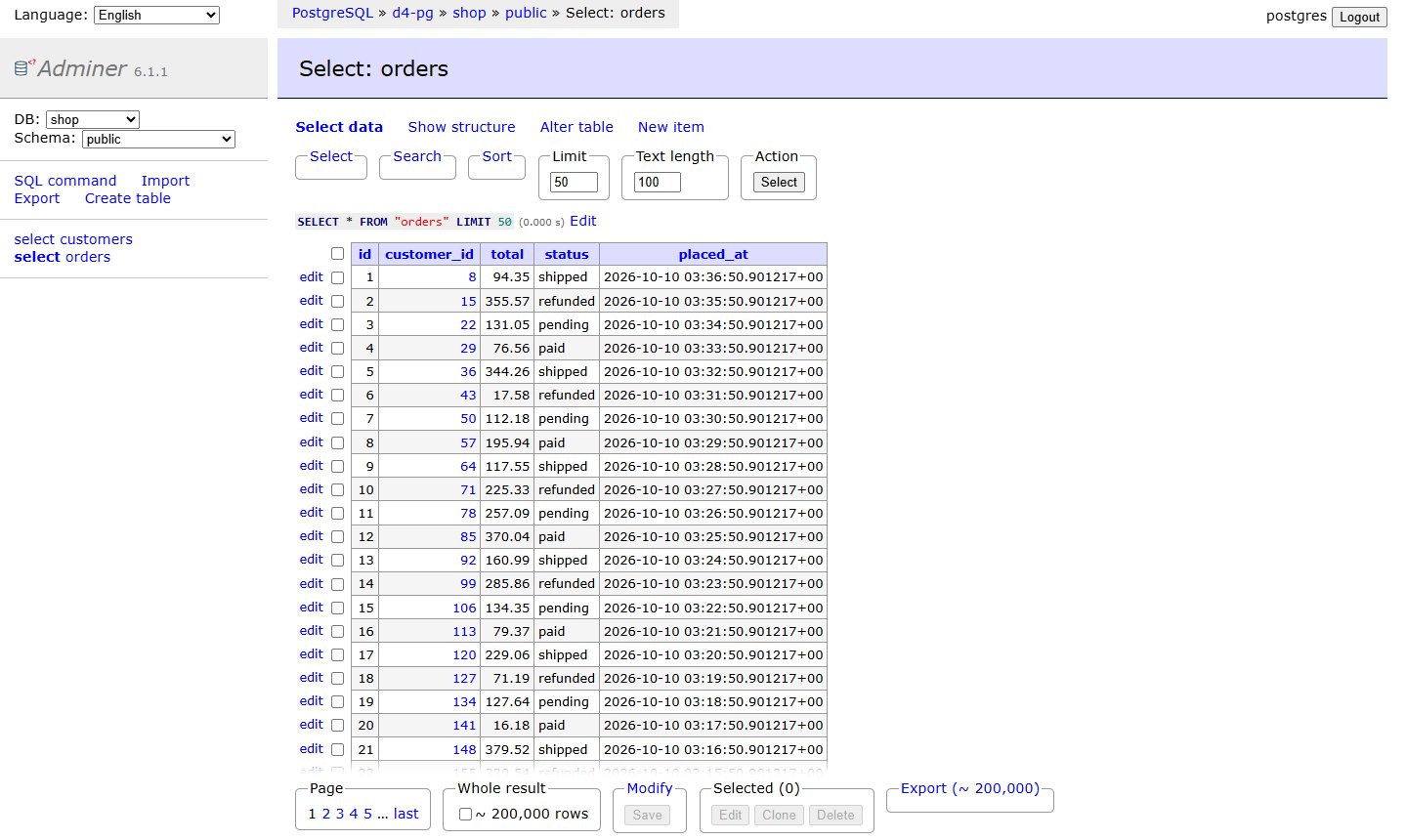
It looks like 2007 too, and nothing is saved between visits: no connection list, no query history. For "I need to fix one row on the staging box" it's hard to beat at 14 MB. Pick it when you want the smallest thing that edits data across the common SQL databases.
pgweb: Postgres only, and proud of it
pgweb is one Go binary. Give it a connection string and it opens straight onto your tables: rows, structure, indexes, constraints, a query tab with history, activity, and CSV, JSON or XML export. It was the lightest of the four at 8 to 11 MB, and the cleanest to read.
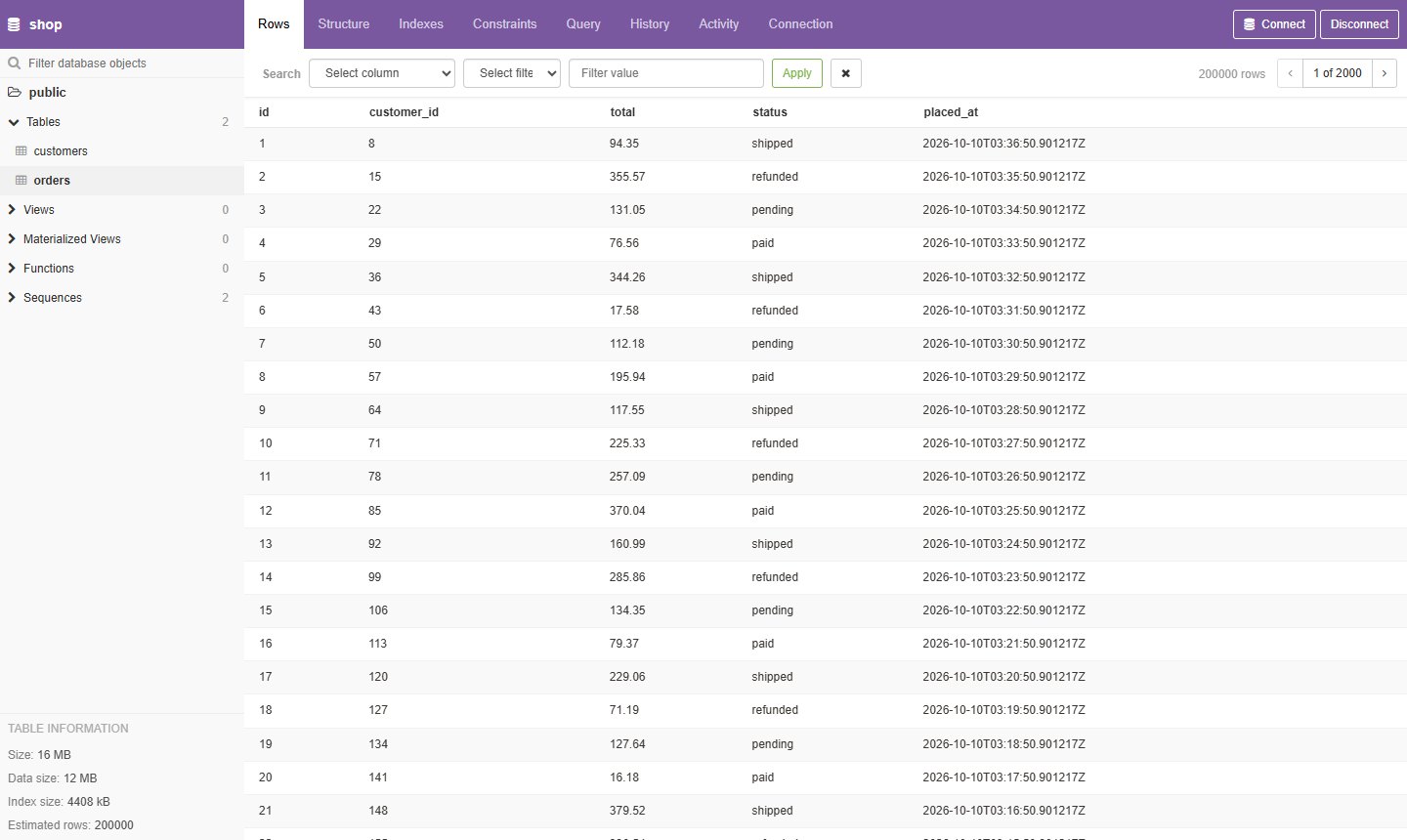
Notice what's missing in that command: a login. Started with --url, pgweb gives the database to anyone who can reach the port. Add --auth-user and --auth-pass for a basic password prompt, and --readonly if people should look but not touch. Pick it when you run Postgres and nothing else, and want a read-mostly window onto it.
CloudBeaver: DBeaver's server edition
CloudBeaver comes from the DBeaver team and is a Java server. The first visit is a setup wizard where you name the server and create an administrator. After that you get what a team needs: users, shared connections that people can use without knowing the password, a proper SQL editor, an entity diagram, data export. The community edition listed 18 drivers on our install, among them PostgreSQL, MySQL, MariaDB, SQL Server, Oracle, SQLite, ClickHouse, DuckDB, Db2 and Trino.
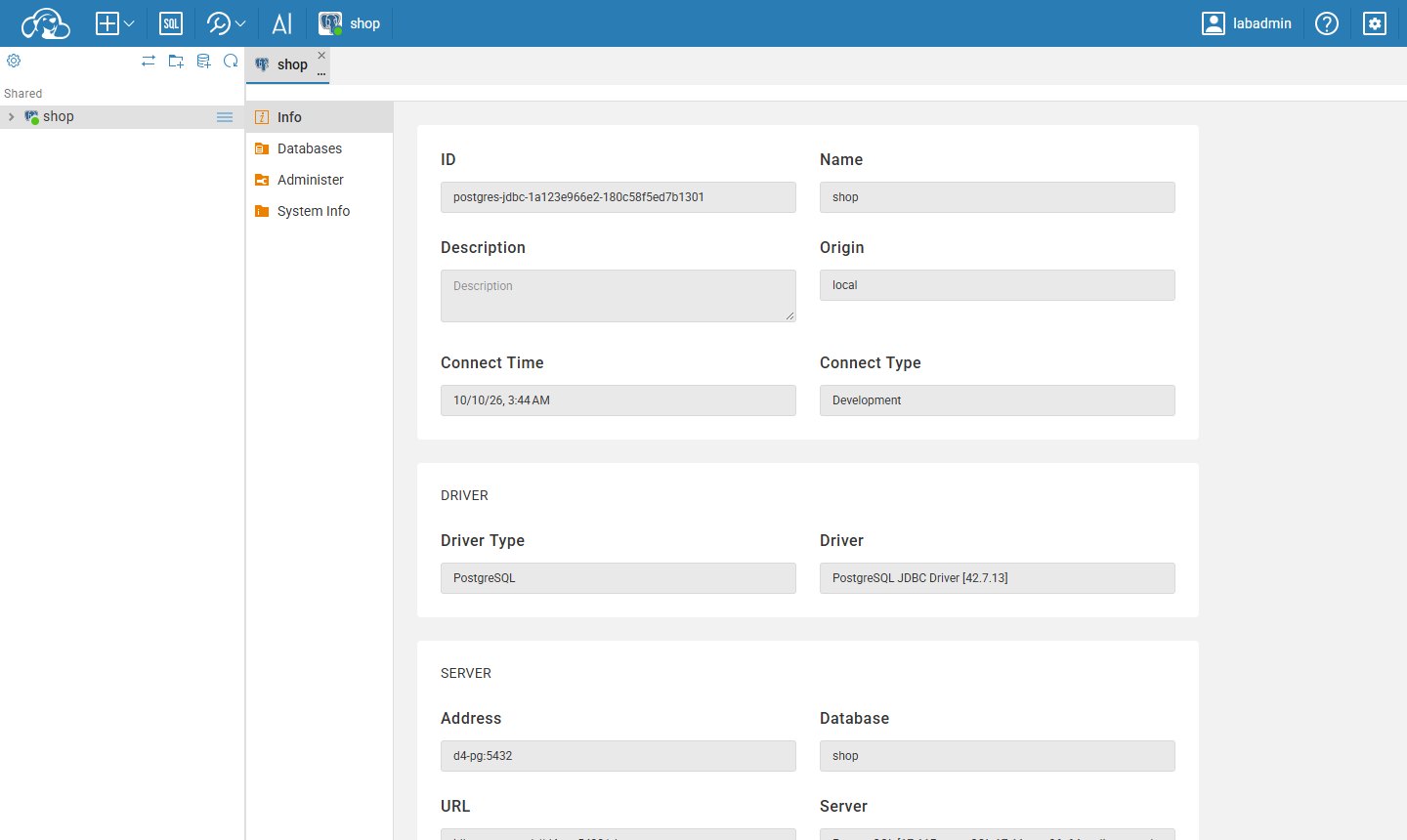
It's the heaviest here: a 409 MB download and 300 to 345 MB of memory before anyone runs a query. One thing surprised us. After the wizard, a second browser that had never signed in still got the app, not a login page. It saw no connections, but anonymous access is on until you switch it off in the administration settings. Pick it when several people need the same connections with their own logins, and you'd rather give the server 400 MB than give everyone the database password.
Pilotbase: ours, and the reason it isn't small
That's three commands, not one, and you should write the two keys down: saved database passwords are encrypted with ENCRYPTION_KEY and can't be read back without it. The repository has a docker compose file that does the same in one go.
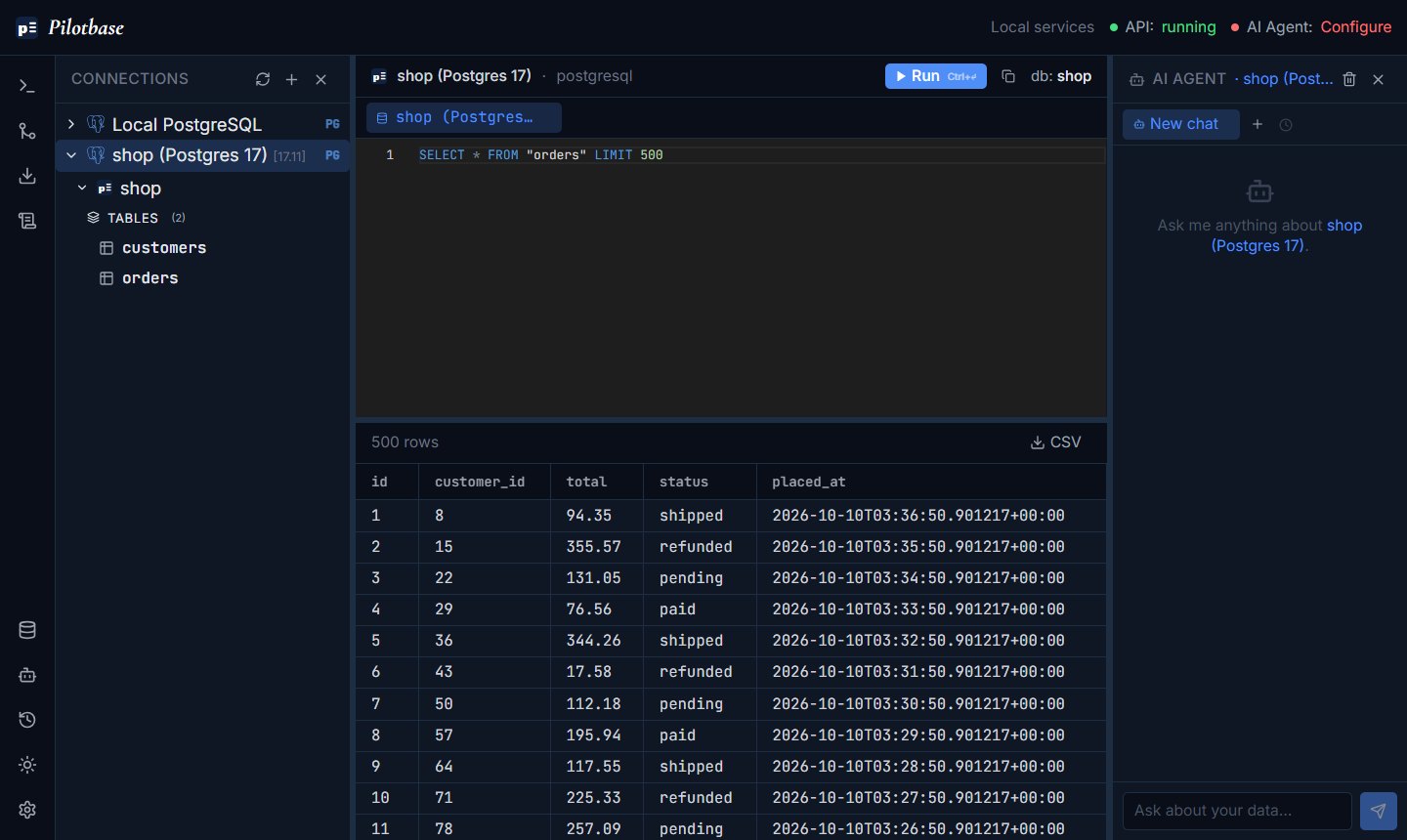
What you get for 265 to 290 MB plus a small Postgres: one tool for 19 engines, and not only SQL ones. PostgreSQL, MySQL and SQL Server sit next to MongoDB, Redis and vector databases such as Qdrant, each shown the way it's shaped (documents as documents, keys as keys). There's backup and migration between databases, a generated REST API for the tables you choose, and an AI agent that writes a query and waits for your approval before anything that changes data. It's MIT-licensed.
What you don't get: lightness, and a locked door by default. Out of the box Pilotbase runs in anonymous mode. The first browser that opens it becomes the administrator; later visitors get an empty workspace and can't add connections, but there is no password prompt. If you only have one Postgres to look at, pgweb or Adminer will do it in a twentieth of the memory, and we'd rather tell you that here than have you find out. Pick it when you have more than one kind of database, or you want the API, the backups or the agent in the same place.
Whichever you pick: don't leave the port open
Every command above binds to 127.0.0.1, on purpose. A database client on a public port is a login page for your data that the whole internet can try, and two of these four don't even show a login page by default. Three ways to reach it safely, from least to most work:
And give the client a database user that fits the job. A read-only role for looking, a separate one for changes. None of these tools can stop a DROP TABLE that the database itself allows.
Short version
One Postgres, mostly reading: pgweb. A few SQL databases, quick edits, smallest footprint: Adminer. A team with separate logins and shared connections: CloudBeaver. SQL, document, key-value and vector databases in one place, with backups, an API and an AI agent: Pilotbase. All four are open source, and each one is a single command away on a spare port this afternoon (three commands, for ours).
Pilotbase runs in Docker on your server or as a desktop app on Windows, macOS and Linux. Open source under MIT.
Get PilotbaseHow we measured
10 October 2026, Docker Desktop on Windows 11 Pro (Intel i5-12500H, 32 GB RAM). Images pulled that morning: adminer:latest (Adminer 6.1.1, PHP 8.4), sosedoff/pgweb:latest (0.17.0), dbeaver/cloudbeaver:latest (26.2.2), ghcr.io/icedsg/pilotbase:edge (built 27 September 2026) with postgres:16-alpine for its own data. Target: postgres:17-alpine with 5,000 customers and 200,000 orders. Download size from docker image inspect, on-disk size from docker images, memory from docker stats --no-stream, read about a minute after a restart and again after opening the orders table once in headless Chrome (for CloudBeaver, after the setup wizard and opening the connection). Restart time is docker restart until the first HTTP 200, so it includes shutting down. One machine, one run each: treat the numbers as a guide to scale, not a benchmark. Projects: Adminer, pgweb, CloudBeaver, Pilotbase.
Comments (0)
Loading comments…