Built for AI-era data stacks
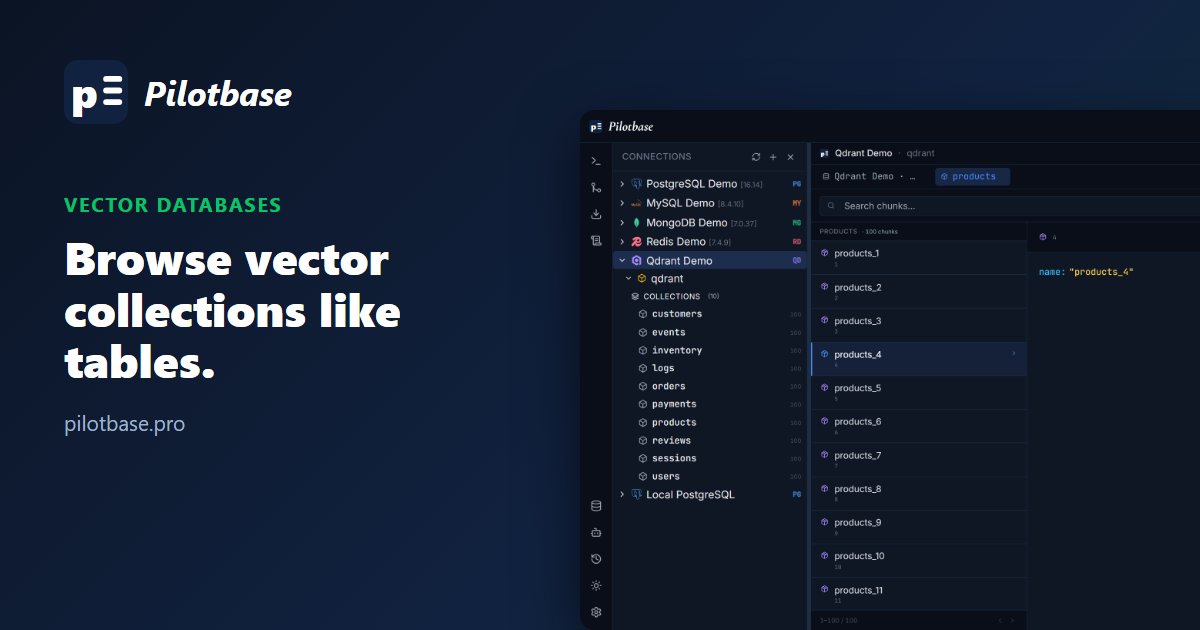
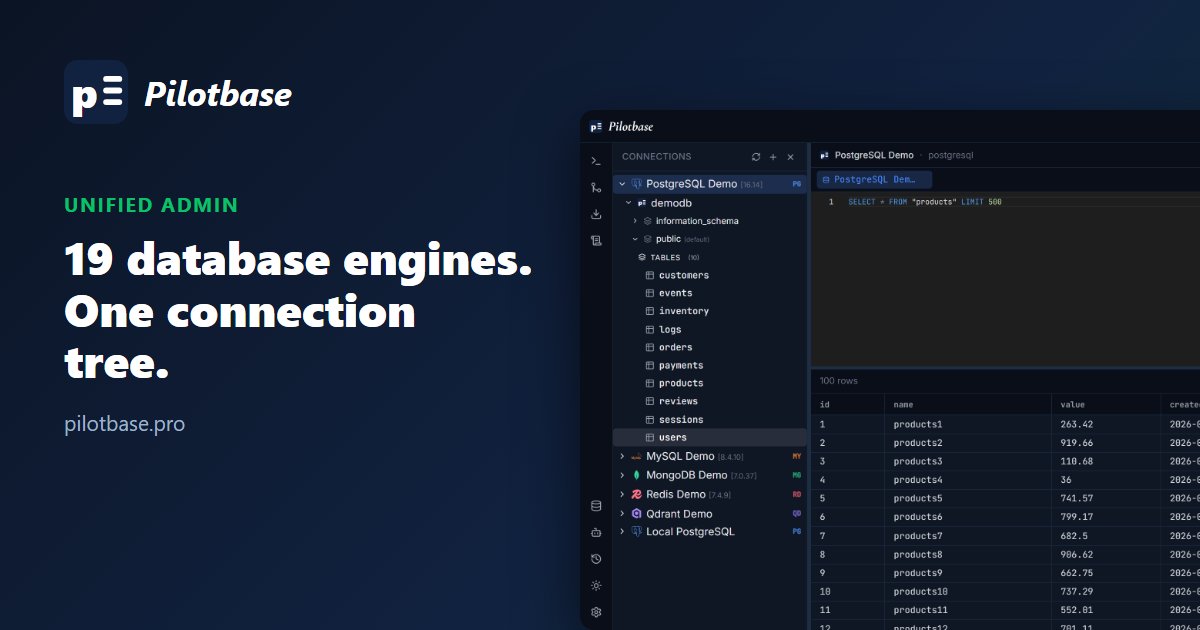
If you run retrieval-augmented generation (RAG), your data lives in two places: the relational or document database behind the app, and a vector store full of embedded chunks. Most admin tools only cover the first. Pilotbase treats vector stores as ordinary connections, next to Postgres or MongoDB in the same tree.
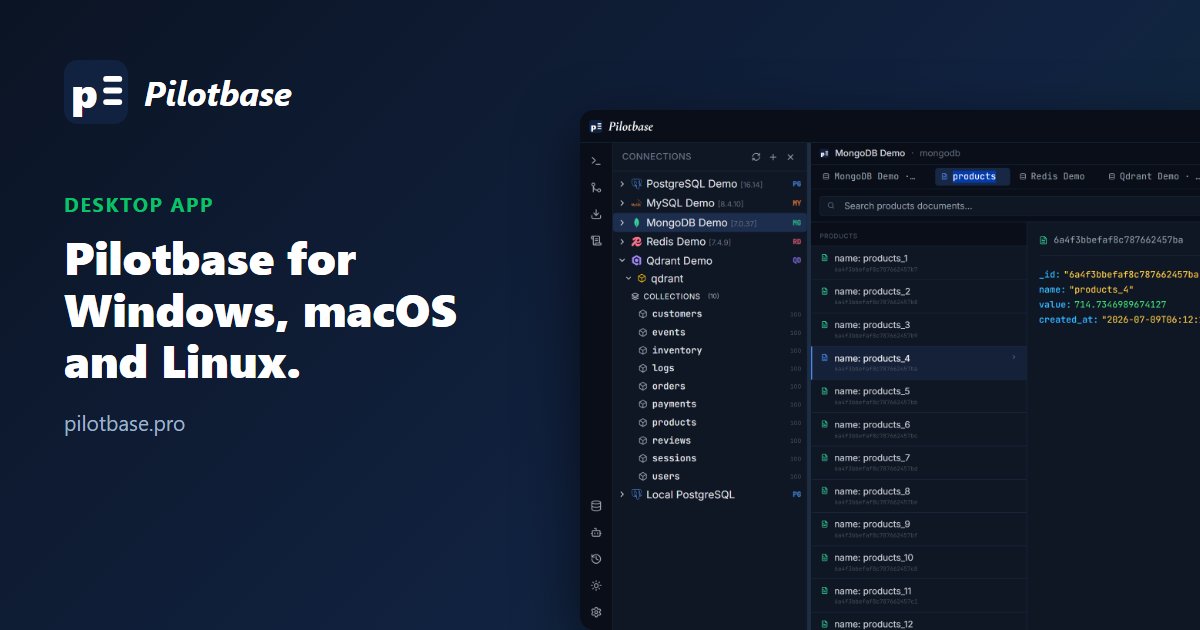
Five engines are supported: Qdrant, ChromaDB, Weaviate, Pinecone and Milvus. Expand a connection and each collection shows its point count, so you can see at a glance which ones are empty or still filling.
Browse, filter and fix chunks
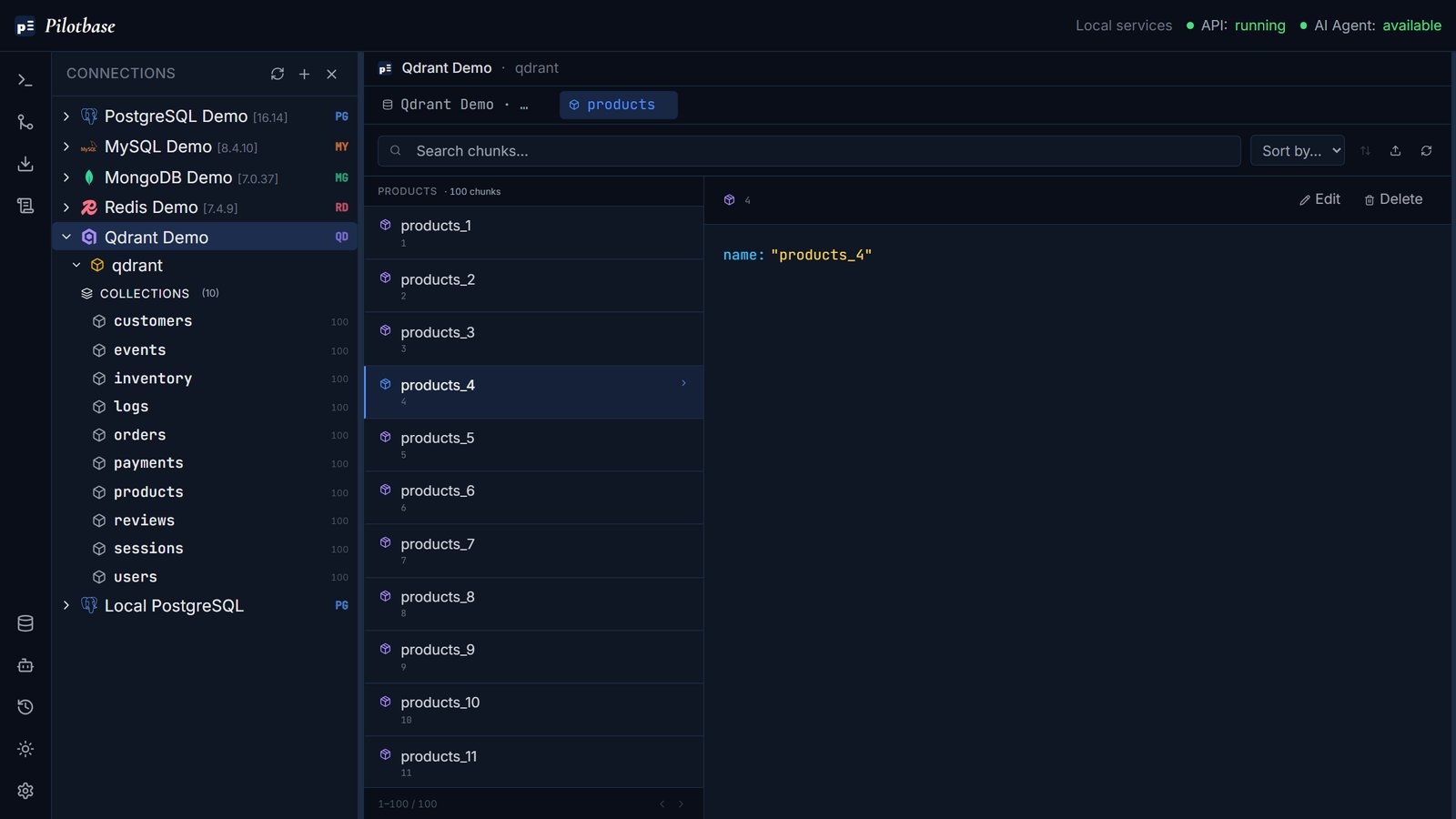
Open a collection and its chunks page in like rows in a table. Select one to read its payload, the metadata stored with the vector such as source document, title or tags (see Qdrant's payload docs). Edit changes the payload in place, which helps when a bad title or a wrong source tag is skewing your retrieval. The search box filters the loaded chunks by their content, and Sort by orders them by any payload field.
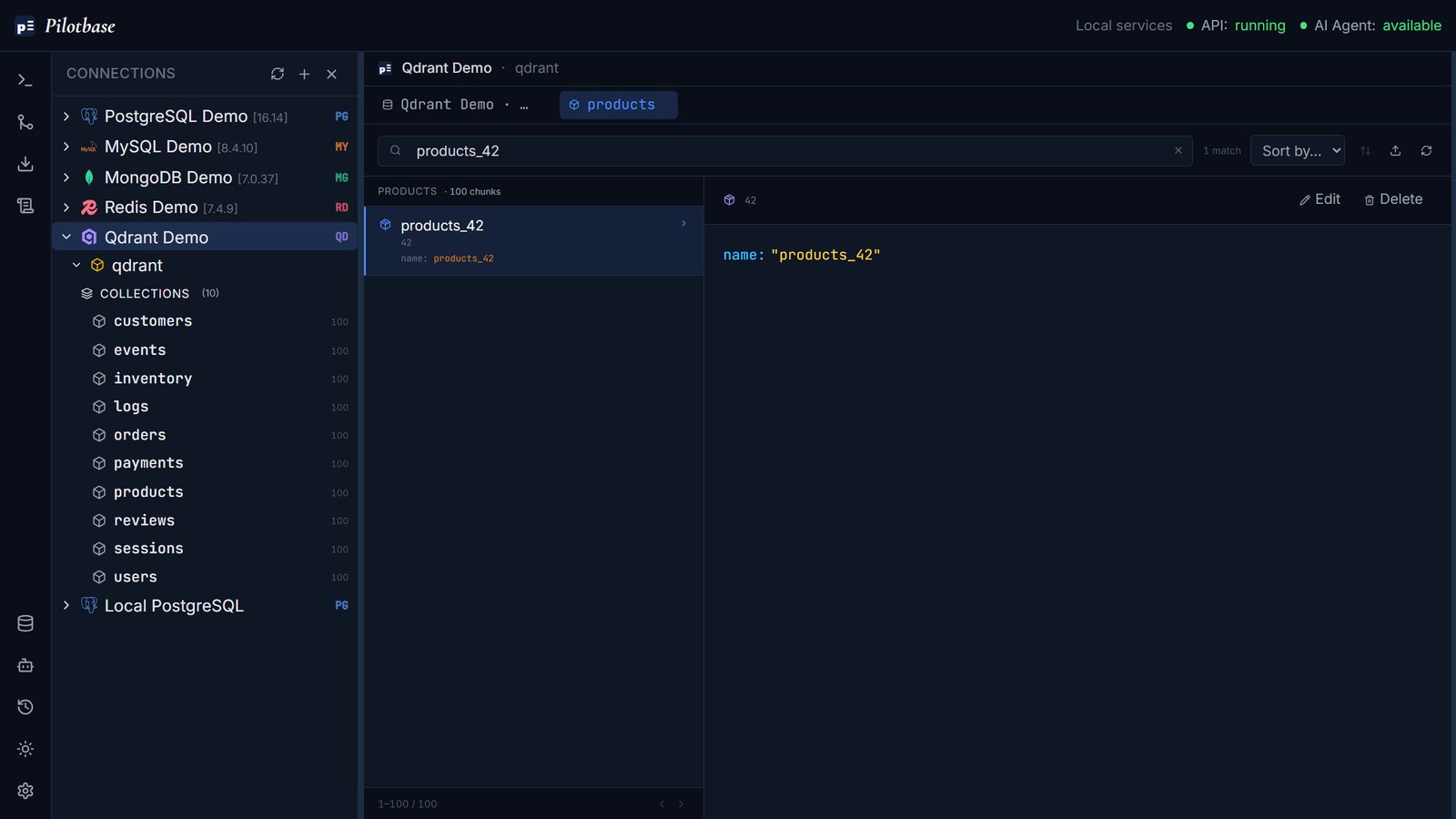
Deleting chunks is deliberately a manual, per-chunk action in the UI. The AI agent can browse collections and update payloads, but it can't delete chunks.
The AI agent works here too
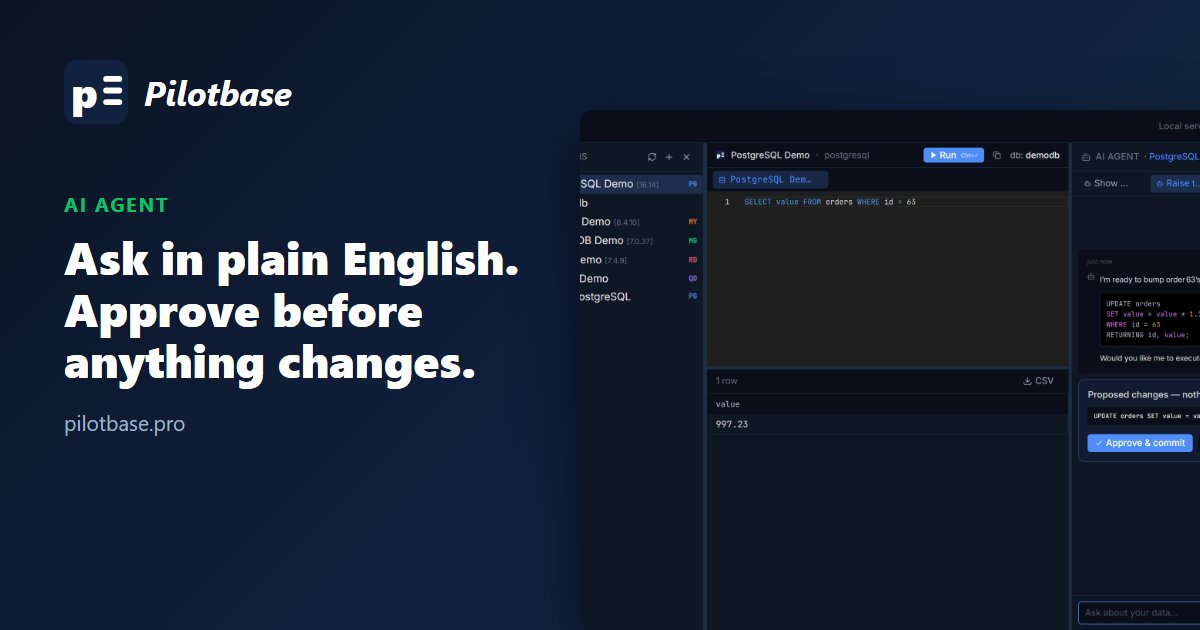
The agent inspects whichever connection is active, so you can ask a vector store questions the same way you'd ask Postgres, for example “which collections are empty?” or “show me 20 chunks from products”. It opens the collection in the chunk browser for you. See Ask your database a question for how the agent works.
Pilotbase is free and MIT-licensed. Run it as a desktop app or with Docker, connect a database, and see for yourself.
Get Pilotbase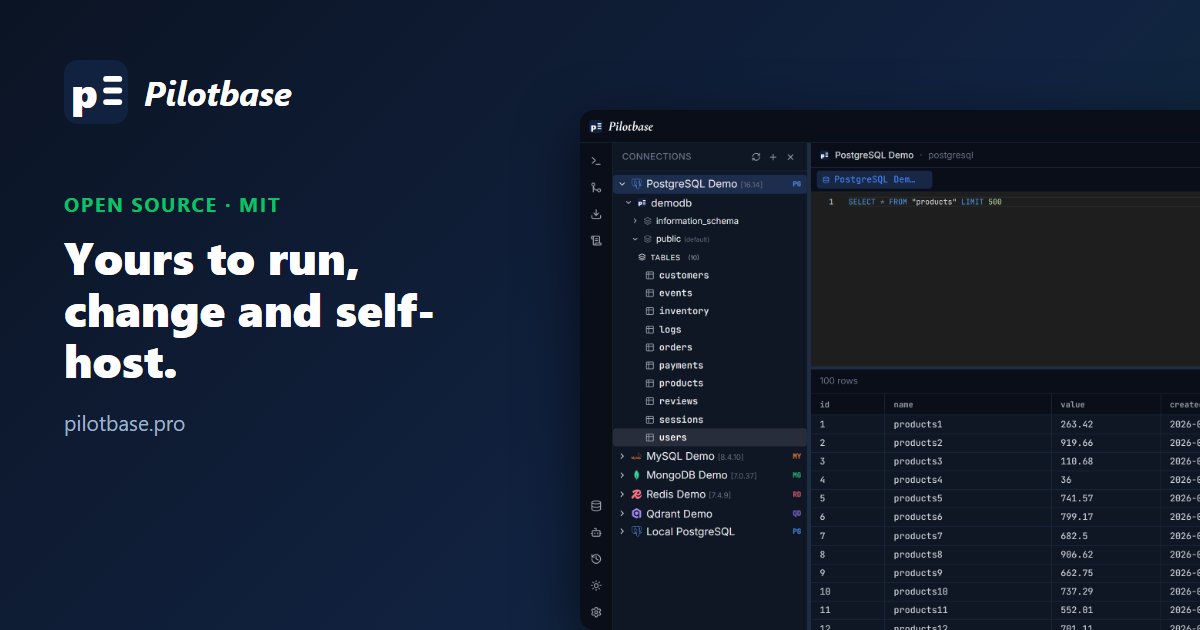
Comments (0)
Loading comments…