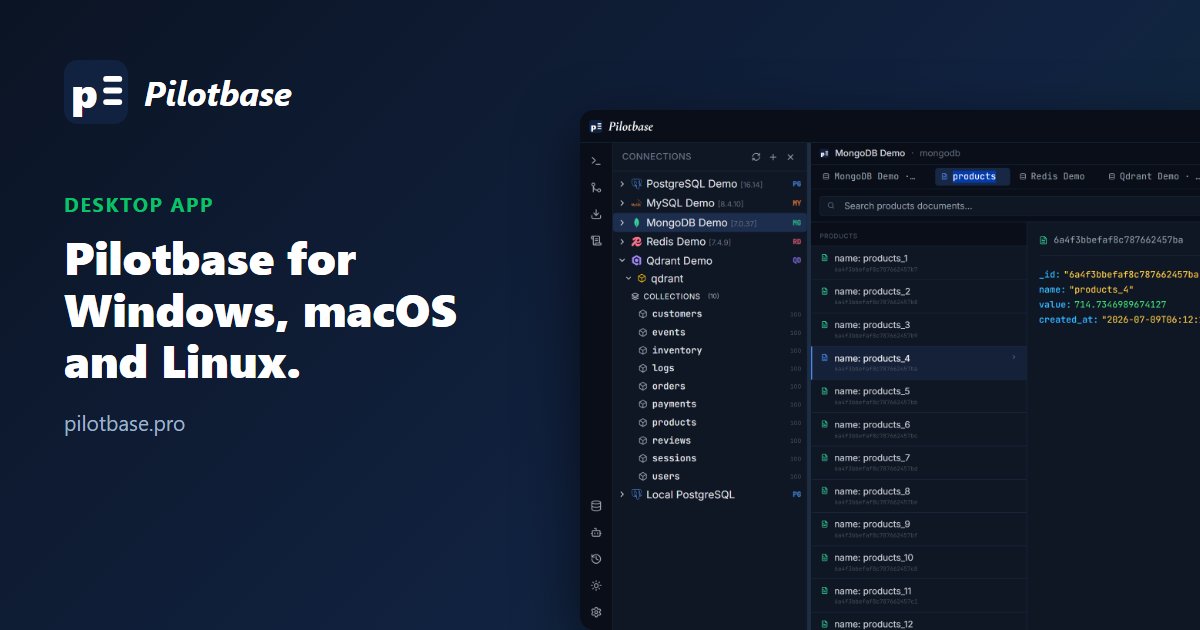
No browser tab, no server to run
Pilotbase Desktop wraps the same FastAPI backend and React UI as the Docker version in an Electron shell. You don't need Docker, and you don't need a Postgres database for Pilotbase's own data: the desktop app keeps it in a local SQLite file.
The Python backend is packaged with PyInstaller as a sidecar that Electron starts and stops with the app. It listens on 127.0.0.1 only and requires a token generated at each launch, so other machines on your network can't reach it.
Installers for three platforms
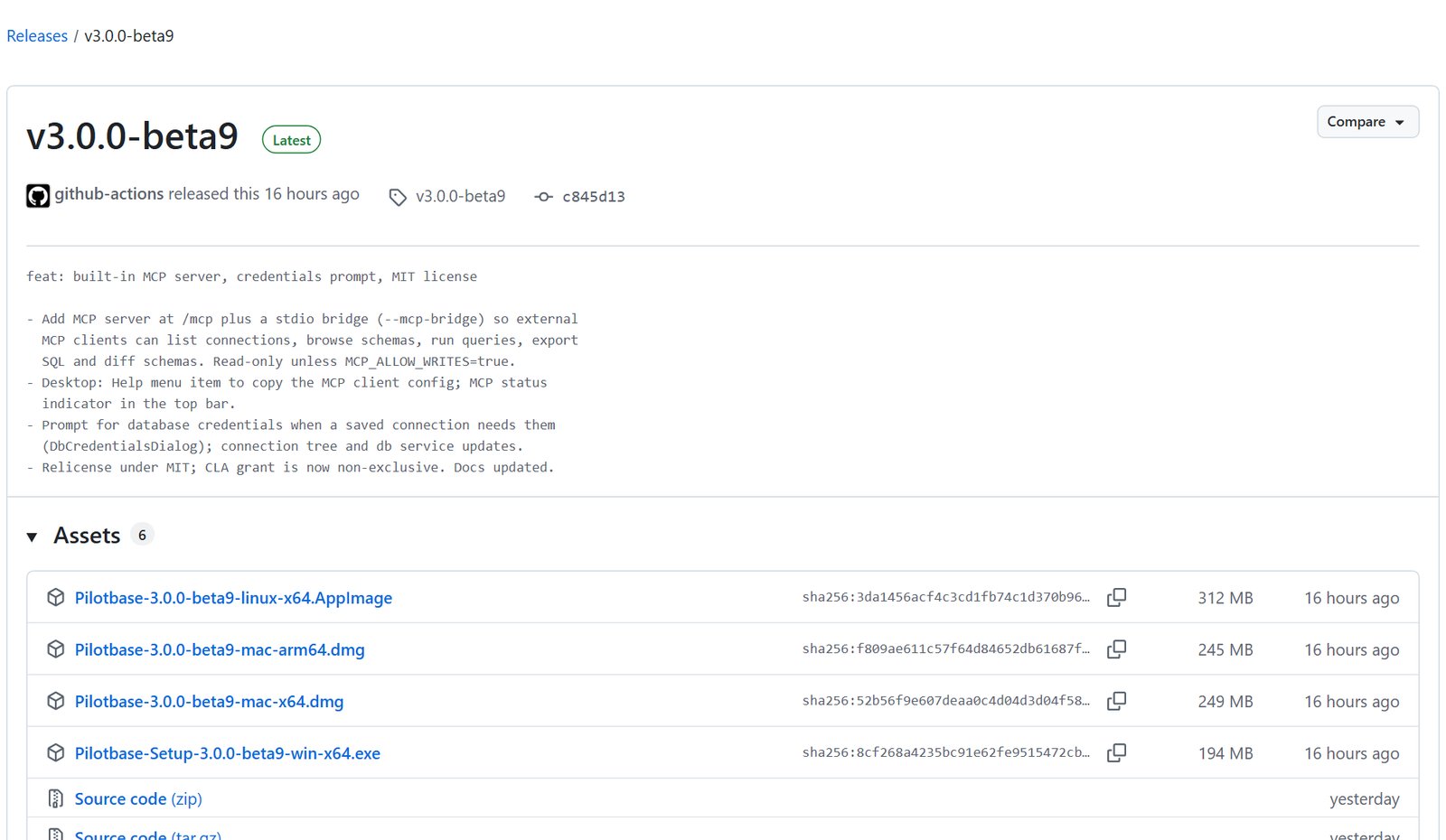
GitHub Actions builds installers for every tagged release and attaches them to the latest release: a Windows x64 .exe, macOS .dmg builds for Apple Silicon and Intel, and a Linux x64 .AppImage. The current release is v3.0.0-beta9.
Same features, your own model
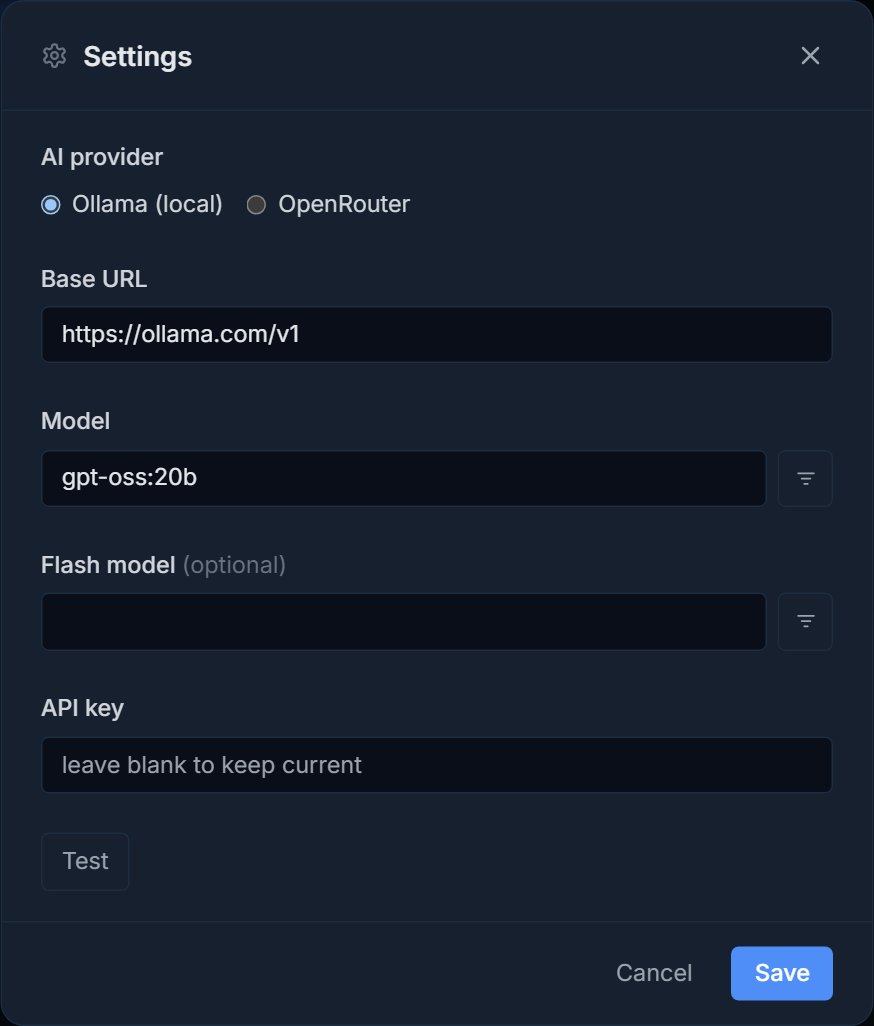
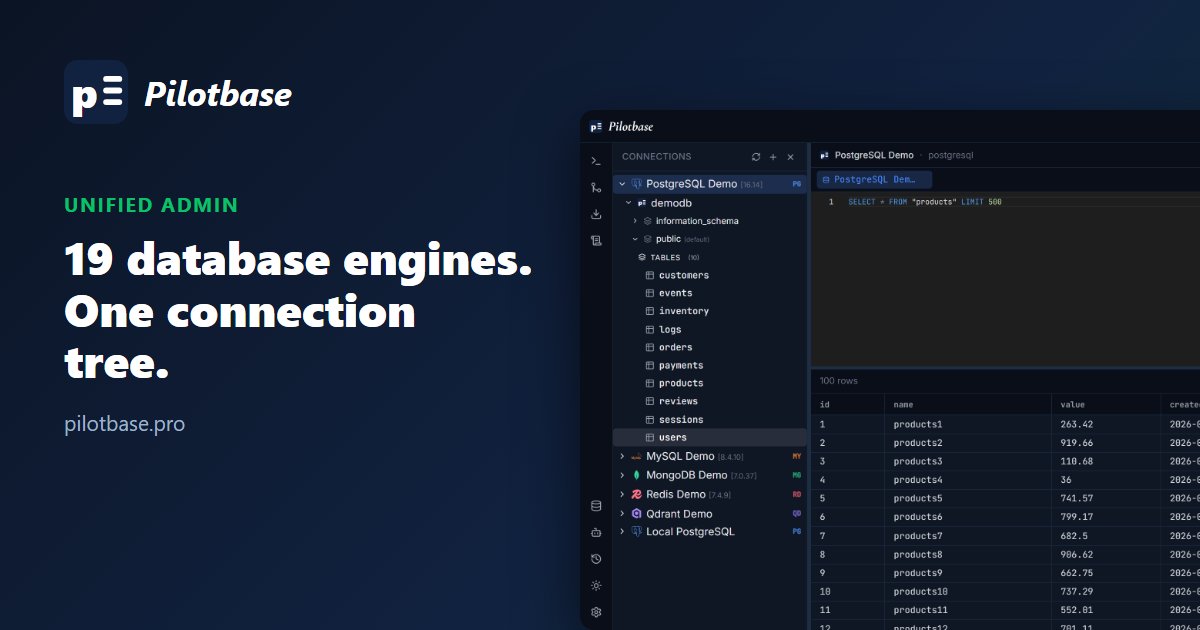
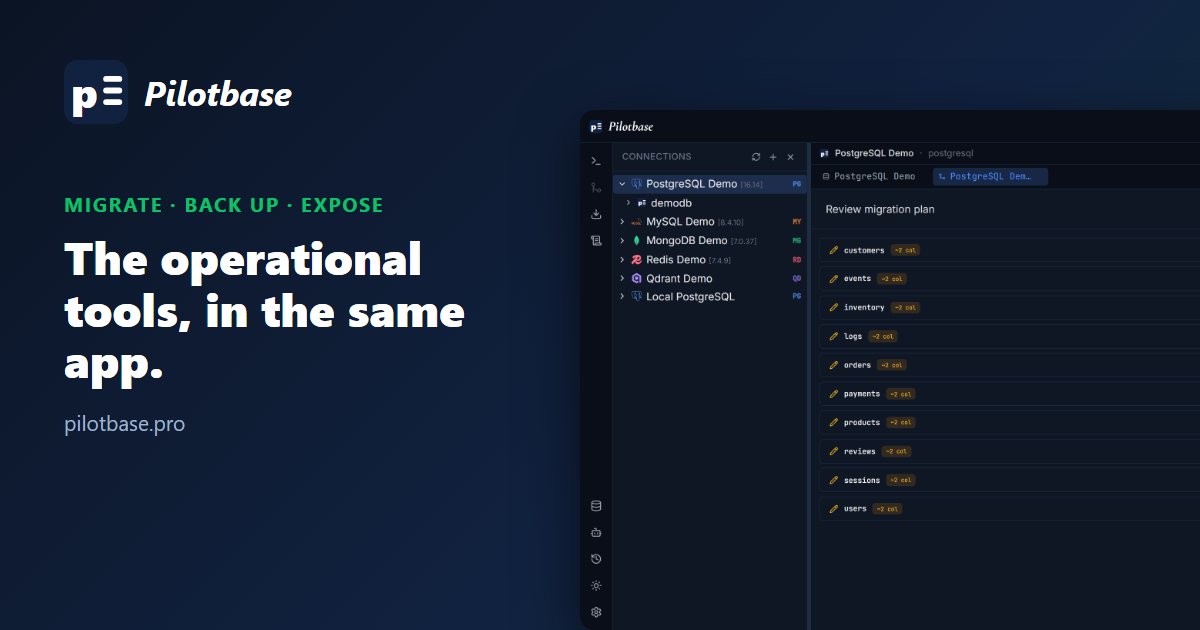
Everything in the web version is in the desktop app: the connection tree, editor, migrations, backups and the AI agent. Open Settings with Ctrl/Cmd+, to pick the agent's model provider (Ollama, local or hosted, or OpenRouter), its base URL and model. API keys are stored encrypted, and leaving the field blank keeps the current key.
Connect other AI tools through MCP
The desktop app also includes a Model Context Protocol server, so MCP-compatible AI assistants can list your saved connections, browse schemas, describe tables, run queries, export SQL and diff schemas through Pilotbase. Credentials never leave the app. It's read-only by default, and writes need MCP_ALLOW_WRITES=true. Copy the client config from the Help menu; an MCP indicator in the top bar shows whether it's on and whether it's read-only.
Download Pilotbase Desktop for Windows, macOS or Linux. Free and MIT-licensed.
Get Pilotbase
Comments (0)
Loading comments…