More than a query window
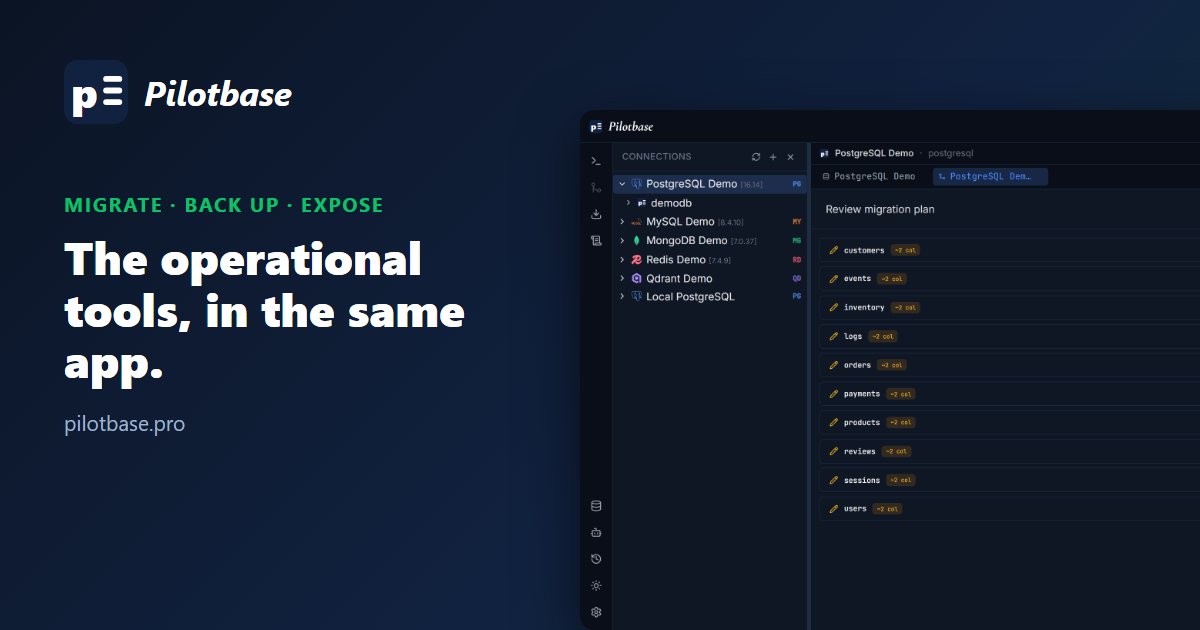
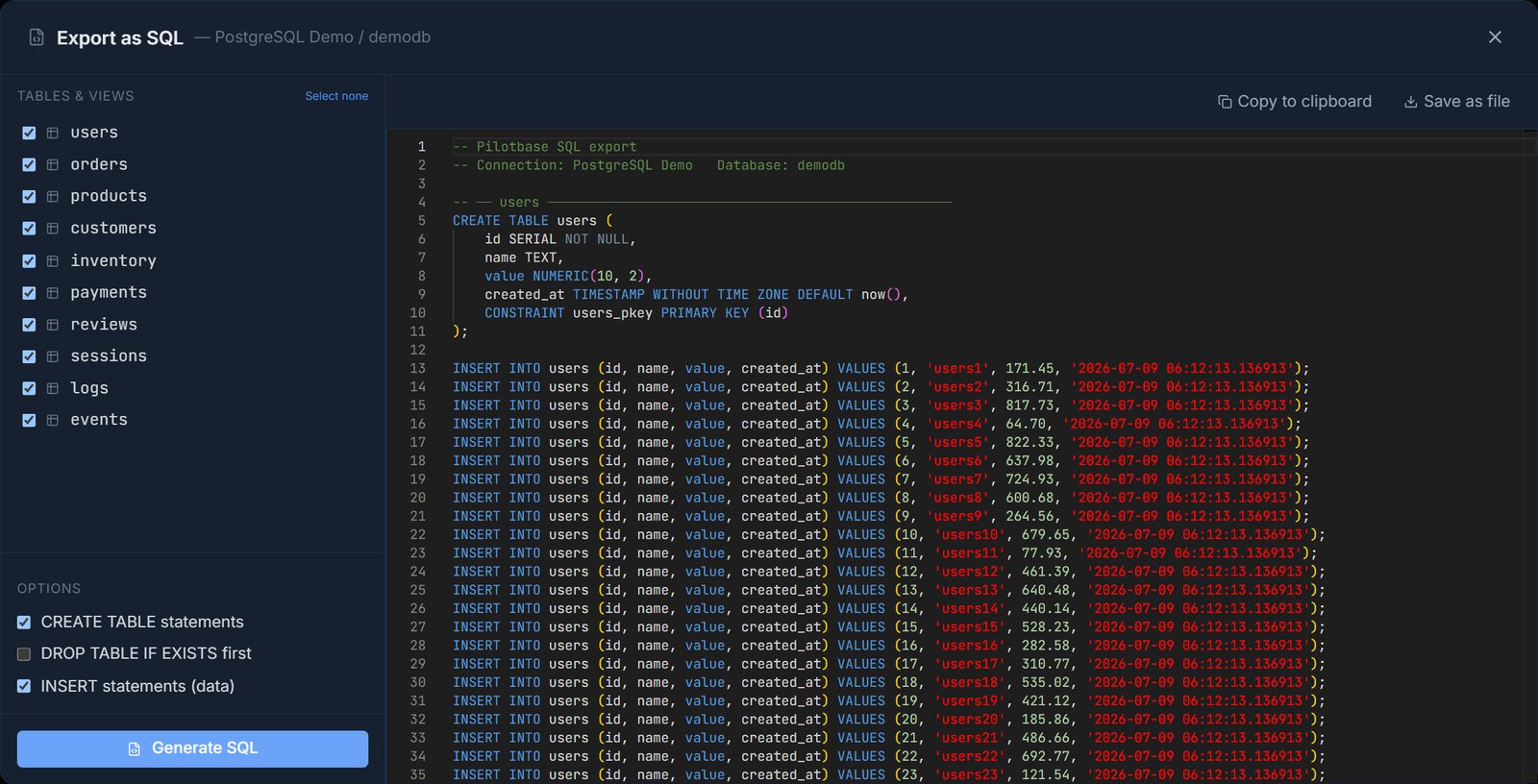
Querying is half the job. The rest is moving schemas between environments, taking a backup before a risky change, or giving another service access without handing out database credentials. Pilotbase does these from the same right-click menu on a database: Run Backup, Plan Migration, Enable API and Export as SQL.
Migration: compare first, then review the plan
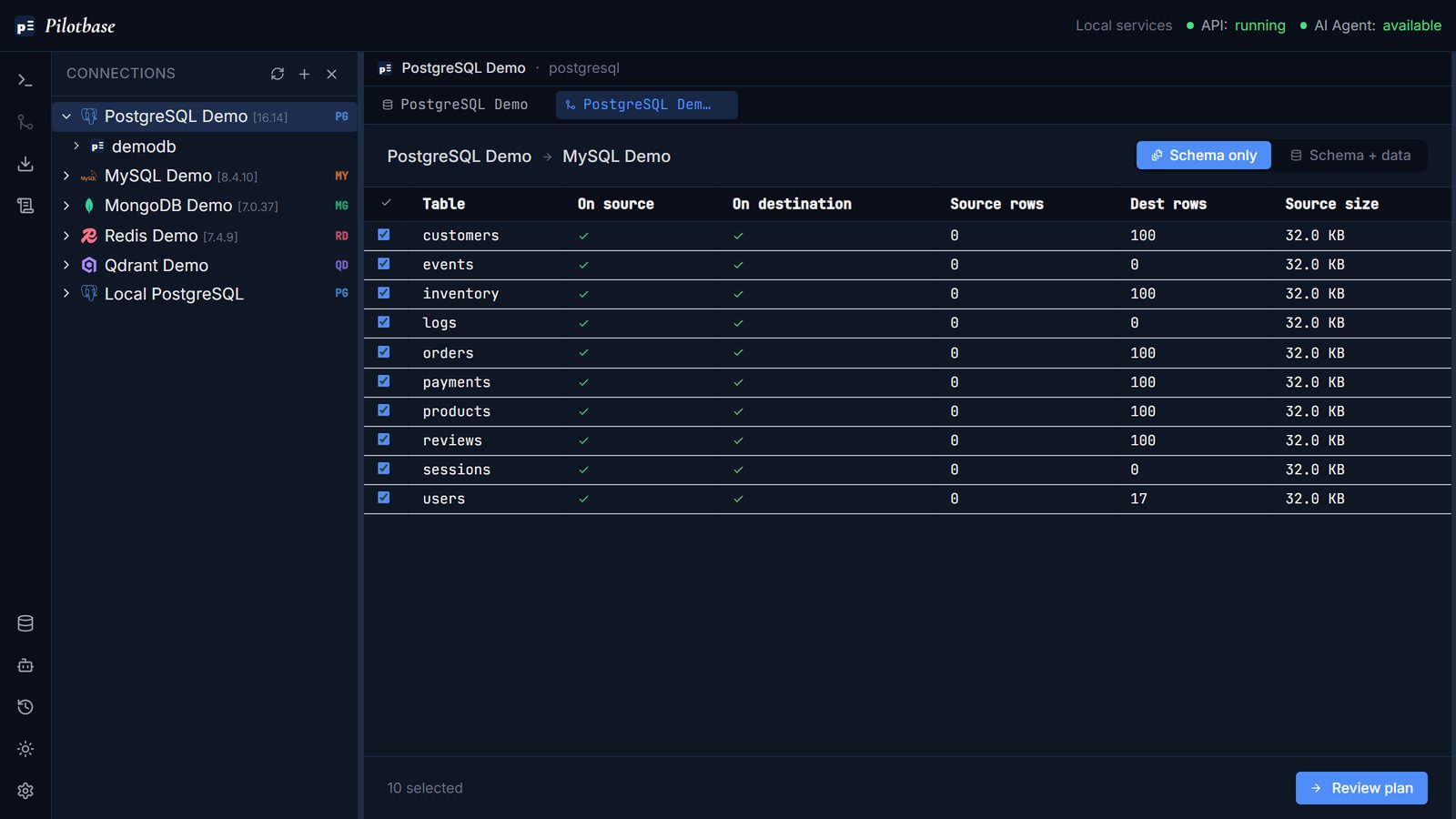
Pick a target connection and database, even on a different engine. Pilotbase lists every table with whether it exists on the source and the destination, row counts and size. Choose Schema only or Schema + data, untick what you don't want, then Review plan.
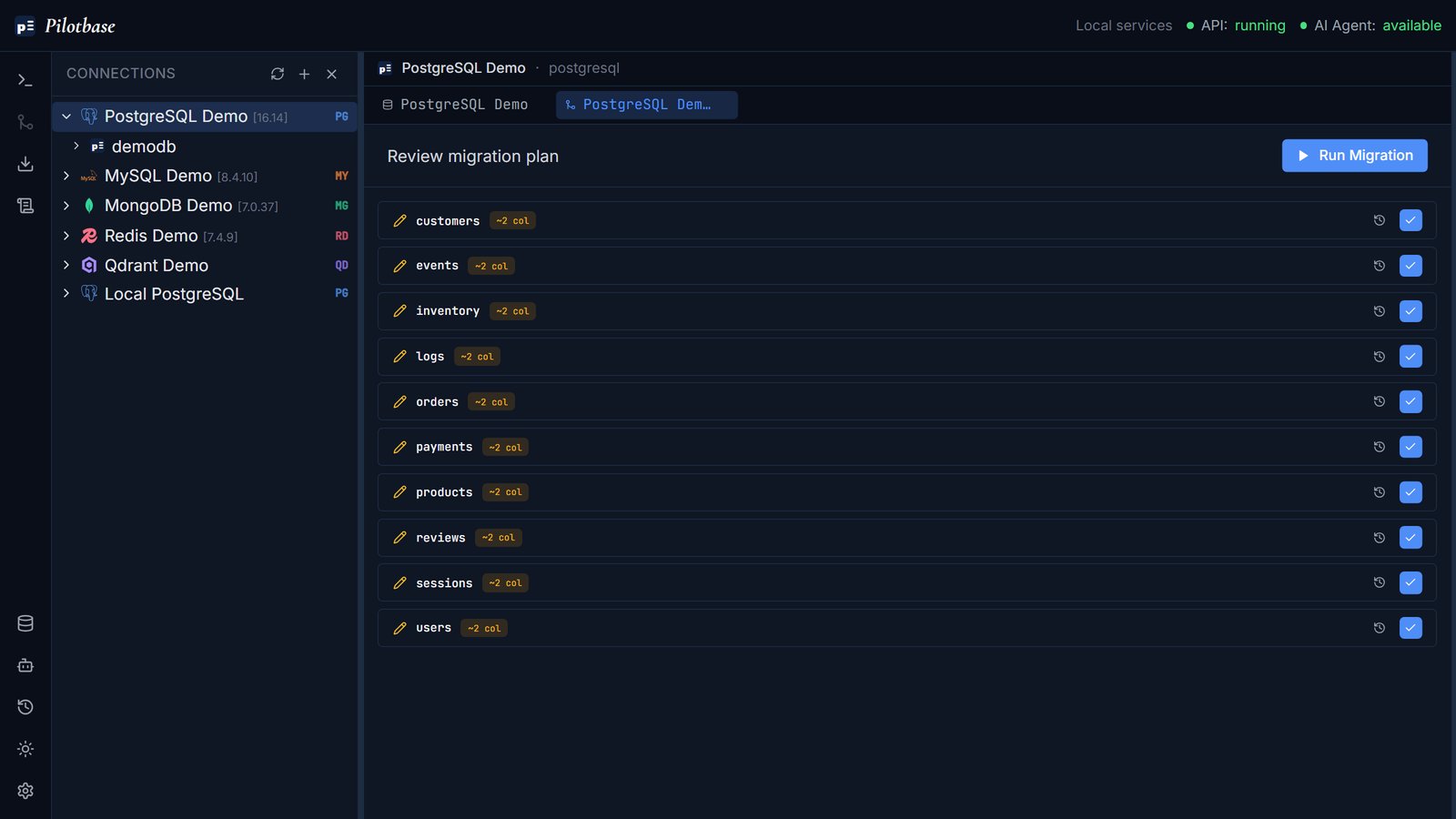
The review step shows what will change for each table before anything runs. Nothing is written to the target until you click Run Migration, and the run view then shows progress per object.
Backups and SQL export
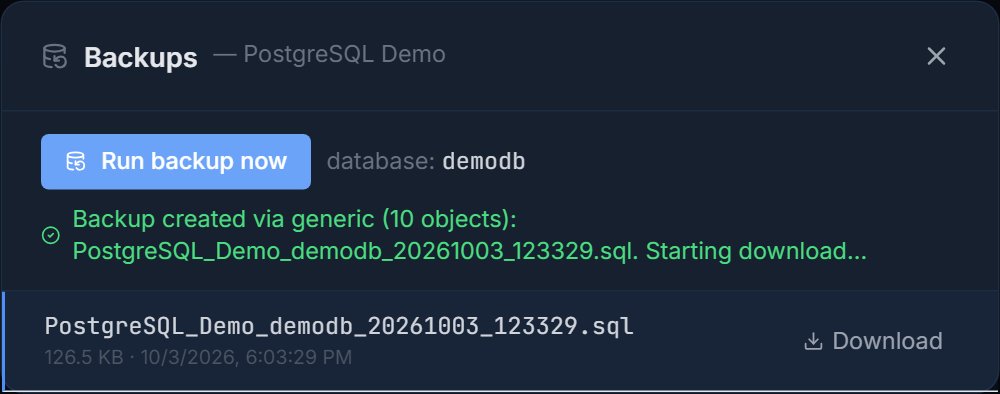
Run backup now writes a backup of the selected database and lists it with its size and time so you can download it later. Export as SQL produces a script you can preview, copy or save, with options for CREATE TABLE, DROP TABLE IF EXISTS and INSERT statements per table.
Credentials are encrypted at rest
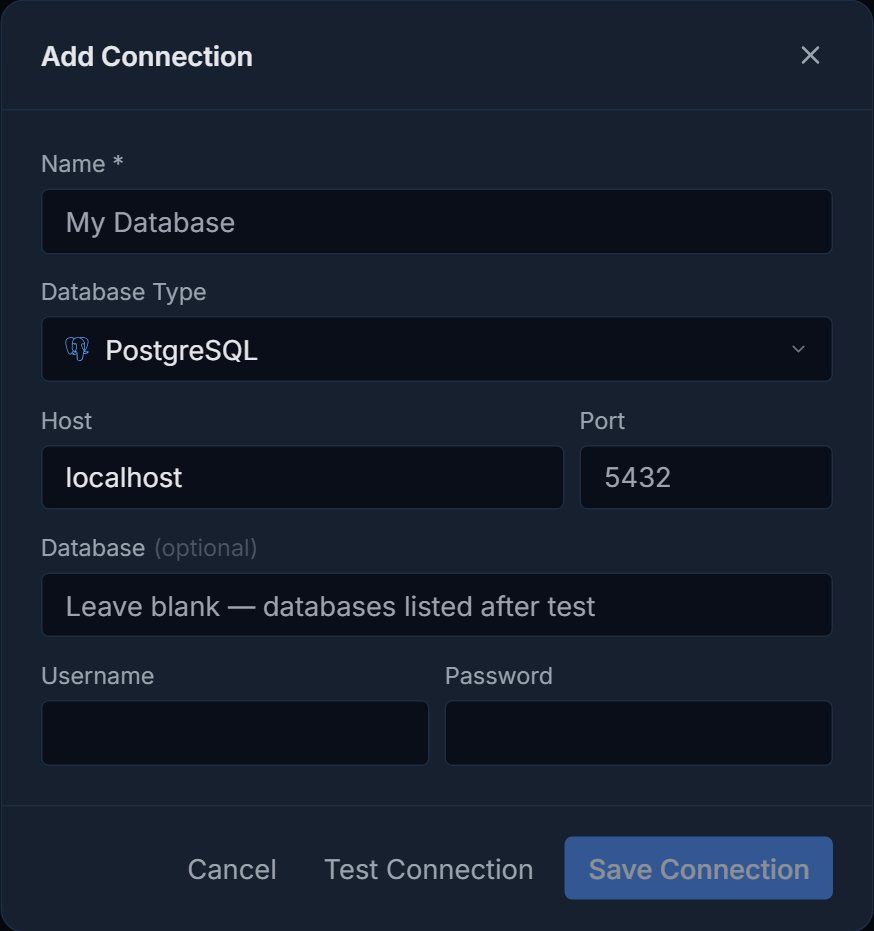
Connection passwords, API keys, bearer tokens and LLM API keys are encrypted with Fernet symmetric encryption before they're stored. Sign-in is pluggable through an AuthBackend interface: anonymous mode for a single self-hosted user, with JWT, OAuth2, LDAP or SSO by implementing the interface. Users join through token-based invite links, and access can be granted per connection as read, write or admin.
Optional: expose a database as an API
Enable API generates a REST API for a database, so another service can read and write rows over HTTP without direct database credentials. It's off by default. Read the dialog before you enable it: it adds guid, created_at, last_updated and is_deleted columns to every table, which you should plan for on a shared database.

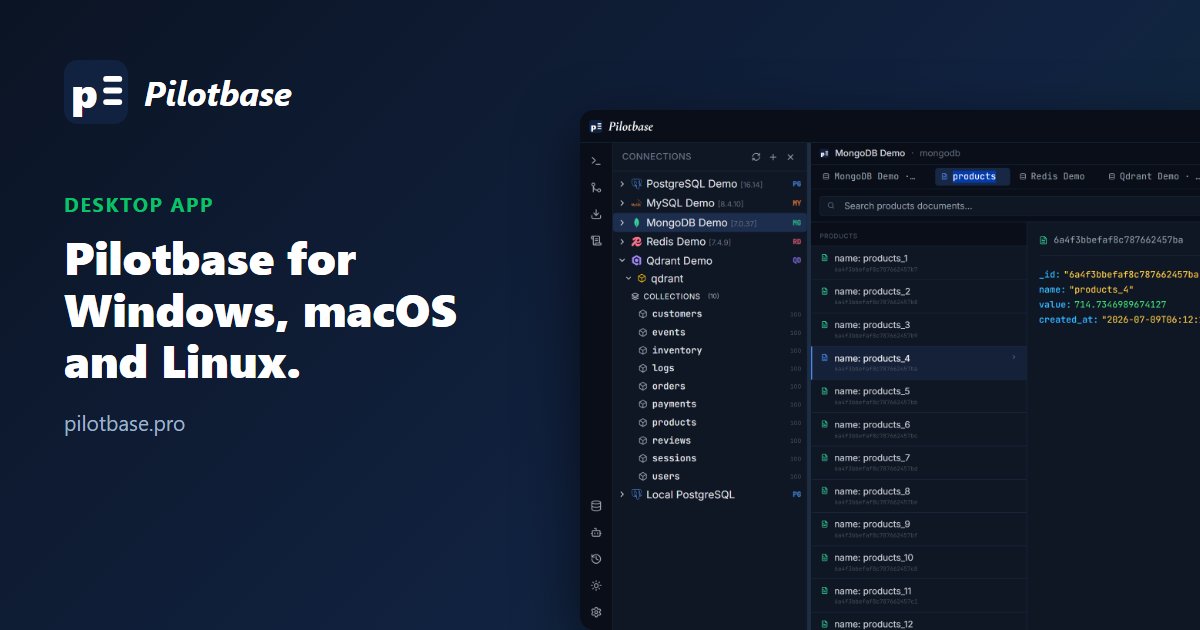
Pilotbase is free and MIT-licensed. Run it as a desktop app or with Docker, connect a database, and see for yourself.
Get Pilotbase
Comments (0)
Loading comments…