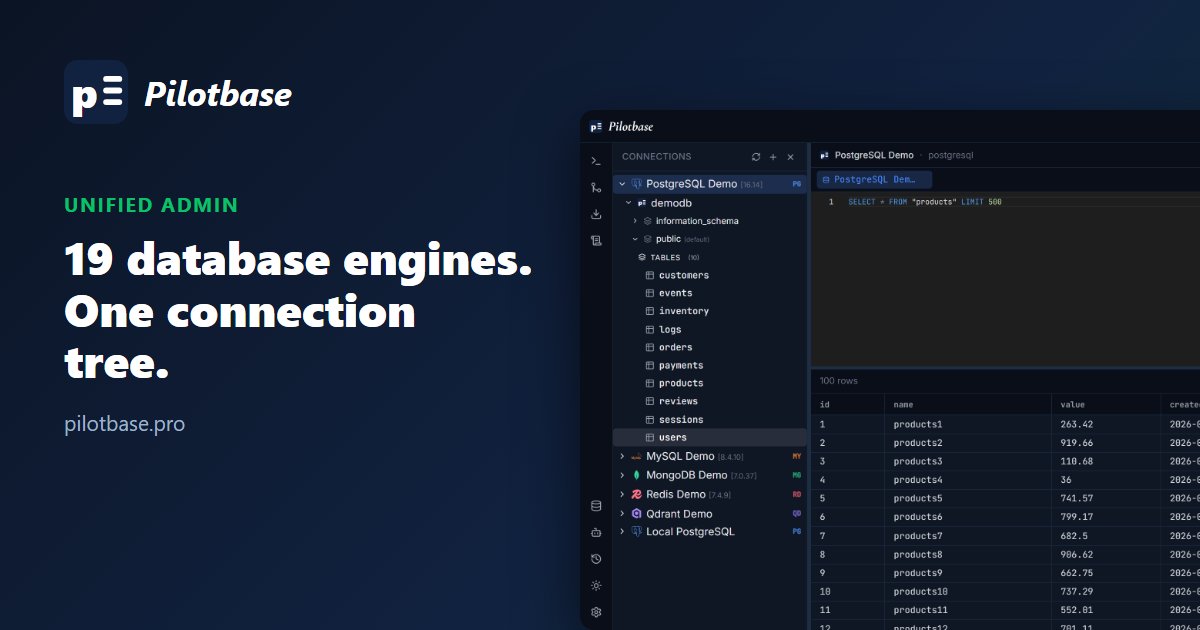
Every engine, one connection tree
Most teams end up with a drawer of admin tools: one for Postgres, another for MongoDB, a Redis CLI, a vector database dashboard. Pilotbase puts all of them in one window. Each connection sits in the same tree on the left, and every engine gets the same editor, results grid and context menus.
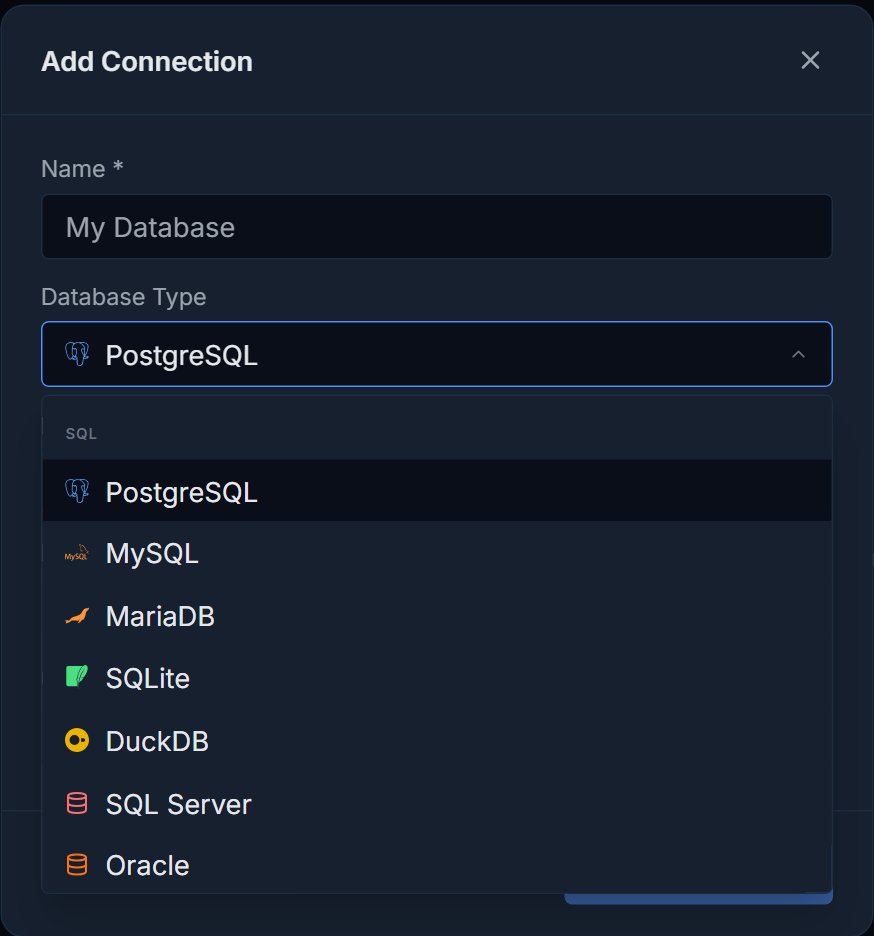
On the relational side it connects to PostgreSQL, MySQL and MariaDB, SQLite, DuckDB, Microsoft SQL Server, Oracle, Db2, CockroachDB and Snowflake. For NoSQL there's MongoDB, Redis, Cassandra, CouchDB and DynamoDB. For vectors: Qdrant, ChromaDB, Weaviate, Pinecone and Milvus. The supported databases page lists what each one supports (create/drop, migration, backups, AI agent queries).
Relational: a schema tree and a real SQL editor
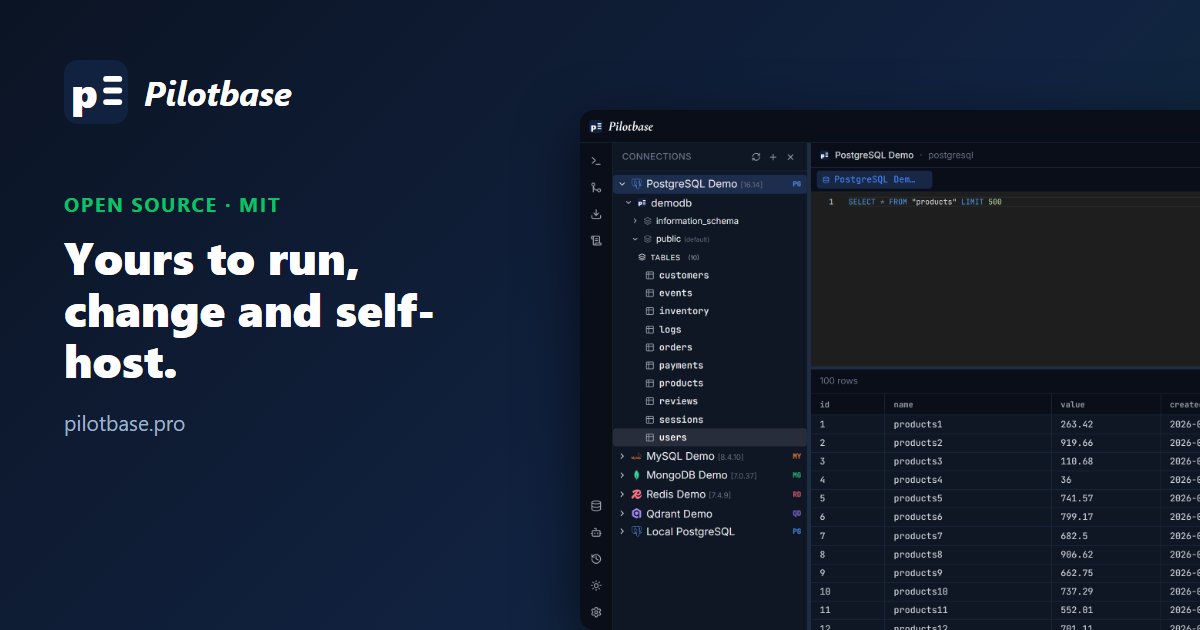
Expand a connection to see its databases, schemas and tables. Right-click a table for View All Rows, View Latest 50, Show Columns or Export as SQL. Queries run in a Monaco editor (the editor behind VS Code) with syntax highlighting, and Ctrl+Enter runs them.
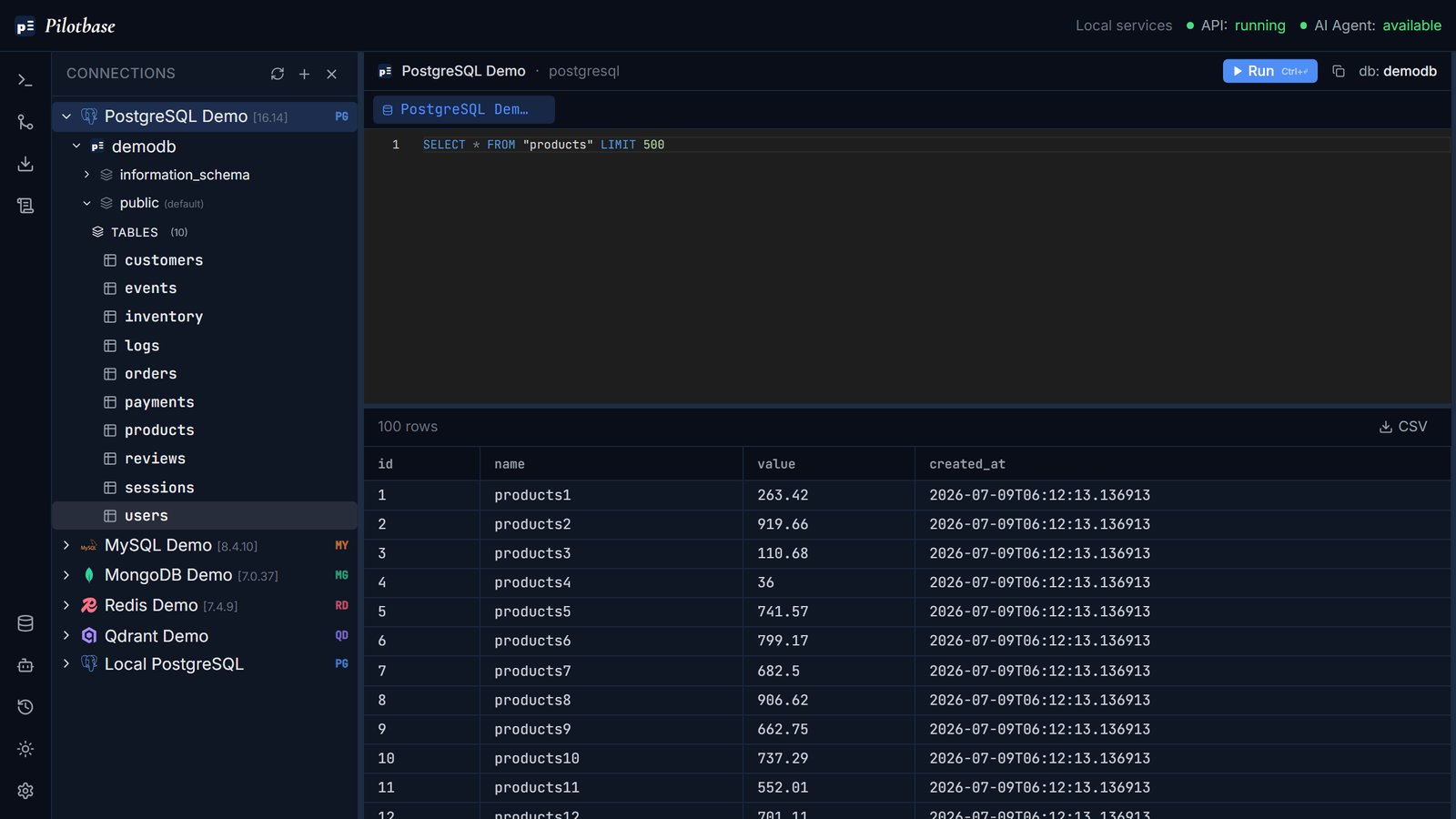
SELECT in the editor, and 100 rows in the grid with CSV export.Document and key-value stores, in their own shape
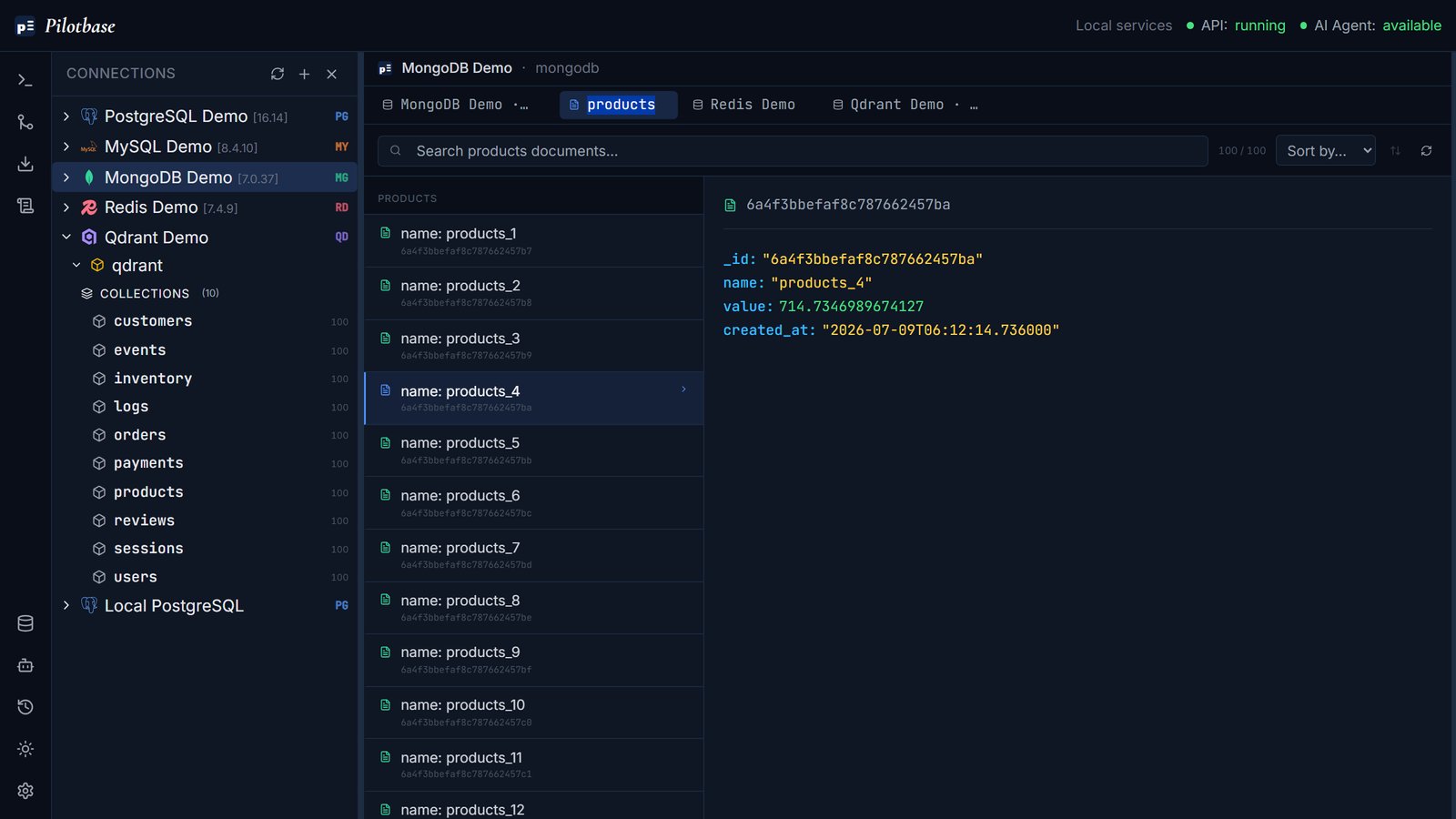
NoSQL data isn't forced into a table. A MongoDB collection opens as a list of documents with a field viewer, and you can search and sort it. MongoDB also takes find queries and aggregation pipelines, Cassandra takes CQL, CouchDB takes Mango queries, and DynamoDB supports scan and get-item.
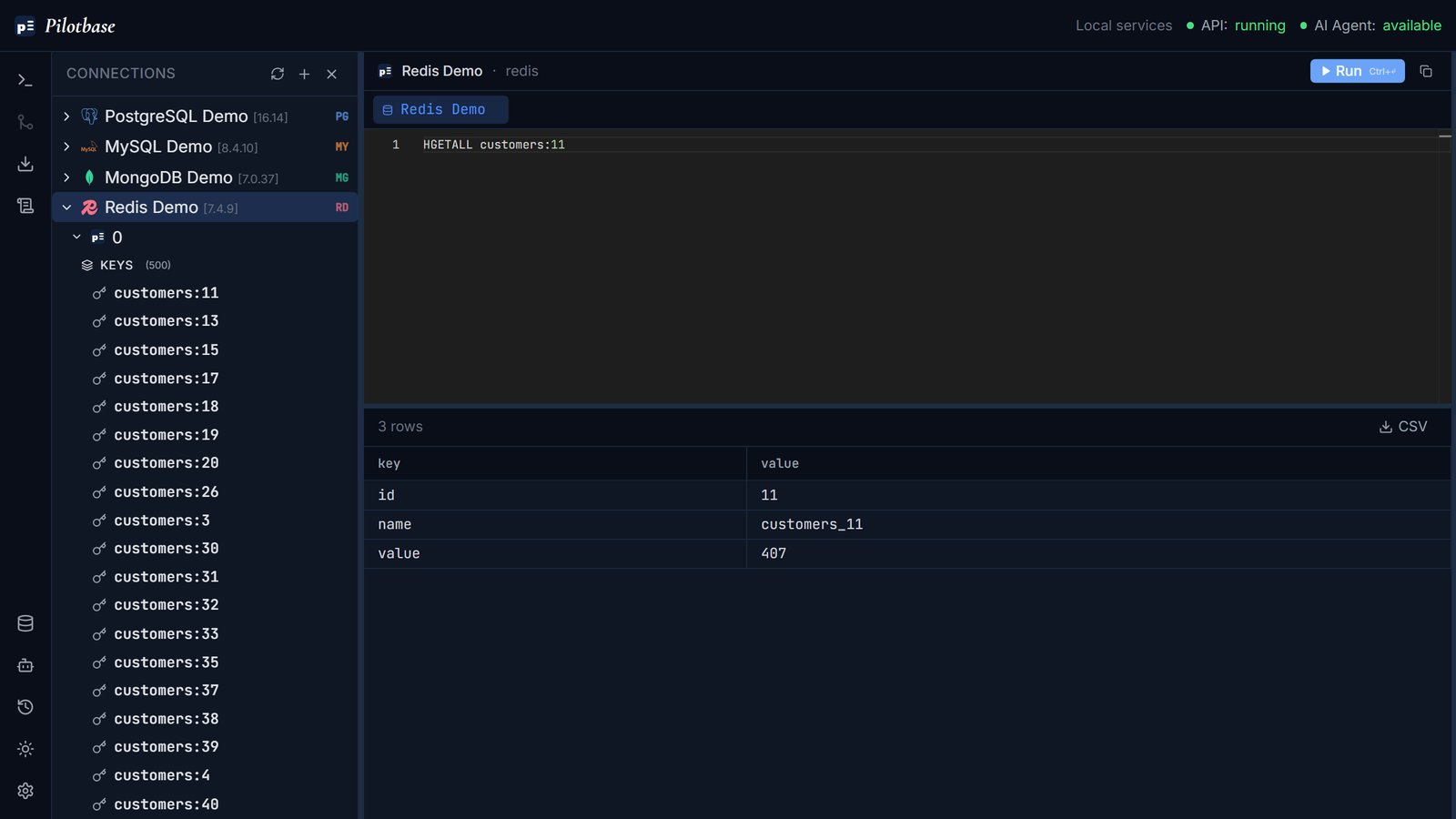
Redis keys are listed under each logical database, and the editor speaks Redis's own commands. Here a hash is read with HGETALL.
Vector databases included, not bolted on
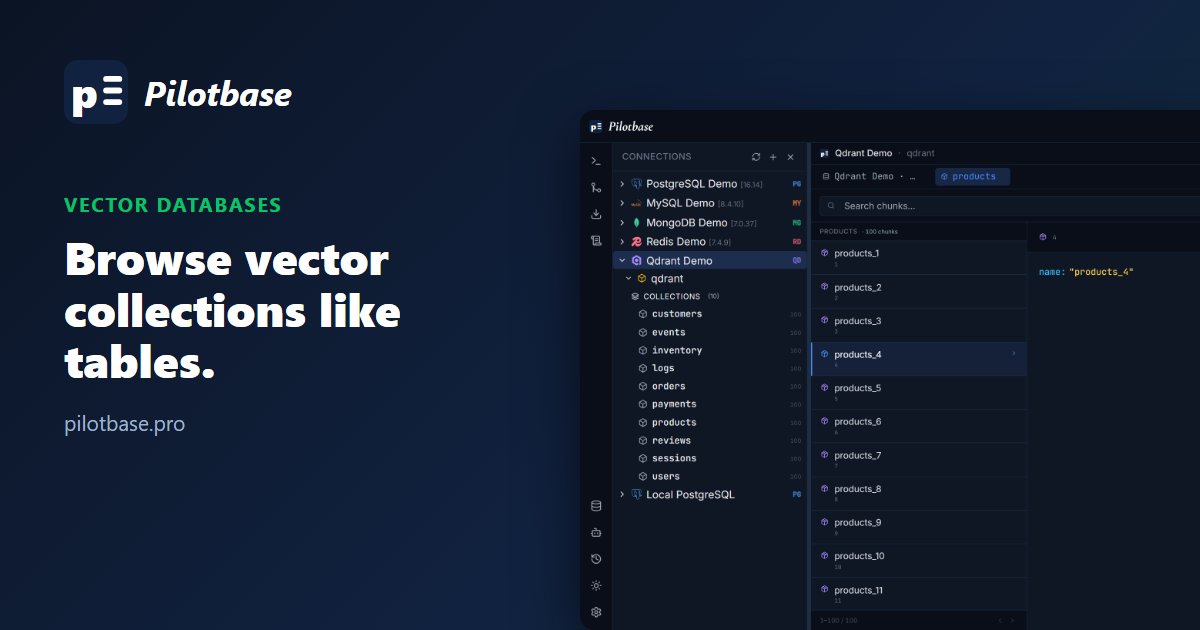
Qdrant, ChromaDB, Weaviate, Pinecone and Milvus get a chunk browser for paging through points, filtering and editing payloads inline. There's more on that in Vector databases are first-class citizens.
Pilotbase is free and MIT-licensed. Run it as a desktop app or with Docker, connect a database, and see for yourself.
Get Pilotbase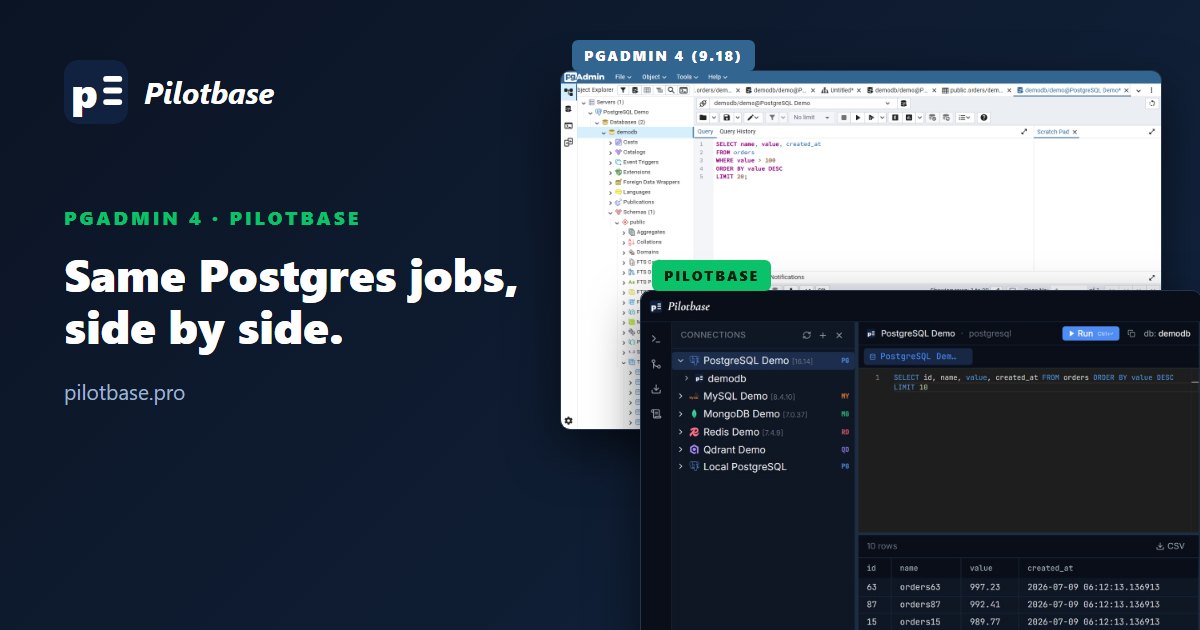
Comments (0)
Loading comments…