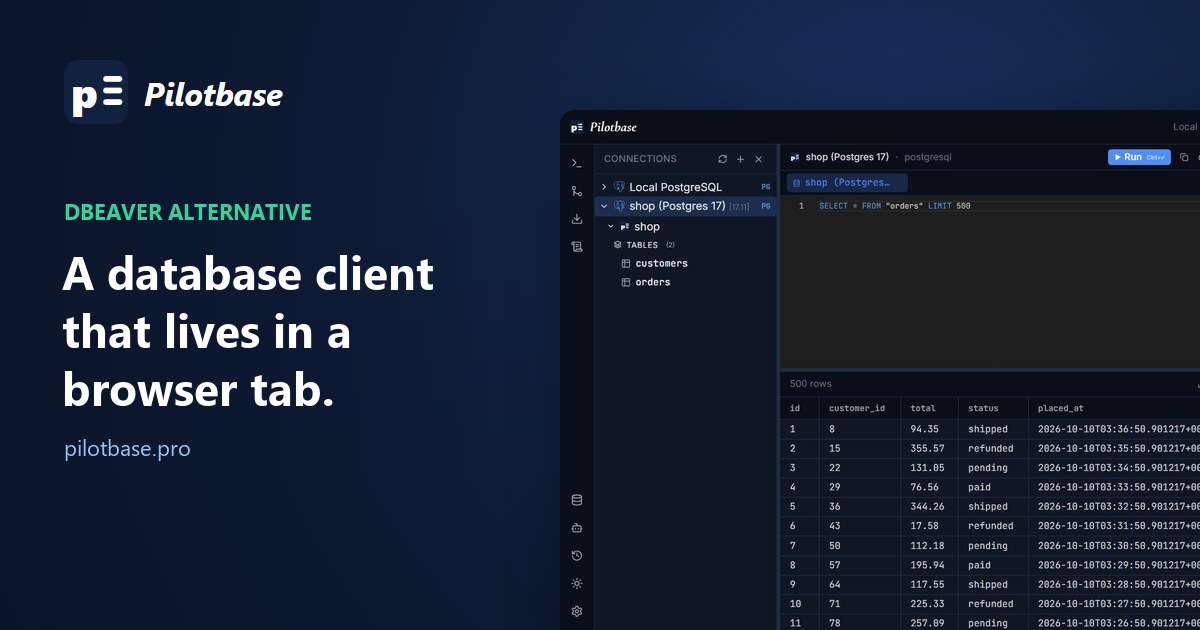
DBeaver is good software. It's also a desktop program, which is fine until the database is somewhere your desktop isn't: on a server behind a firewall, in front of a colleague who can't install Java tools on a work laptop, or needed from a tablet on a Sunday.
That's when people search for a DBeaver alternative in the browser. We make one, Pilotbase, so weigh this accordingly. We'll go through what really changes when the client moves into a tab, compare ours with the one DBeaver's own team makes, and say where you shouldn't switch at all.
Why you'd want the client in a tab
Nothing to install on each machine. The client runs once, next to the database. Everyone else opens a URL.
The database port stays closed. A desktop client needs a route to port 5432 or 3306: an open port, a VPN or an SSH tunnel per person. A web client sits on the same network as the database and talks to it locally. Only the web page has to be reachable, and that can be through a tunnel or a login in front.
Passwords stay on the server. Saved connections live with the client, not in a config folder on five laptops.
Your laptop gets its memory back. When we measured DBeaver it sat at about 420 MB idle. A web client's weight is on the server; your side is one tab.
DBeaver's own answer is CloudBeaver
Before anything of ours: the DBeaver team makes a browser version, CloudBeaver, and its Community edition is open source. If what you like about DBeaver is DBeaver, start there. It has users and shared connections that people can use without knowing the password, a proper SQL editor, an entity diagram and data export. On our install it listed 18 drivers, all of them SQL engines.
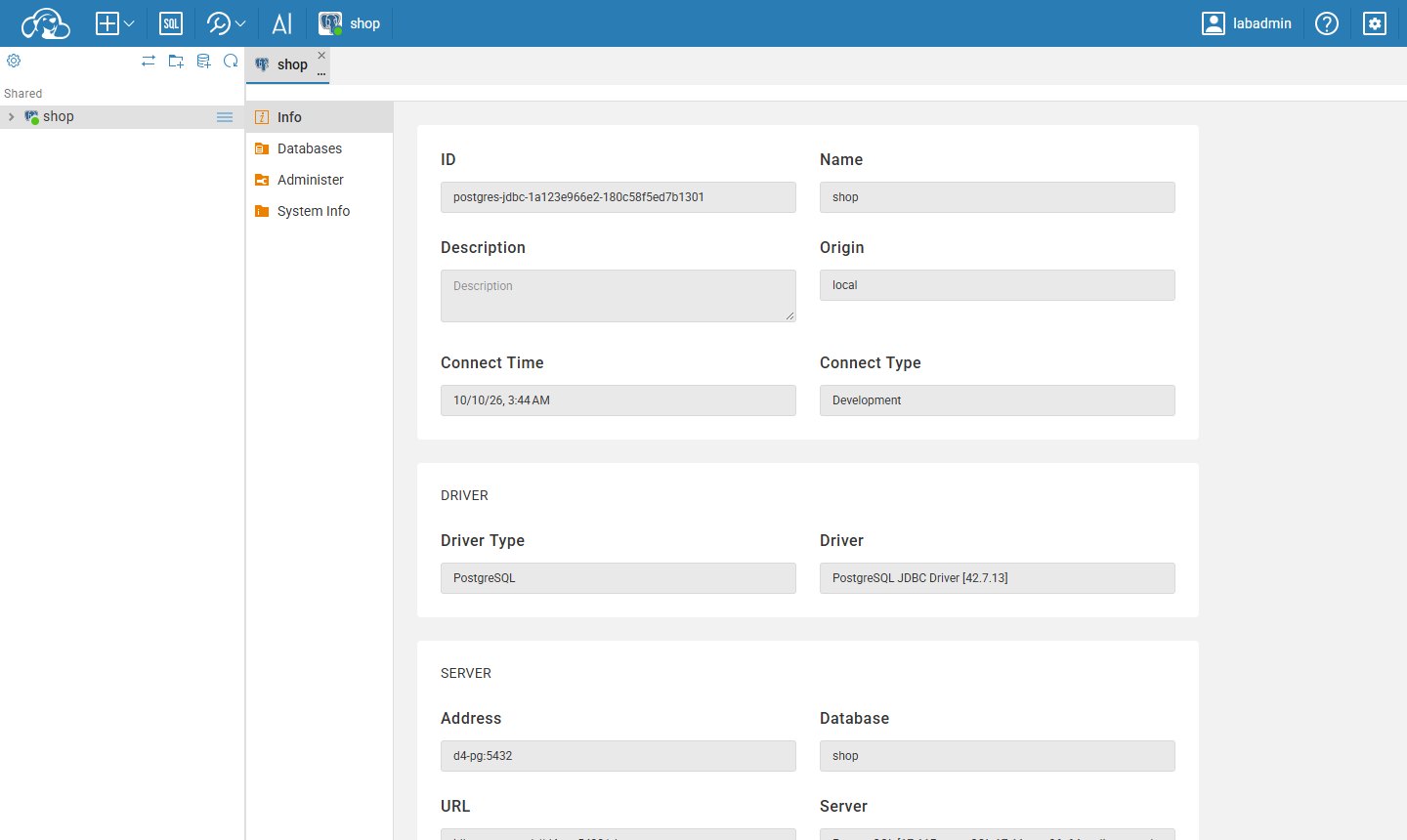
It was also the heaviest web client we tried: a 409 MB download and 300 to 345 MB of memory before anyone ran a query. And like desktop DBeaver Community, it stops at SQL. DBeaver's documentation lists the MongoDB driver for the paid Lite, Enterprise and Ultimate editions only, and its site points to the paid products for more NoSQL and cloud sources.
Pilotbase in a tab
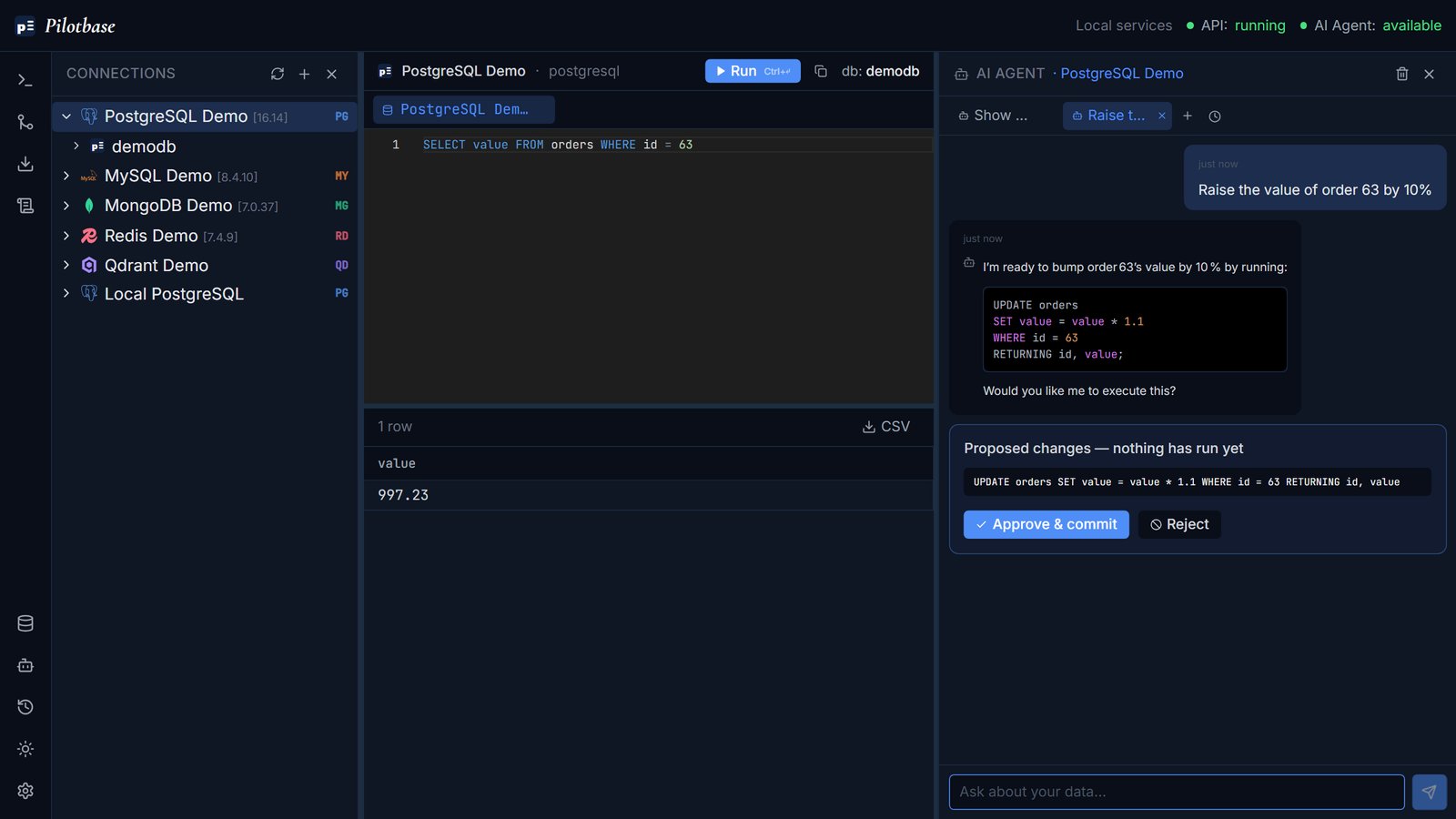
Pilotbase is one web app for 19 engines: PostgreSQL, MySQL, SQL Server and the other SQL ones, and also MongoDB, Redis, Cassandra and vector databases such as Qdrant. It runs in Docker on your server, or as a desktop app if you'd rather not run a server at all. It's MIT-licensed.
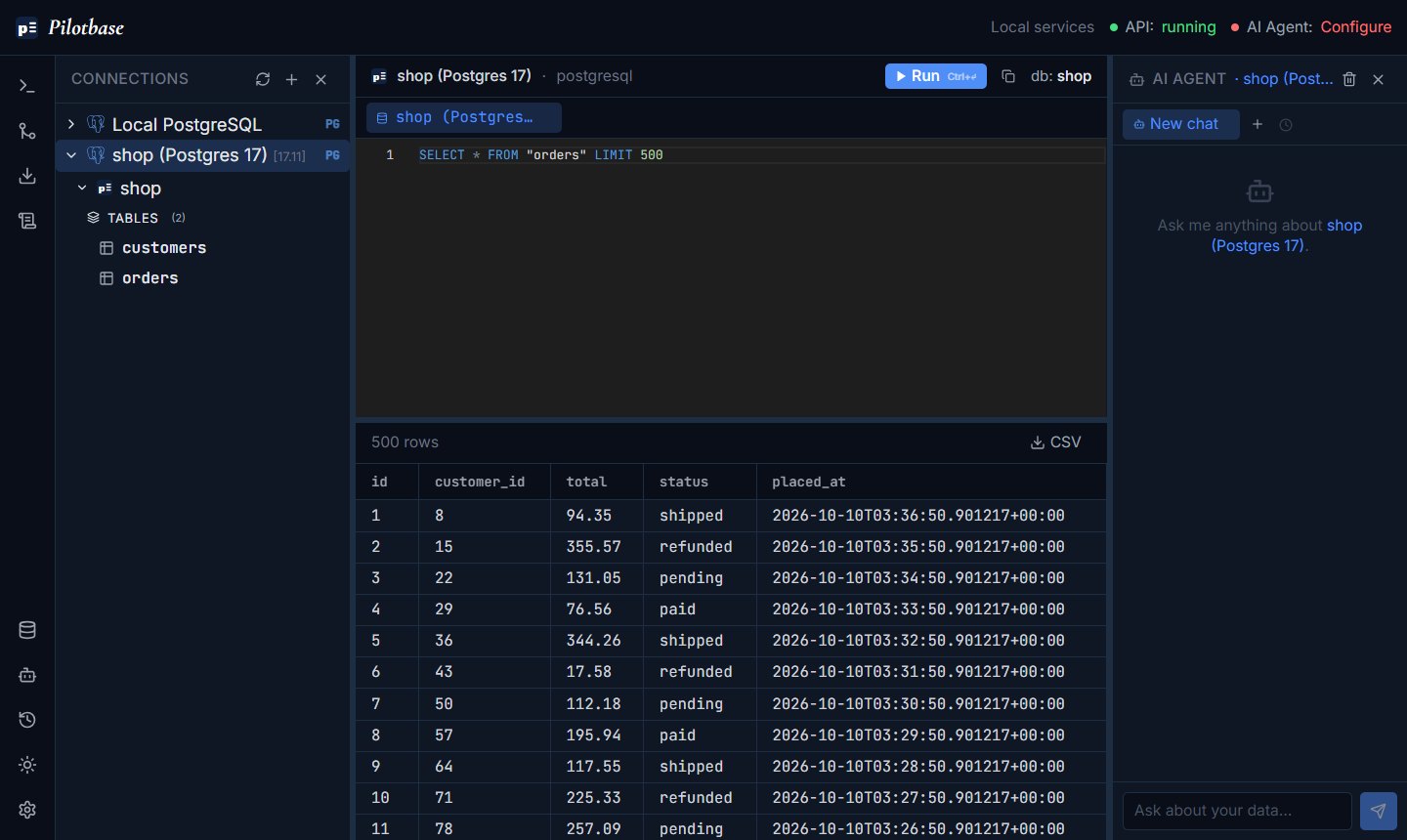
The part DBeaver Community doesn't cover is everything that isn't a table. A MongoDB collection opens as documents and a Redis key opens with native commands, in the same window as your Postgres.
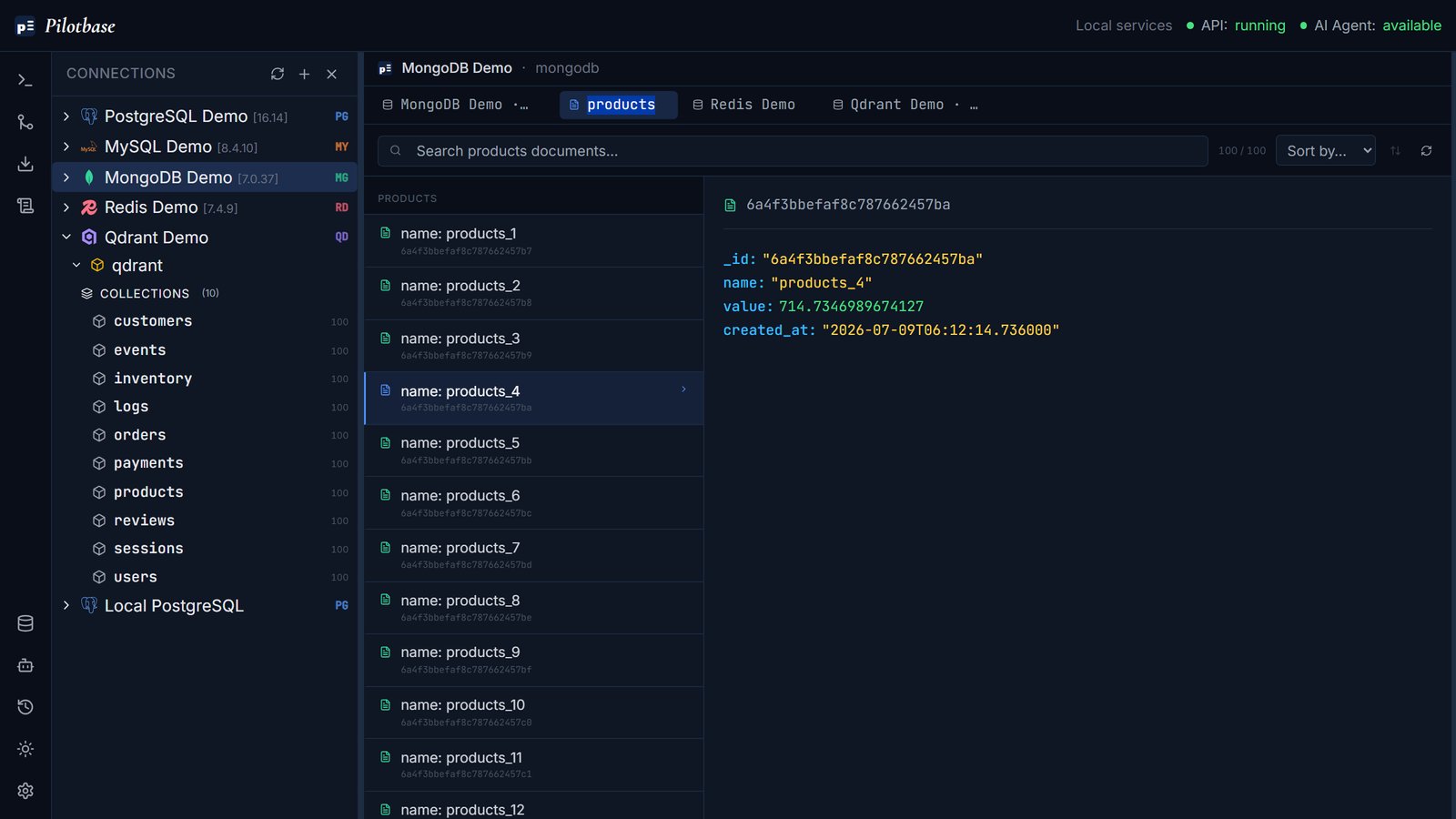
There's also an AI agent that writes the query for you. For anything that changes data it shows the statement as a plan and waits. Nothing runs until you approve it.
Side by side
Memory figures are from our own two test runs in October 2026 (one machine, one run each), so read them as scale, not as a benchmark.
Keep DBeaver if
You edit data by typing into a grid all day. DBeaver's data editor has had fifteen years of attention. Ours shows rows; changing them means a SQL statement or asking the agent. It isn't in the same class.
You live in ER diagrams, or in the editors for roles, triggers, sequences and tablespaces. Pilotbase has no diagram view and doesn't go that deep into objects.
You connect to something unusual. If it has a JDBC driver, DBeaver talks to it. Our list is 19 engines long and stops there.
You pull large results into the client. Pilotbase shows the first 1,000 rows of a result and exports the rest to CSV. That keeps a tab from choking on a careless SELECT *, and it will annoy you if scrolling through 50,000 rows is how you work.
It's only you, on one laptop, and the port is already reachable. Then a browser client solves a problem you don't have.
Try the browser version in two minutes
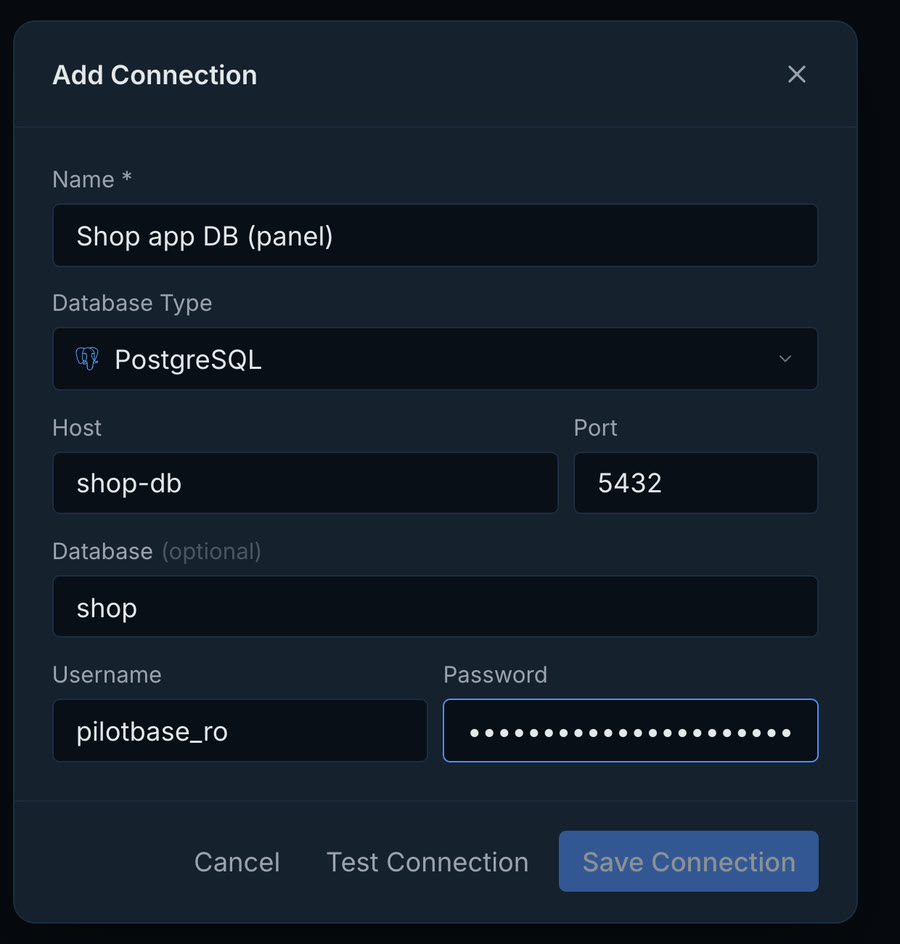
Pilotbase keeps its saved connections and settings in a small Postgres of its own, so it's two containers. Save this as docker-compose.yml in an empty folder:
Put the two keys in a .env file next to it, then start it:
Keep that .env file. Saved database passwords are encrypted with ENCRYPTION_KEY and can't be read back without it.
One warning before you put it on a server
The compose file above binds to 127.0.0.1 on purpose. Out of the box Pilotbase has no login page: the first browser to open it becomes the administrator, and later visitors get an empty workspace. On a public port that first browser might not be yours. Reach it through an SSH tunnel (ssh -N -L 8000:127.0.0.1:8000 you@your-server), a private network, or a reverse proxy with a password in front. And give it a database user that fits the job: a read-only role for looking around, a separate one for changes.
The same advice holds for every web database client, CloudBeaver included. We compared four of them on that point in four ways to put your database in a browser tab.
Short version
Happy with DBeaver on your own machine: stay. Want DBeaver's way of working, shared by a team in a browser, SQL only: CloudBeaver. Want SQL, document, key-value and vector databases in one tab, with backups, migration and an agent that asks before it writes: Pilotbase. You can run both web clients side by side for an afternoon and keep the one you reach for.
Pilotbase runs in Docker on your server or as a desktop app on Windows, macOS and Linux. Open source under MIT.
Get PilotbaseSources
DBeaver Community licence and the note about more NoSQL and cloud sources in the paid products: dbeaver.io/about. MongoDB driver availability (Lite, Enterprise and Ultimate only): DBeaver documentation, MongoDB. Edition feature table: dbeaver.com/edition. CloudBeaver: github.com/dbeaver/cloudbeaver. All read 11 October 2026. Memory, download size and driver counts are our own measurements from 8 and 10 October 2026 (DBeaver Community 26.2.2 on Windows 11; CloudBeaver Community 26.2.2 and Pilotbase in Docker), described in the two articles linked above. The screenshots are from those runs. Pilotbase: github.com/icedsg/pilotbase. This article was written by the people who make Pilotbase (Biz59 LLC).
Comments (0)
Loading comments…