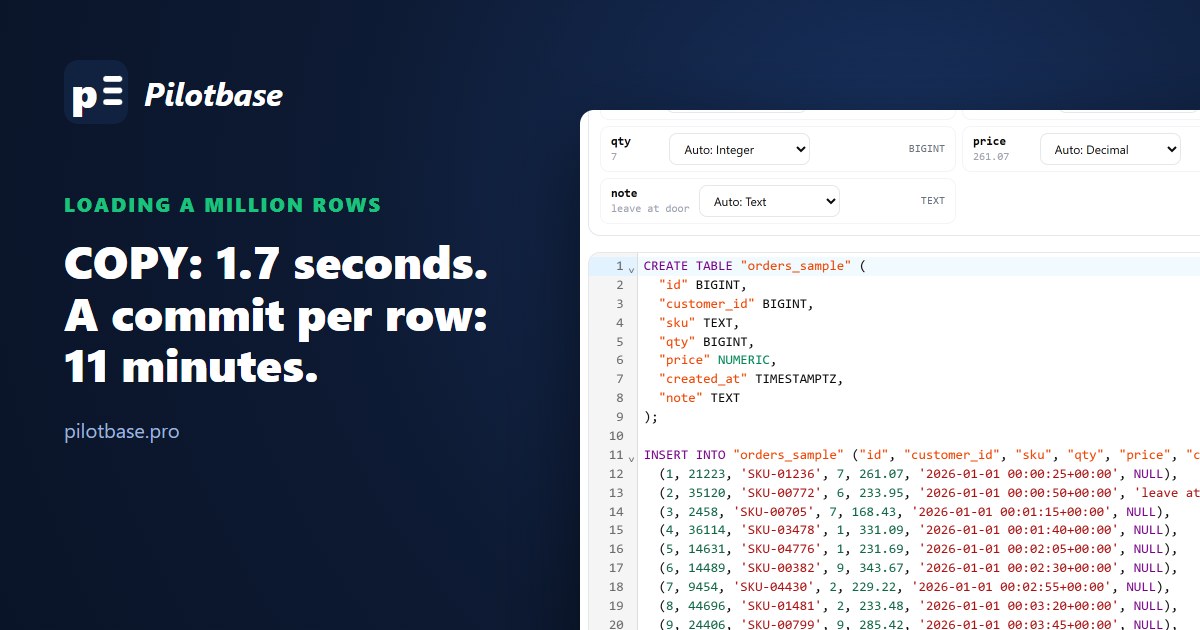
Every project hits the day when a script that inserts rows one at a time meets a file with a million of them. The usual advice is "use COPY" or "batch your inserts", which is right, but it doesn't say by how much, what batch size, or what the indexes on the table do to the numbers. So we measured it.
One CSV, 1,000,000 orders, 57 MB: id, customer_id, sku, qty, price, created_at, note. Loaded into PostgreSQL 18.6 and MySQL 8.4.10 from Python, first into a table with only a primary key, then into one with a foreign key and secondary indexes. Both servers ran in Docker on the same Windows machine with default durability settings (fsync on; on MySQL innodb_flush_log_at_trx_commit=1, sync_binlog=1, binary log on). Absolute times depend on your disk; the ratios are what carry over.
PostgreSQL
Four things stand out.
COPY is in a class of its own: seven times faster than the best INSERT route, and it wrote 28% less WAL, which also means less for replicas and backups to carry. From a file on the client it's \copy orders FROM 'orders.csv' (FORMAT csv, HEADER true) in psql. From application code, every serious driver exposes it: in psycopg 3, with cur.copy("COPY orders FROM STDIN (FORMAT csv)") as cp: cp.write(data), or cp.write_row(row) when the rows are already Python tuples; in psycopg2, copy_expert; in Node, pg-copy-streams; in Go, pgx.CopyFrom.
Batch size barely mattered. 100 rows per statement and 10,000 rows per statement were within a second of each other. Going from one row per round trip to a hundred is the whole win; past that, the server is busy inserting rows and the statement count stops being the bottleneck. A few hundred to a thousand rows per statement is plenty, and it keeps each statement small enough to log and retry.
executemany depends entirely on the driver. psycopg2's executemany sends one statement per row and waits for each answer: 75 seconds. psycopg 3's executemany uses pipeline mode, sending rows without waiting for each reply, and came in at 13.4 seconds, as fast as hand-built multi-row INSERTs. The same psycopg 3 code building 1,000-row INSERTs with 7,000 bound parameters each was slower (31.5 s) than its own executemany; with psycopg 3, let executemany or copy do the batching.
Commits are what make row-by-row slow. One INSERT per transaction took an estimated 11 minutes, because every commit waits for the WAL to reach the disk. Turning off synchronous_commit for that session cut it to under two minutes (a crash can lose the last few hundred milliseconds of commits, but not corrupt anything). Better still, don't commit per row: wrap the load in one transaction, or commit every few thousand rows if it has to be restartable.
What indexes cost during the load
Same loads into a table with a foreign key to customers and three secondary indexes (customer_id, created_at, sku):
With the indexes in place, COPY went from 1.7 to 11 seconds and wrote almost three times the WAL: every row now updates four B-trees at random positions and checks a foreign key. Building the same indexes afterwards, from sorted data in one pass, took 1.8 seconds. Load first, index after, came out at 3.4 seconds instead of 11.
That's the case for an empty table or a staging table. For a table that already holds data and serves queries, dropping its indexes to load faster isn't an option; load into a staging table without indexes, then INSERT INTO orders SELECT ... FROM staging in one statement. If you do add a foreign key after a load on a live table, ADD CONSTRAINT ... NOT VALID followed by VALIDATE CONSTRAINT keeps the long check from blocking writes (we covered that in adding constraints to a big table).
MySQL
LOAD DATA is MySQL's COPY and wins the same way. Both Python drivers' executemany rewrite a plain INSERT ... VALUES into multi-row statements behind your back, so on MySQL executemany is already batched, unlike psycopg2. One row per autocommit transaction was the slowest thing we measured anywhere: an estimated 38 minutes, because with the binary log on, each commit flushes both the redo log and the binlog.
The index result is the opposite of Postgres. Loading bare and adding indexes after was slower here, and the reason is the foreign key: the two secondary indexes took 1.8 seconds (ALGORITHM=INPLACE), but ADD FOREIGN KEY with foreign_key_checks on can't run in place, so MySQL rebuilt the whole table (9.5 s). Asking for INPLACE says so directly:
With SET foreign_key_checks = 0 it does run in place, but then MySQL never checks the rows already in the table. On MySQL, either load into the table with its foreign key already there, or add the secondary indexes afterwards and keep the foreign key from the start.
A Windows line ending that loads 18 rows
Our first LOAD DATA run reported success and loaded 18 rows. Python's csv module writes \r\n line endings, and LOAD DATA splits lines on \n unless told otherwise, so every last field kept a stray \r. Harmless until row 18, the first one with a quoted note: "fragile, handle with care"\r no longer ends with a quote, so MySQL kept reading, and that one note swallowed the rest of the file. One warning (Data truncated for column 'note' at row 18), no error:
PostgreSQL's COPY ... (FORMAT csv) accepts both line endings, which is why the same file went in without a fuss there. Whatever the engine, compare the row count with the file's line count after a load.
Getting the CREATE TABLE right first
COPY and LOAD DATA need a table to load into, with types that fit the data. csvToSql reads a CSV in the browser, guesses each column's type (you can override any of them) and writes the CREATE TABLE for PostgreSQL, MySQL, SQL Server or SQLite, plus batched INSERTs for small files. While writing this we found it read 2026-01-01 00:00:25+00, the way Postgres prints a timestamptz, as plain text; it now types such columns as TIMESTAMPTZ (DATETIMEOFFSET on SQL Server), and writes the offsets in the +00:00 form MySQL insists on. For a million rows, take the CREATE TABLE from it and load the data with COPY.
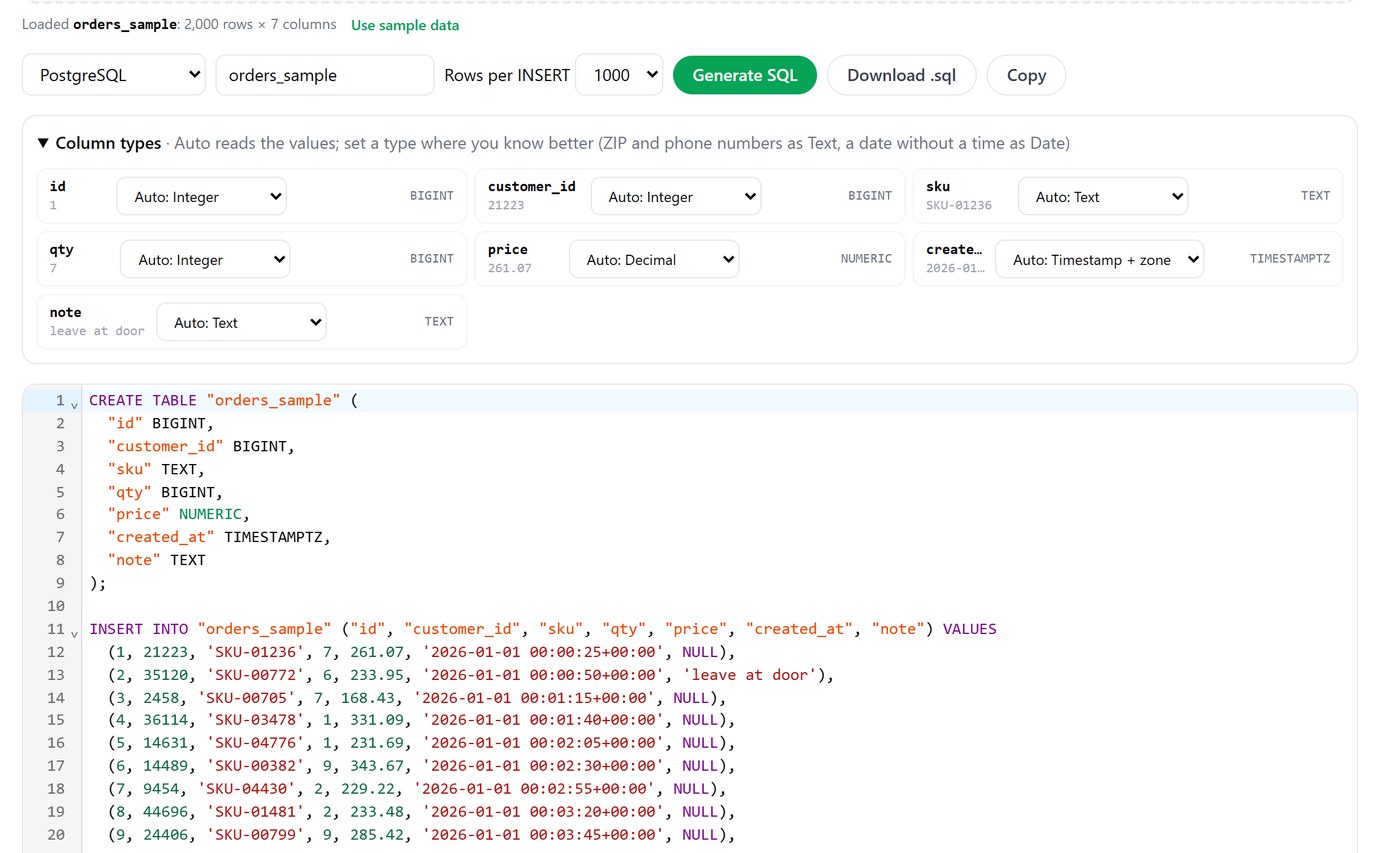
Get a CREATE TABLE with the right types from any CSV, for PostgreSQL, MySQL, SQL Server or SQLite. Free, in your browser.
Open csvToSqlThe short version
Use COPY on Postgres and LOAD DATA on MySQL whenever the data can be a file or a stream; from code, use the driver's COPY support. If it has to be INSERTs, send a few hundred to a thousand rows per statement (or psycopg 3's executemany) inside one transaction. On Postgres, load empty tables before building their indexes; on MySQL, keep the foreign key in place from the start. Never commit per row. And check the count and the warnings before you trust the load.
Two related reads: a messy CSV into Postgres for cleaning the file before any of this, and a SELECT that wrote 485 MB of WAL for the surprise waiting on the first query after a bulk load.
Watch row counts, table sizes and locks while a load runs, on PostgreSQL, MySQL and more. Pilotbase is free for Windows, macOS and Linux, or Docker on a server.
Get PilotbaseSources
PostgreSQL documentation: COPY, populating a database, synchronous_commit. psycopg 3: COPY and pipeline mode. MySQL 8.4 Reference Manual: LOAD DATA, optimizing INSERT statements, online DDL for foreign keys. Measured in October 2026 with psycopg 3.2, psycopg2 2.9, mysql-connector-python 9.1 and PyMySQL 1.1 on Python 3.12; scripts and outputs are kept with the article's change request.
Comments (0)
Loading comments…